The company's annual conference is over. 500 employees, partners, and clients attended. The photographer delivered 1,200 photos. The HR manager shares a Google Drive link in the company-wide email.
What happens next: 500 people open the link. Half of them cannot access it because they're on personal Gmail accounts and the Drive is restricted to corporate emails. The other half scroll through 1,200 photos trying to find the one where they're in frame. Most give up after two minutes. A few screenshots get shared on the work WhatsApp group with the wrong aspect ratio. The CEO's keynote photo - the one that should be on LinkedIn - is somewhere in folder 3 of 7, and nobody can find it.
The HR manager gets four emails asking for "my photos from the event." The photographer gets three calls asking when the photos will be "organised." Nobody is happy. And the photographer who did good work loses the repeat booking because the delivery experience was frustrating.
This is what corporate event photo delivery looks like without a proper system. Here is what it should look like - and how photographers who get this right build long-term corporate client relationships.
Why Corporate Event Photo Delivery Is Different
Corporate clients judge photographers differently than wedding families or school parents. A wedding family cares deeply about the photos themselves - the emotion, the composition, the moments. A corporate HR manager cares about all of that, but they also care about something else: how 500 attendees experience the photo delivery.
When an HR manager hires a photographer for a conference, team offsite, or product launch, they are ultimately responsible for the entire event experience - including the photos. If the photo delivery is confusing, access-restricted, or slow, that reflects on the HR team, not the photographer. They will not hire that photographer again, even if the images themselves were excellent.
Photographers who understand this build a professional delivery experience that makes the HR manager look good. That is the real product being sold - not just photos, but a seamless attendee photo experience that the HR manager can take credit for.
QR Code on the Welcome Kit - The Right Entry Point
The best time to distribute a corporate event gallery is before the event ends, not after. Here is why: when attendees are still at the venue, they are engaged. They will scan the QR, browse the gallery, and share photos while the energy is still high. Once they leave and go back to their jobs and inboxes, the interest drops sharply.
The workflow that works:
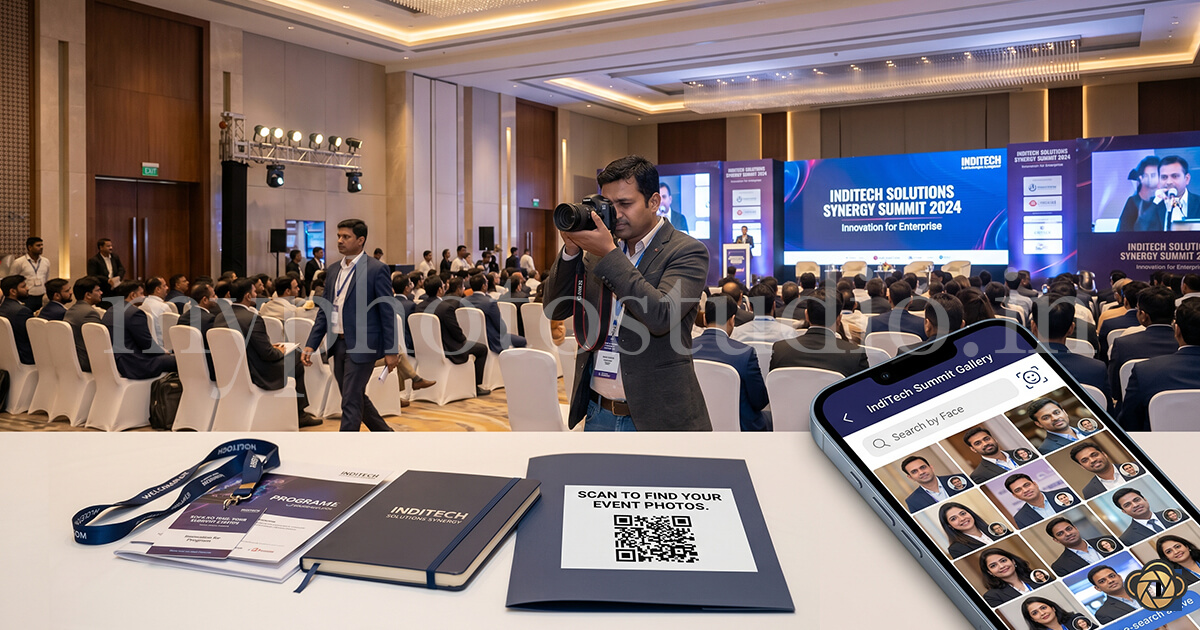
Create the event gallery before the conference starts. Generate the unique QR code. Print it on: the welcome folder or delegate kit, the conference badge lanyard card, table cards in the main hall, and a screen slide in the closing session. When the first batch of photos is uploaded - say, morning session photos published during lunch - attendees can already start browsing.
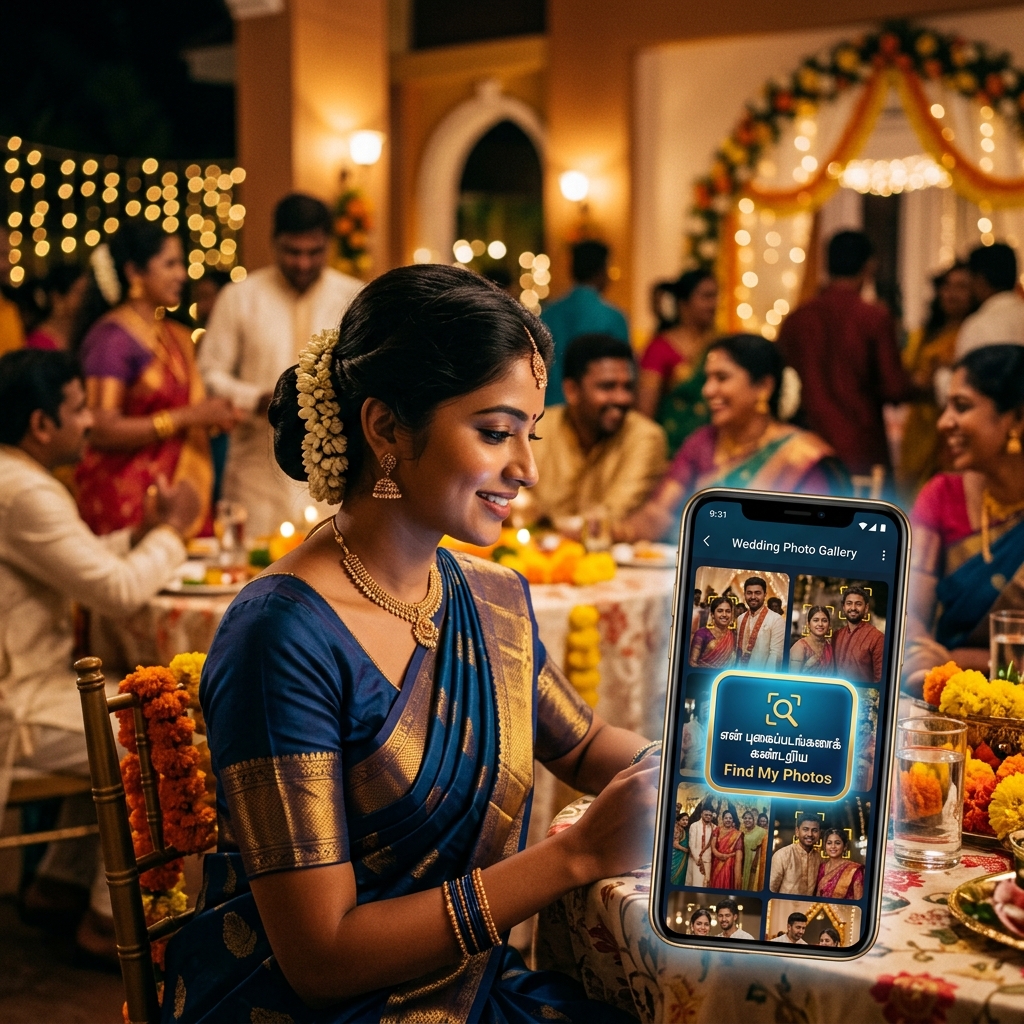
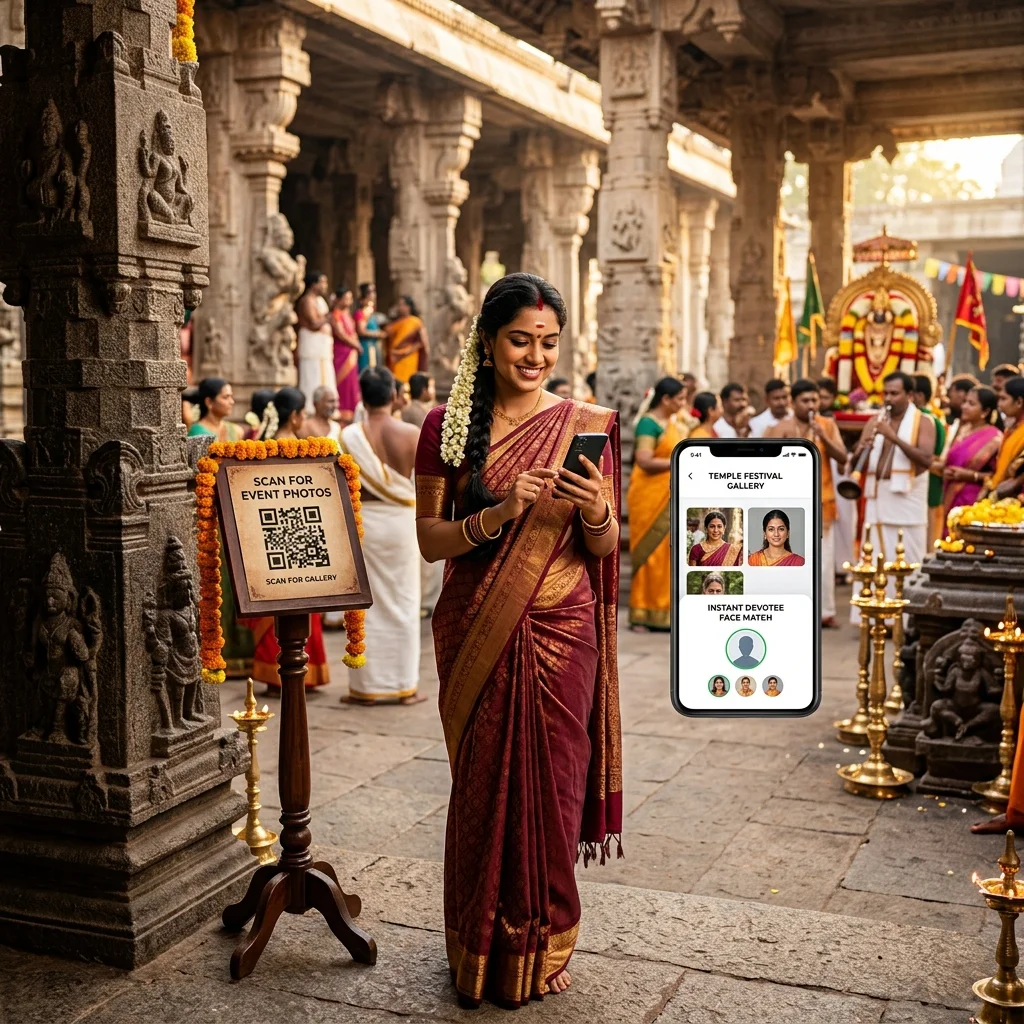
No app download required. No login. No corporate email restriction. Any attendee, partner, or client who scans the QR opens the gallery instantly in their phone browser. They tap their own face using AI face recognition and see every photo they appear in across the entire event.
This is the experience the corporate event photo delivery system is designed for. The gallery stays live for as long as needed - attendees who miss it on the day can access it from the link shared by the HR team the following week.
AI Face Recognition at Corporate Events - A Different Use Case
At a wedding, AI face recognition helps guests find their personal moments. At a marathon, runners find their finish-line shot. At a corporate event, the use case is slightly different - and just as valuable.
Imagine a 500-person leadership conference. The photographer covers: the keynote stage, panel discussions, networking breaks, team photos by department, awards ceremony, and the gala dinner. That is 1,500+ photos across wildly different settings. No attendee is going to scroll through all of them.
With AI face recognition, each attendee scans the gallery QR, takes a selfie, and sees only the photos they appear in - whether that is 3 photos or 23. The keynote speaker finds all their stage shots. The award winner finds the exact moment they received the trophy. The product manager finds the photo from the networking session they were not even aware was being photographed.
This level of personalisation at scale is what makes attendees share. When people find a great photo of themselves that they did not expect to find, they post it. That is organic reach for the event brand - and it happens because the photo delivery experience made it effortless.
Branded Gallery - Why It Matters for Corporate Clients
A Google Drive folder says "here are some files." A branded corporate event gallery says "this event was professionally organised end to end."
For HR managers and event coordinators, the visual presentation of the gallery is part of the event deliverable. When a partner or client attendee opens the gallery and sees the company event name, the dates, and a clean photo browsing experience - it reinforces the professionalism of the event itself. When they open a shared Drive folder with file names like "DSC_04821.jpg," it undercuts everything else that was done well.
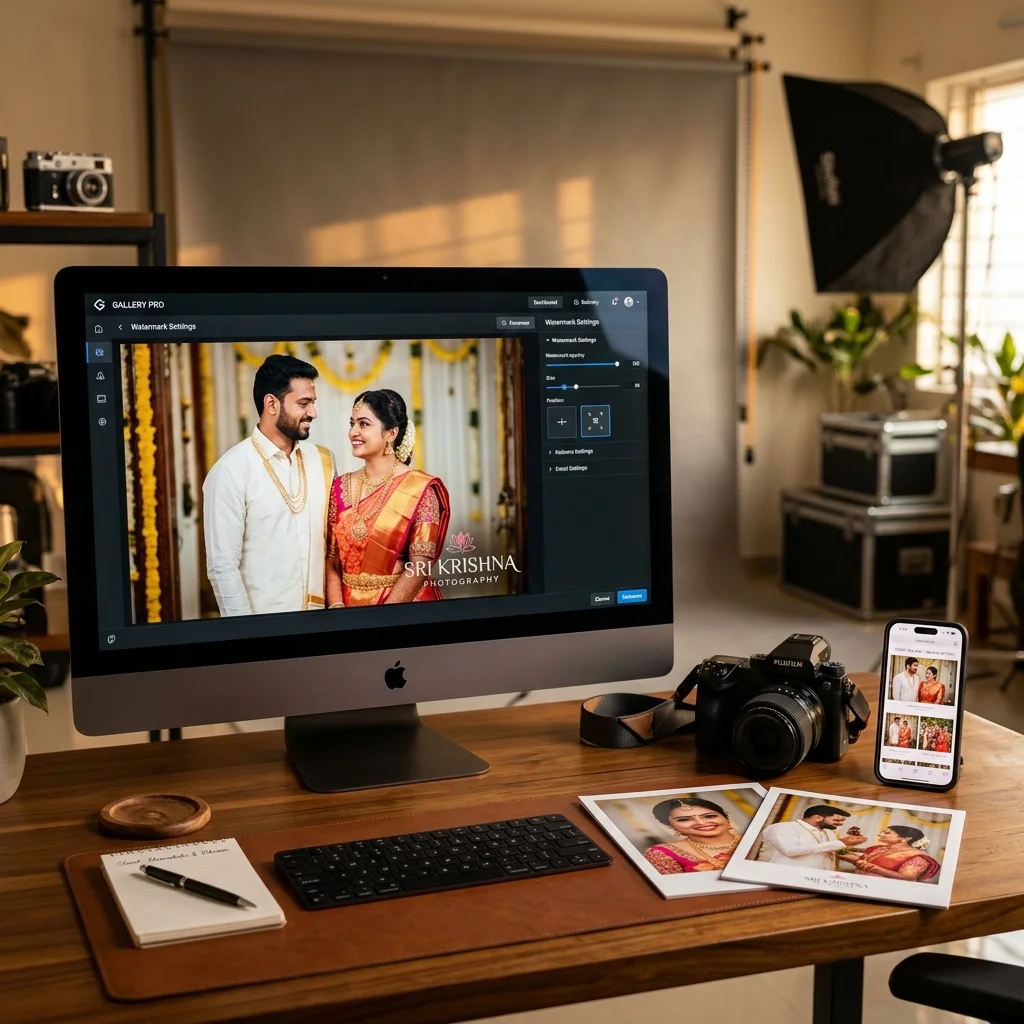
A QR code photo sharing platform built for this presents the gallery with the event name and a clean interface - no photographer branding, no platform watermarks, and no confusing navigation. The attendee experience is seamless.
Professional Invoice Delivery - Building the Repeat Contract
Corporate clients have accounts teams. Unlike a wedding family who pays from personal savings, a company's event budget goes through a formal payment process: purchase order, GST invoice, payment within 30–45 days.
A photographer who sends a WhatsApp voice note saying "please transfer ₹35,000 to this account" will struggle with corporate clients. Not because the rate is wrong, but because the payment process is wrong.
Every payment from a corporate client - advance, final balance - should trigger an automatic PDF GST invoice delivered to the HR manager's email. This is not optional for corporate accounts. It is expected. It goes into their accounts system, their GST filing, and their vendor records.
Automatic invoice generation means you do not have to remember to send one, format one, or chase someone to confirm it arrived. The system sends it the moment payment is recorded. The HR manager files it. The company's accounts team is satisfied. The photographer is now a "registered vendor" in their system - not just a freelancer they paid once.
That vendor status is what leads to repeat bookings. When the next quarterly town hall comes around, the HR manager already has your contact, your invoice history, and a confirmed track record of professional delivery. The probability of rebooking is very high.
Managing Multiple Corporate Contacts
Corporate events often involve multiple stakeholders: the HR manager who hired you, the communications team who needs specific photos for the company newsletter, the CEO's assistant who wants the keynote shots separately, and the marketing team who wants high-res images for social media.
In a traditional workflow, you end up sending different folders to different people, responding to six email threads, and losing track of who received what. With a photography CRM, the corporate event is a single record. One gallery link serves all stakeholders. Anyone with the link accesses the gallery - no separate files to send, no version confusion.
If the communications team needs a specific set of keynote photos in a hurry, you can add a flagged or curated sub-gallery within the same event. Payment records, communication history, and invoice trail all sit in the same place.
What Corporate Clients Check Before Hiring a Photographer
HR managers and event coordinators in India increasingly research photographers before booking. Here is what they look for beyond pricing:
Professional portfolio with corporate event samples. Not just weddings. Event management professionals want to see conference coverage, team photos, keynote stage shots, and awards ceremonies.
Delivery experience. A photographer who can explain exactly how attendees will receive photos - "QR code at the venue, AI face search, no app required, gallery active within 24 hours" - stands out immediately from photographers who say "I'll share a Google Drive link after editing."
Invoicing and payment process. For companies, a photographer who mentions GST invoicing and Cashfree, Razorpay, or Stripe payment links for advance and final balance signals that they are set up to work with professional procurement processes.
Communication response time. Corporate clients often have hard deadlines - the gallery must be live before a Monday town hall, or photos are needed for a Friday newsletter. A photographer who responds same-day and can commit to turnaround times wins over one who is slower to reply.
The photographers who consistently win corporate repeat bookings have all four of these covered. The gallery delivery system is the easiest one to get right with the right platform - and it has the most visible impact on the client's experience.
Setup for a Corporate Event on MyPhotoStudio
The setup process is straightforward and can be done before the event day:
Create a new event in your dashboard, name it with the company and event (e.g., "Acme Corp Annual Conference 2026"), set the gallery visibility, and enable AI face search. Configure the gallery settings - whether attendees can download freely or if downloads require approval. Generate the QR code and send it to the HR manager for inclusion in welcome materials.
On event day or within 24 hours after, upload your processed photos. Face indexing runs automatically. Notify the HR manager that the gallery is live - they share the QR or the link with all attendees via internal email or communication tool. Attendees access photos for as long as the gallery is active.
Invoice for the advance was sent when you collected the deposit. Invoice for the final balance is sent automatically when the payment is recorded. Both go to the HR manager's email. No manual follow-up needed.
Pitching for a corporate event booking?
We can walk you through exactly how to present the gallery delivery experience to an HR manager - what to say, what to show, and how to set up the QR and gallery before the event. Talk to us directly.
Key Takeaways
Corporate photo delivery is as much about the experience as the images. HR managers and event coordinators judge photographers on how 500 attendees experience the gallery - not just whether the photos are good.
QR code placement on welcome kits, lanyards, and session slides gets attendees into the gallery while the event energy is still active. AI face recognition makes it effortless for every attendee to find their own photos in a 1,500-photo library without scrolling.
Professional invoicing - GST PDF via email on every payment - is not optional for corporate clients. It is the difference between being a "one-time vendor" and a "registered preferred vendor" who gets called for the next event without going through a fresh search.
The photographers who build a strong corporate client base are the ones who make the HR manager look good. The gallery experience, the invoicing, the communication - all of it should feel professional enough that the HR manager confidently recommends you internally for the next company event.
Transform Your Photography Studio Today
Start automatically delivering thousands of event photos directly to your clients using MyPhotoStudio's AI Face Recognition - from ₹1,000 per event.
Start Free TrialLearn about our photography CRM software or view pricing plans.