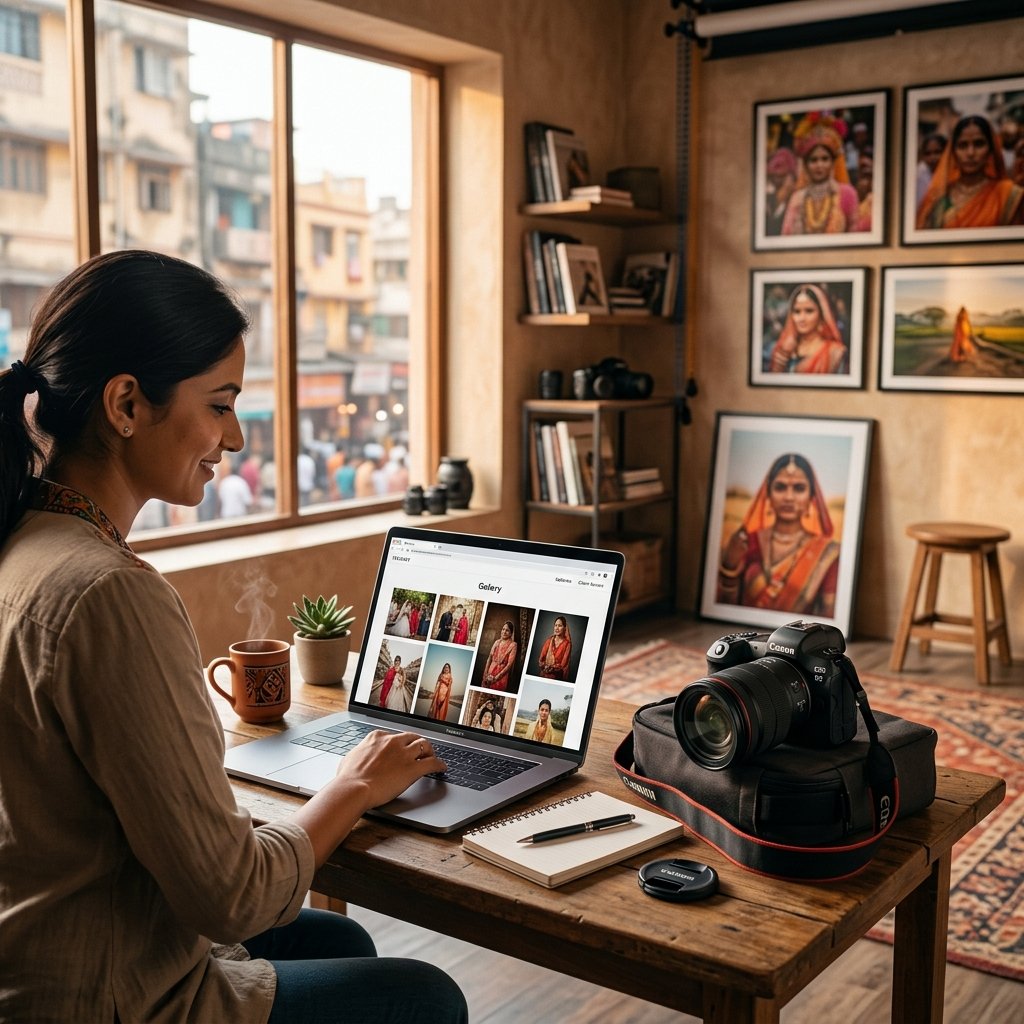
A studio owner in Madurai spent three months trying two different photography software tools before writing to us. The first was a global gallery platform that had no UPI payment option and no WhatsApp integration - clients kept asking why the payment link wanted dollars. The second was a booking tool built for calendar scheduling, with no photo delivery at all, so photos still went out over WhatsApp anyway. Two subscriptions, two logins, and neither one actually replaced the WhatsApp-and-Excel routine it was supposed to fix.
This is a common trap. "Photography software" covers a wide range of tools - gallery delivery apps, CRM systems, invoicing tools, print stores - and most studios only discover what a tool is missing after they have already paid for a year of it. Here is what to actually check before choosing one.
1. Does It Handle Photo Delivery, Not Just Bookings?
Some tools are booking calendars with no gallery attached. Others are gallery tools with no booking or client record system. A studio doing 15-20 events a month needs both under one login - a booking gets created, the event happens, photos get uploaded, and the client gallery goes out from the same platform, without switching to WhatsApp or Google Drive for the delivery step.
Check specifically whether guests can find their own photos without scrolling. AI face search - guests scan a QR code, upload a selfie, and see only their own photos - is now standard on serious platforms. If a tool only offers a single shared folder link, guests at a 400-person wedding will not use it properly.
2. Is There an Actual CRM Underneath, or Just a Gallery?
A gallery tool alone does not track who owes what. Look for a real client management layer: booking status per client, payment milestones (advance, installment, final balance), and a record of every event tied to that client - not just a folder of photos with no business data behind it.
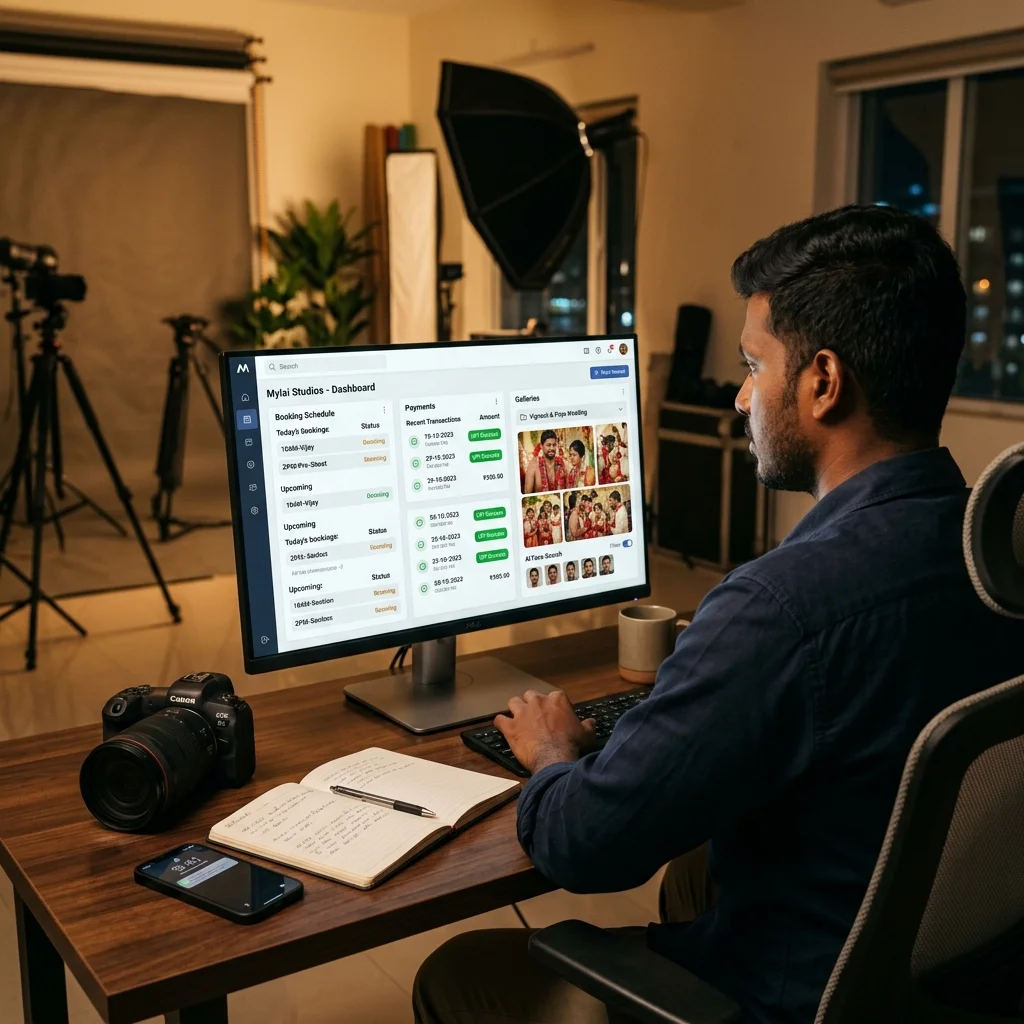
A proper photography CRM keeps bookings, payments, and delivery connected, so a studio owner can see at a glance which clients still owe a balance without checking three different WhatsApp threads.
3. Can It Collect Payments the Way Indian Clients Actually Pay?
This is where a lot of global tools fail Indian studios outright. Check for UPI support first, then card and net banking through a recognized Indian gateway - Razorpay, Cashfree, or similar. A tool built for the US or European market often defaults to card-only payment in a foreign currency, which is a dealbreaker for most Indian clients who expect to pay by UPI in a few taps.
Also check whether the software auto-generates invoices for each payment received. Manually creating a PDF receipt for every advance and installment is exactly the kind of admin work a proper studio tool should remove, not leave for later.
4. What Happens When a Guest Wants to Order a Print?
Not every photography software supports print or digital-copy sales through the gallery itself. Where it does, check the commission structure carefully - some platforms take a cut of every print sale on top of the subscription fee, which quietly eats into a studio's margins on exactly the orders that should be pure profit. Zero-commission print ordering, where the full sale amount goes to the studio, is a meaningful difference over a year of bookings.
5. Does WhatsApp Actually Work Inside the Tool?
Almost every Indian studio still runs client communication through WhatsApp, whether the software supports it or not. The real question is whether the platform automates that communication - gallery links, payment reminders, and booking confirmations sent automatically - or whether the studio owner is still manually copy-pasting messages into WhatsApp every time something changes. A tool with no WhatsApp automation at all just adds a second inbox to check, on top of WhatsApp, not instead of it.
6. Is the Pricing Model Actually Built for How Studios Work?
Many platforms charge a flat annual fee regardless of how many events a studio shoots that year - expensive for a slow month, wasted for a photographer who only does a handful of big weddings. Others cap storage or charge per photo uploaded, which punishes exactly the large weddings and school events that produce thousands of images.
Event-based pricing, where a studio pays per event with unlimited photos included, tends to match Indian studio workflows better - a single wedding starting from around Rs.1,000 rather than a Rs.14,000+ annual commitment paid upfront regardless of how the year actually goes.
7. Is It Actually Built for Indian-Scale Events?
A 500-guest wedding, an 800-parent school annual day, or a marathon with thousands of runners is a different scale of event than most global photography software was designed around. Check whether the platform has been tested at that guest count, whether AI face search stays fast with thousands of photos in one gallery, and whether support is available in a time zone and language that actually helps when something breaks the night before an event.
It is worth asking directly how many concurrent guest searches a gallery can handle during the first hour after photos go live - this is usually when the bulk of a wedding's 400-500 guests open the link at once, and a platform that was only tested with small friends-and-family galleries can slow down exactly when it matters most.
Red Flags That Show Up After You've Already Paid
A few problems rarely show up during a demo call and only surface once a studio is a few months into using a tool:
- Storage caps that were not obvious at signup. A plan advertised as "unlimited" sometimes means unlimited storage duration, not unlimited photo count - and a single wedding can produce 3,000-5,000 final images, so this matters within the first few events.
- Per-photo delivery pricing. Some platforms charge per photo delivered rather than per event, which turns a large school annual day or 600-guest wedding into an unexpectedly expensive month.
- No trial with real event data. A tool that looks fine with 20 sample photos can behave very differently once a studio uploads an actual 2,000-photo wedding gallery - face search speed and upload reliability only really show up at that scale.
- Support that assumes a different market. Global tools built for the US or European market often have support hours, payment gateways, and even currency defaults that were never built with an Indian studio's workflow in mind.
What This Looks Like in Practice
A wedding studio in Coimbatore evaluating two platforms side by side found the difference within the first event. Platform A supported UPI and had AI face search, but charged an annual fee regardless of how many weddings were shot that season, and every print order took a 15% commission. Platform B - built around event-based pricing - cost less for a slow month, more for a busy one, but the total tracked with actual bookings instead of a fixed yearly number, and print orders kept their full margin.
A school photographer evaluating tools ran into the opposite issue: one platform handled bookings and invoicing well but had no AI face search, so 800 parents were still expected to scroll a shared folder to find their child's photos - defeating the entire point of switching away from WhatsApp groups in the first place. The lesson in both cases was the same: no single strong feature makes up for a missing one that the studio actually needs every week.
Putting the Checklist Together
No single feature on this list is the whole story - a tool can have great photo delivery and still fail on payments, or handle UPI perfectly and have no WhatsApp automation at all. The studios that end up switching software twice are usually the ones that picked based on one strong feature without checking the other six.
The fastest way to apply this checklist is against a platform actively being considered: ask directly whether it supports UPI payments, WhatsApp automation, AI face search, zero-commission print orders, and event-based pricing - in that order. A "no" on more than one usually means the studio will be back to WhatsApp and Excel for whatever that tool cannot do.
For a closer look at how these seven checks stack up across the platforms Indian studios actually compare, see this honest comparison of photography CRM software in India. And if the specific pain point is client bookings and payment chaos rather than photo delivery, here is what proper client management looks like for Indian studios.
Not sure if your current software checks all seven boxes?
Message us on WhatsApp and we will walk through your studio's workflow to show you what MyPhotoStudio CRM handles differently.
WhatsApp UsRelated Reading
- Best Photography CRM Software India 2026 - Honest Comparison
- Photography Client Management - How Top Indian Studios Handle Bookings, Payments, and Deliveries
- How Indian Photographers Are Moving from Google Drive to Professional Photo Delivery Software
- Photography CRM Software India
Transform Your Photography Studio Today
Start automatically delivering thousands of event photos directly to your clients using MyPhotoStudio's AI Face Recognition - from ₹1,000 per event.
Start Free TrialLearn about our photography CRM software or view pricing plans.