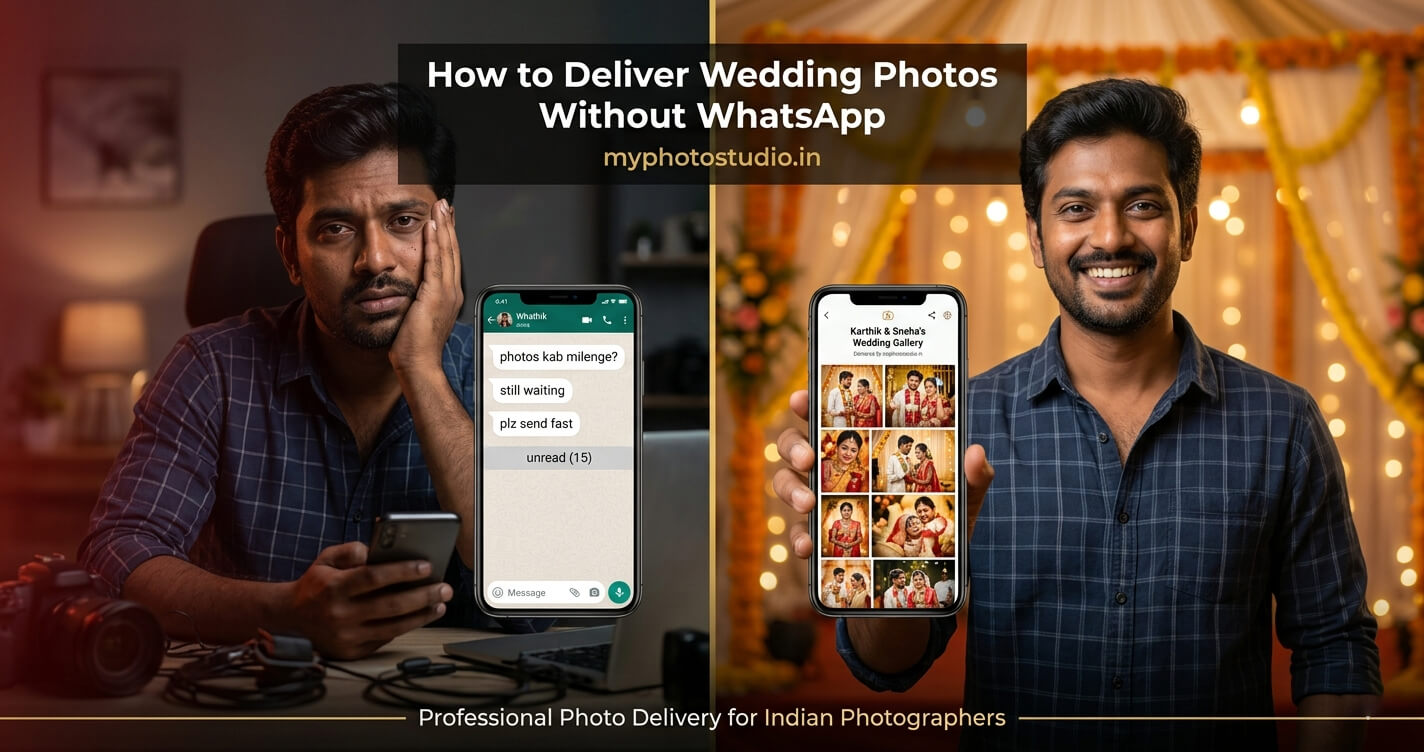
Here's the thing - every photographer I've spoken to has the same story after a wedding.
Editing is done. Photos are ready. And before you even send the first file, the messages start coming in. "Anna, photos eppo varum?" "Bhaiya when are you sending?" "My mother-in-law is asking." It doesn't stop. And when you finally send the gallery link - another round begins. "I can't open it." "Which folder?" "My brother didn't get it."
The delivery part of wedding photography is broken for most studios. Not because the photos aren't good - but because the tools they're using weren't built for this.
WhatsApp was built for messages. Google Drive was built for documents. Pen drives - well, those were built for a decade that has already passed. None of them were designed around what a wedding photographer actually needs.
So what does a proper delivery workflow look like? Let me walk you through it.
Why WhatsApp Photo Delivery is Hurting Your Work
The Compression Problem - Your Editing Gets Destroyed
This one genuinely frustrates me whenever I see it happen. A photographer spends two hours getting the colour grading right on a reception shot - the warm tones, the detail in the lehenga fabric, the catchlights in the eyes. They export at full resolution. Then they drop it into WhatsApp.
WhatsApp auto-compresses every image before it sends. The file size drops. The sharpness suffers. The client receives a version that looks noticeably softer than what you actually delivered - and some clients assume the original is like that.
Your editing skill is being misrepresented by the delivery method. That's worth fixing.
There's No Way to Organise 500+ Photos on WhatsApp
Let me be practical here. Sending 50-80 edited selects? WhatsApp can manage that. But a full wedding delivery - ceremony, portraits, reception - you're looking at hundreds of photos across multiple family groups.
And every guest who wants to find themselves is scrolling manually. The bride's mother. The uncle who flew in from Dubai. The groom's college friends. Each of them scrolling through the entire gallery hoping to spot their face somewhere.
The calls come from this. Not from impatience - from the fact that there's no better way to find photos when everything lives in a chat thread.
Google Drive - Better, But Still Not the Answer
I'll give Drive credit - it's better than WhatsApp for bulk delivery. But the issues pile up fast.
Permissions reset on their own. Guests without a Google account hit a wall. The folder structure confuses people who aren't comfortable with technology. And the big one - if you need to add five photos or remove a wrong file, you're either working in the same link (risky) or sending everyone a new one.
Side note: I've spoken with studios who've had Drive links expire or get flagged. A client who can't access their wedding photos six months later is not a happy situation for anyone.
What Professional Photo Delivery Actually Looks Like
A Private Gallery - Not a File Dump
The difference is significant. A gallery is an experience. A Drive folder is a file dump.
When you deliver through a proper gallery platform, the bride opens a page - with your studio name, a clean layout, and all photos organised and viewable at full quality. She can browse on her phone at 11pm, share it with her sister in another city, and come back six months later to download more.
Nothing expires. Nothing compresses. The link works on any device, any browser, without a login.
AI Face Recognition - This is the One That Changes Everything
Honestly, this feature alone is worth switching platforms for.
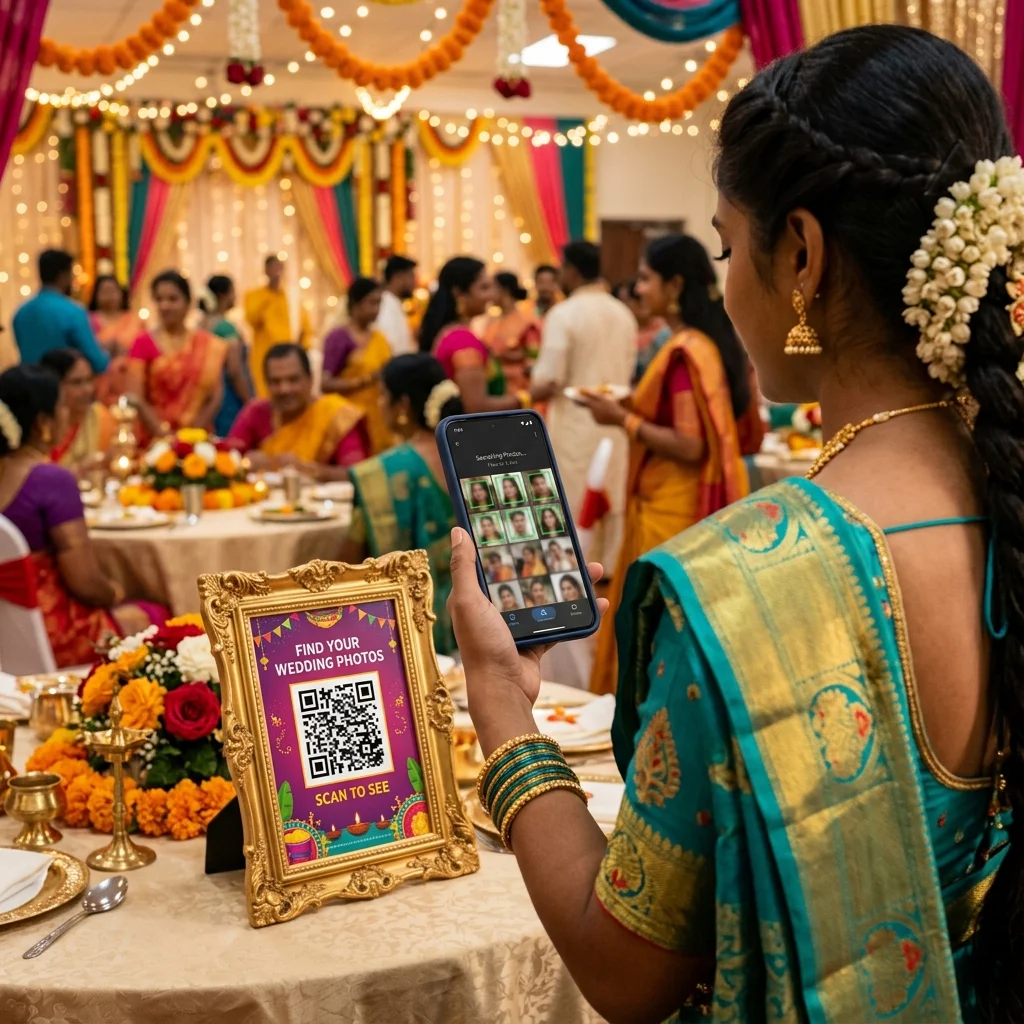
Here's how it works in practice - each guest opens the gallery, takes a quick selfie or uploads one from their phone, and the AI scans every photo in the event for matching faces. Within seconds, they see only the photos they appear in. No scrolling. No asking you. No forwarding wrong albums to wrong family groups.
We've written about how this technology works in more depth here - How AI Face Recognition is Revolutionising Wedding Photography in India. The short version: it uses facial indexing to match identities across large image sets with high accuracy, even in mixed lighting and group shots.
For a large wedding this is not a convenience. It's a necessity. Without it, every guest is a potential support call for you.
QR Code Printed in the Album
This detail is small, but clients remember it.
Print the gallery QR code inside the physical wedding album - or on a card with the album delivery. Every time the family opens the album, they can scan and access the full digital gallery. Years later, a cousin who visits can scan it and browse. The memories stay accessible.
We've covered how QR-based sharing works for different event types in this post - Why QR Code Photo Sharing is the Future of Event Photography. Worth reading if you're thinking about implementing this across your workflow.
Wedding Album Selection - No More Coordination Chaos
The album selection process. Every wedding photographer knows how this goes.
You ask the couple to send you their selections. They mark photos with red hearts in a WhatsApp forward. You're not sure if the numbering matches your export. Someone says "the one with the red dupatta" instead of a filename. You go back and forth four times before you have a clean list.
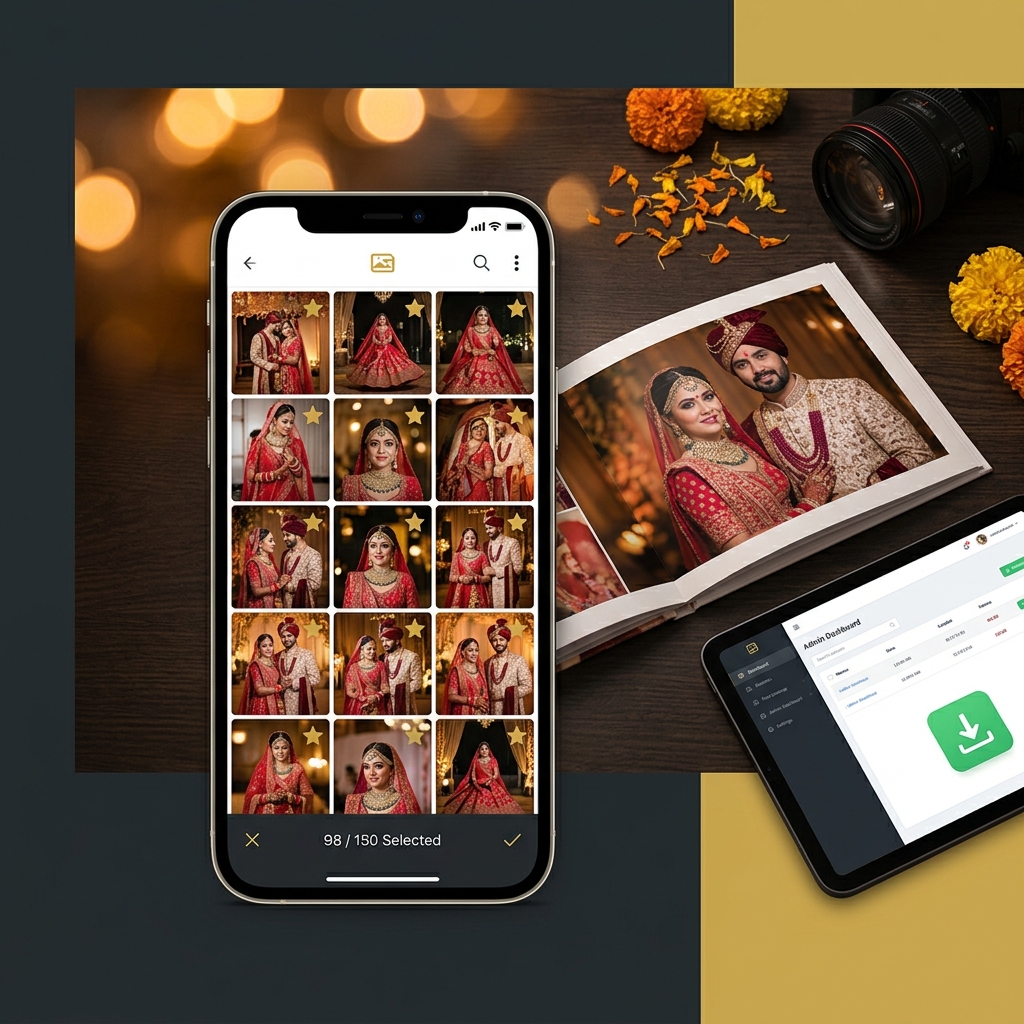
A selection portal replaces all of this. The couple logs into their private gallery, marks their favourites directly on the photos, and you receive a clean numbered list of selected files. The history is there. No confusion. No re-confirmation messages.
And unlike some platforms that charge a premium for this feature, a well-built gallery platform should include selection in every plan - not just the expensive ones. If you're evaluating tools, that's one question worth asking upfront.
The Practical Delivery Workflow - Step by Step
Step 1 - Create the Event Before You Upload
Set up the gallery before you start uploading. Name it clearly - not "Wedding" but something the client recognises, like "Arjun & Priya - March 2026." Set the password. Configure download permissions - do you want guests to download directly, or only after ordering?
Getting this right before upload saves you from going back and editing settings after photos are already live.
Step 2 - Bulk Upload at Full Resolution
A platform built for photographers should accept bulk uploads without timing out. It should store your files exactly as exported - no automatic resizing, no quality reduction, no silent compression happening in the background.
Related to this: auto duplicate detection is genuinely useful here. If you're working with multiple cards or backup drives, it's easy to accidentally include the same file twice. A platform that flags duplicates on upload keeps your gallery clean without extra work from you.
Step 3 - Send One Link to the Family
One message. One link. One password.
That's the entire client communication for delivery. They share it with the family. Everyone accesses the same gallery. No second version, no separate folders for different families, no re-sending to people who missed the first message.
Step 4 - Let Guests Use Face Search
You don't need to do anything here. Guests open the link, take a selfie, find their photos. The calls you used to get after every event - most of them stop because guests can help themselves.
The ones who still call are usually checking if they can order prints. Which is a much better kind of call to receive.
Step 5 - Print Orders Come In Automatically
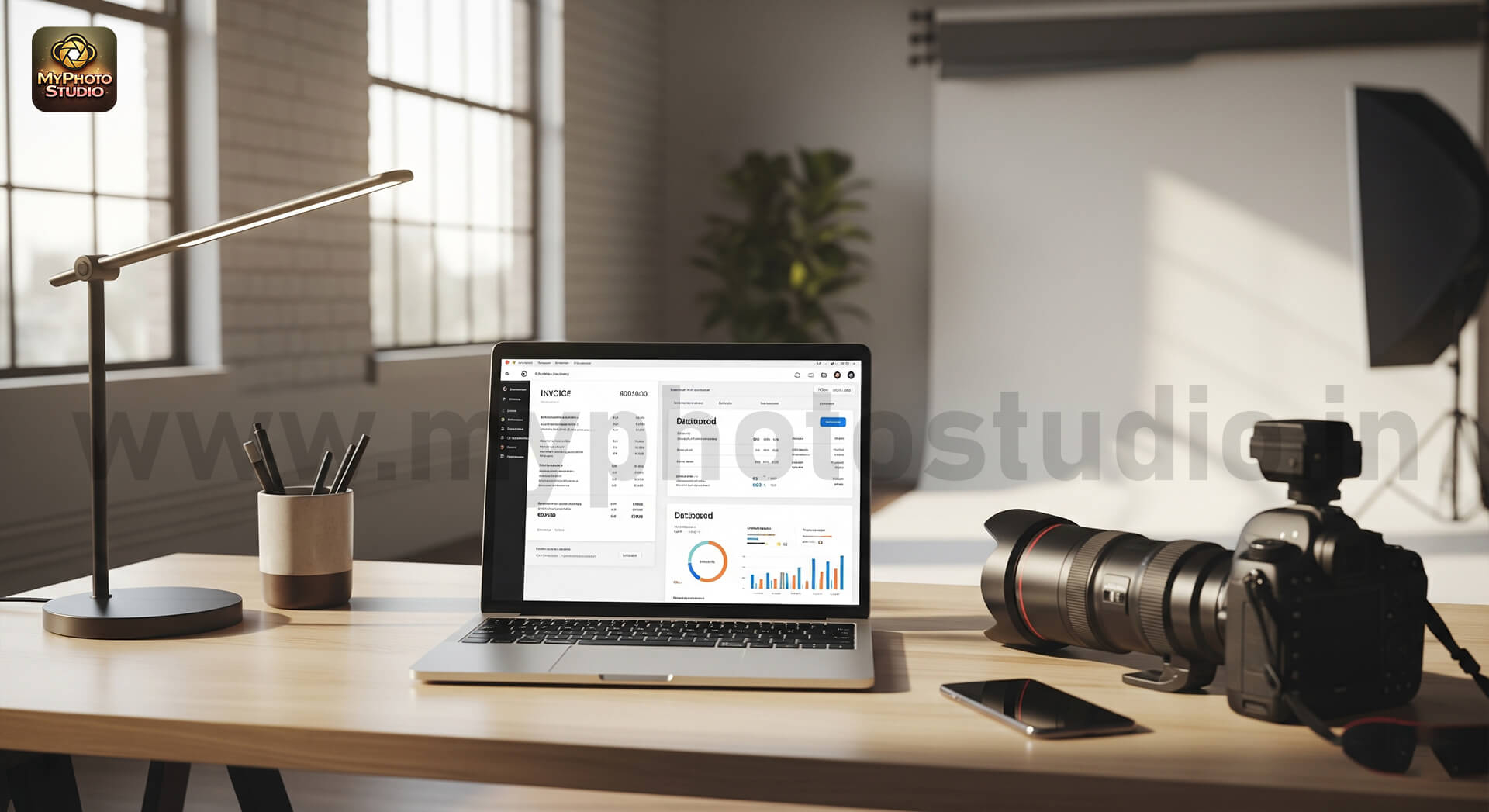
When a guest wants a print, they order from within the gallery. UPI, card, whatever they prefer. The order appears in your dashboard. You prepare and deliver the print. The payment goes directly to your account.
Zero commission taken by the platform - or that should be the expectation. If you're evaluating gallery platforms and the pricing page doesn't clearly say zero commission, ask. Some platforms take a percentage of every order without making it obvious.
You can compare what different plans include on the MyPhotoStudio pricing page - all plans include full AI, unlimited uploads, and zero commission from the ₹1,000 Starter plan upwards.
What to Check When Choosing a Delivery Platform
- Photos delivered at full resolution - no platform-side compression on upload or download
- AI face recognition included in standard plans - not an add-on or locked to higher tiers
- Unlimited photos per event - not capped at 10,000 or 40,000 with a "delete to reuse" policy
- QR code generated for every event automatically
- Password protection and access control per event
- Client selection portal available - not restricted to the most expensive plan
- Built-in print ordering with payments direct to your bank
- Zero commission stated clearly on the pricing page
- Gallery links that don't expire
- Works in any mobile browser - no app download required for guests
MyPhotoStudio - Built Around How Indian Photographers Actually Work
I'll be direct about what MyPhotoStudio is - it's a gallery delivery and studio CRM platform built specifically for photographers in India. The reason I'm mentioning it here is that it addresses the specific problems this post is about, not as a vague "platform" but with actual features you can use from day one.
See the full feature list on the features page - but here's what's relevant to this post specifically:
AI Face Recognition in Every Plan
Not locked to a Silver or Gold tier. Not an add-on. Every plan from ₹1,000 per event includes full AI face recognition. This was a deliberate decision - because the core value of the platform is photo delivery, and AI is the core of photo delivery. Making it a premium feature didn't make sense.
No Photo Caps - Anywhere
There are no per-event photo limits. No "upload 10,000 and delete old ones to make space." Unlimited is actual unlimited - whether you're delivering 300 photos or 3,000.
Client Album Selection from ₹1,000
The selection portal is included in the Starter plan. Other platforms restrict this to their highest annual tier. The decision to include it everywhere came from understanding how wedding photographers actually work - album selection is not a luxury workflow. It's standard.
Zero Commission on Every Order
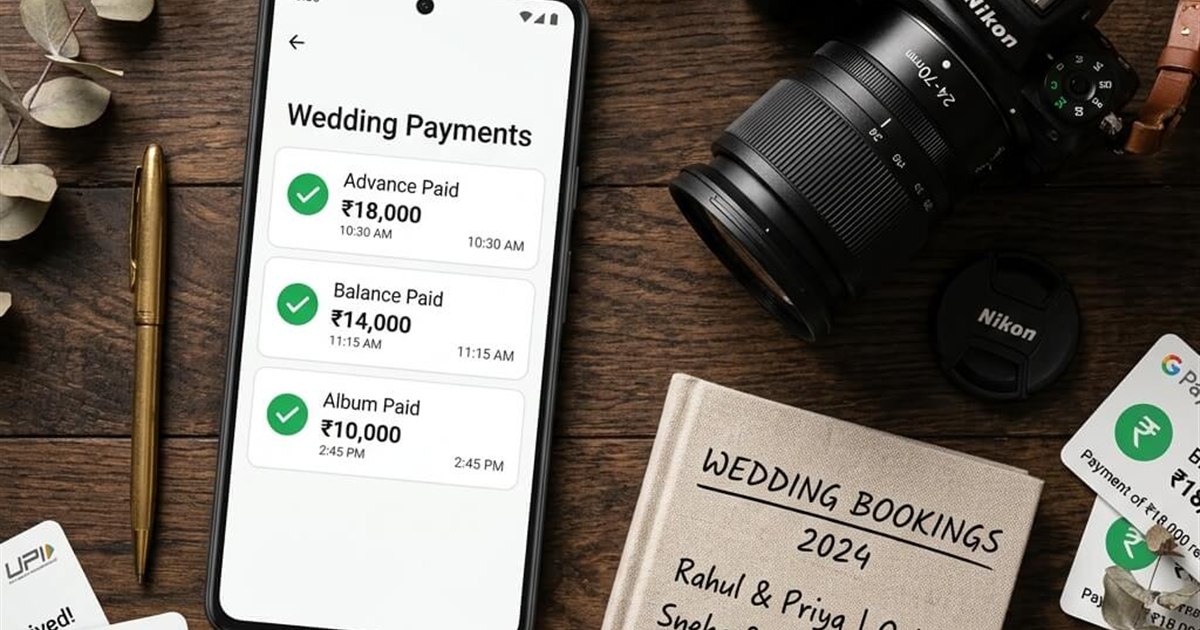
Every print order and softcopy download payment goes straight to your bank. The platform doesn't take a percentage. Revenue is yours.
If you want to move your delivery workflow off WhatsApp, the starting point is one event. Try it, see how guests respond, see how the delivery experience changes. The Starter plan covers one event for ₹1,000.
WhatsApp MyPhotoStudio directly to get started with the ₹1,000 Starter plan. No forms. No sales calls. Just a direct conversation.
Transform Your Photography Studio Today
Start automatically delivering thousands of event photos directly to your clients using MyPhotoStudio's AI Face Recognition - from ₹1,000 per event.
Start Free TrialLearn about our photography CRM software or view pricing plans.