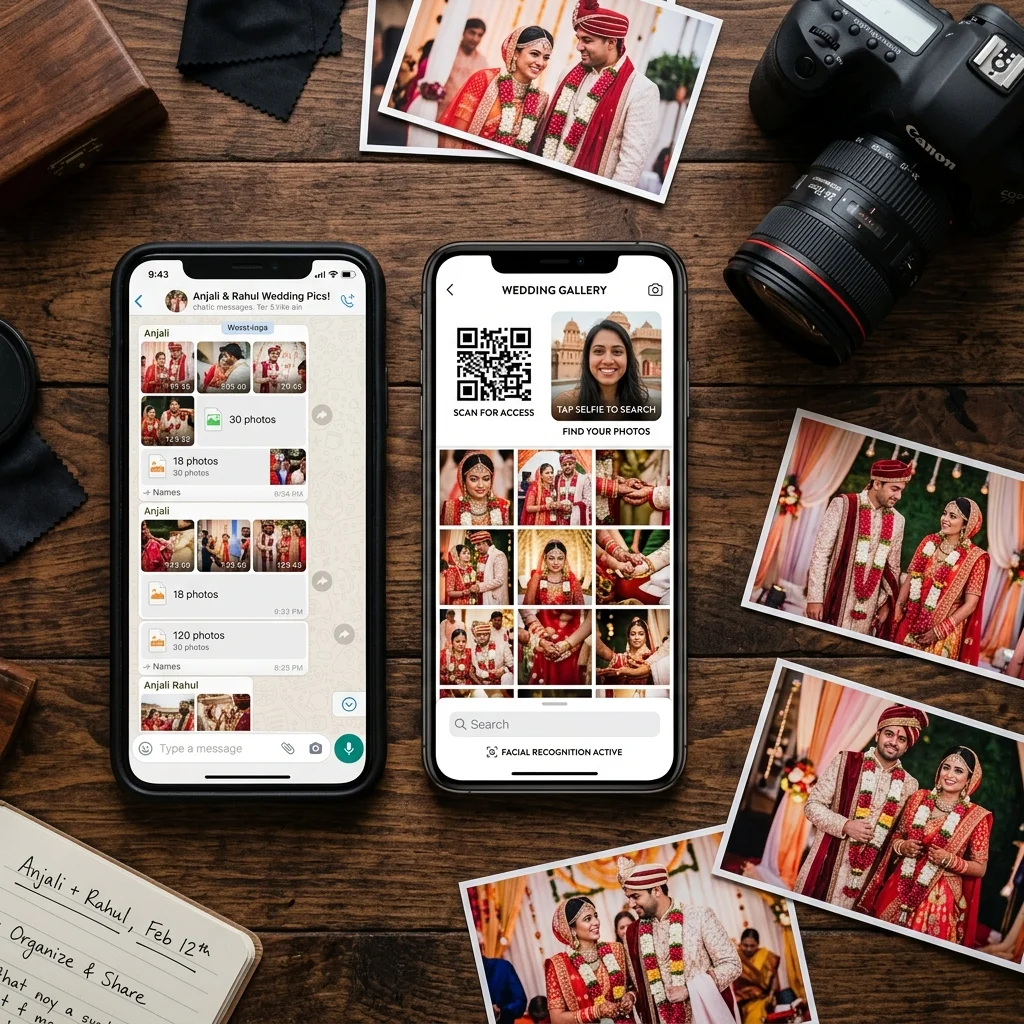
Every photographer defaults to WhatsApp when they start out. It is the tool every client already has. It is fast. You get a read receipt. It feels immediate and personal. And for the first few events, it works - in the sense that photos reach clients and clients seem happy.
The problems start at scale. A wedding with 400 guests. A school annual day with 800 students. A corporate event where the HR manager expects a professional gallery link to forward to 600 attendees. WhatsApp handles none of these well - but it also handles some things genuinely well, and knowing the difference is what separates photographers who seem professional from those who just look busy.
This guide is a clear breakdown. What WhatsApp actually does well for photo delivery. What it breaks. And what the workflow looks like when you replace only the broken parts while keeping what works.
What WhatsApp Actually Works For
WhatsApp is genuinely good at two things in the photography workflow: notification and communication.
When a gallery is ready, the fastest way to tell a client is a WhatsApp message. A link, a short note, and the client has it in seconds. This works for every client regardless of their technical comfort level - everyone knows how to open a link on WhatsApp.
WhatsApp also works well for direct communication throughout the booking process - confirming advance payments, sharing invoice details, sending reminders before an event, and following up after delivery. These conversations feel natural on WhatsApp because the channel is conversational by design.
These two use cases - notification and communication - are where WhatsApp belongs in the photography workflow. The problem is when it gets used for delivery itself.
What WhatsApp Breaks for Photo Delivery
1. Photo Compression - 60 to 70 Percent Quality Loss
This is the most damaging issue and the least understood by clients until they try to print something.
When you send a photo as a photo attachment on WhatsApp, the platform automatically compresses it to reduce file size and data usage. A 5MB edited JPEG - properly retouched, colour graded, ready to print - arrives as a 1.2 to 2MB compressed version. The visible difference is not dramatic on a phone screen at 100% size. But print it at 8x10 or larger, and the result is blurred and pixelated. That print reflects on your work, not on WhatsApp.
Clients who receive compressed files and take them to a print shop will get poor results. They will blame the photographer - not the app. The print shop does not know your original file was 5MB.
2. The 100MB File Limit
WhatsApp allows a maximum of 100MB per file in Documents mode. For photo sharing, this means you can send approximately 10 to 15 full-resolution JPEG files per share before hitting the limit. A typical wedding shoot has 800 to 2,000 edited photos.
Managing this as a delivery method means breaking the shoot into batches, sending multiple messages, tracking which batches have been sent, and following up when clients ask where the rest are. It is manual, time-consuming, and creates confusion about whether delivery is complete. Clients routinely message photographers weeks later asking if more photos are coming - when everything was already sent in batch 14 of 22.
3. Photos Buried in Chat History
When you deliver 20 batches of files across multiple WhatsApp sessions, those photos are interspersed with every other message in that conversation. Payment confirmations. Event day reminders. The location pin you sent. The question about the album cover design.
Clients looking for a specific photo three months later are scrolling through a chat to find it. Most give up. The experience of accessing delivered photos on WhatsApp is functionally broken compared to a gallery where every photo is organised, searchable, and accessible from one link - any time, any device.
4. No Per-Person Sorting for Group Events
This is where WhatsApp delivery completely fails at scale. A wedding with 500 guests has thousands of photos. Every guest wants their own photos. On WhatsApp, they cannot find them. They either ask you to search manually - which takes hours - or they give up.
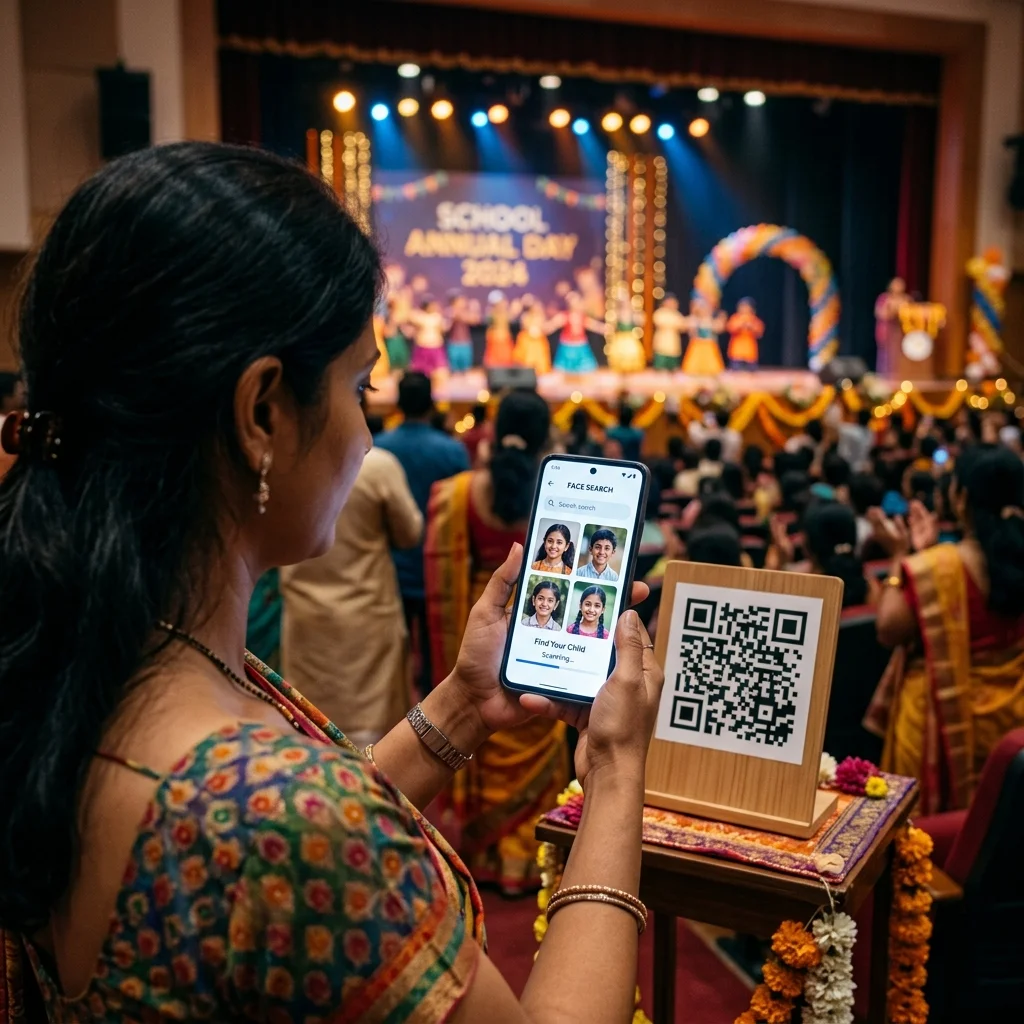
AI face recognition solves this entirely. Guests open a gallery link, take a selfie, and the system returns every photo where their face appears - across the entire event - in under a second. This is not a premium add-on. It is how professional photo delivery works in 2026, and it is included in every AI photo delivery plan from Rs.1,000.
5. No Delivery Confirmation or Tracking
A double blue tick on WhatsApp means the message was seen - not that the file was downloaded, saved, or successfully received at full quality. You have no way of knowing which clients opened their gallery files, which gave up because the batches confused them, or which downloaded compressed photos with the impression that the blur was your editing.
A gallery platform shows you download counts, which guests accessed photos via AI face search, and when each access happened. This visibility matters when a client claims they never received their photos three months after the event. You can show them the exact date and time they accessed the gallery - from their own device.
6. No Studio Branding and No Revenue Opportunity
When photos are delivered via WhatsApp, the last thing the client sees is the WhatsApp interface. Your studio name is the contact name in the chat header. There is no gallery. There is no brand.
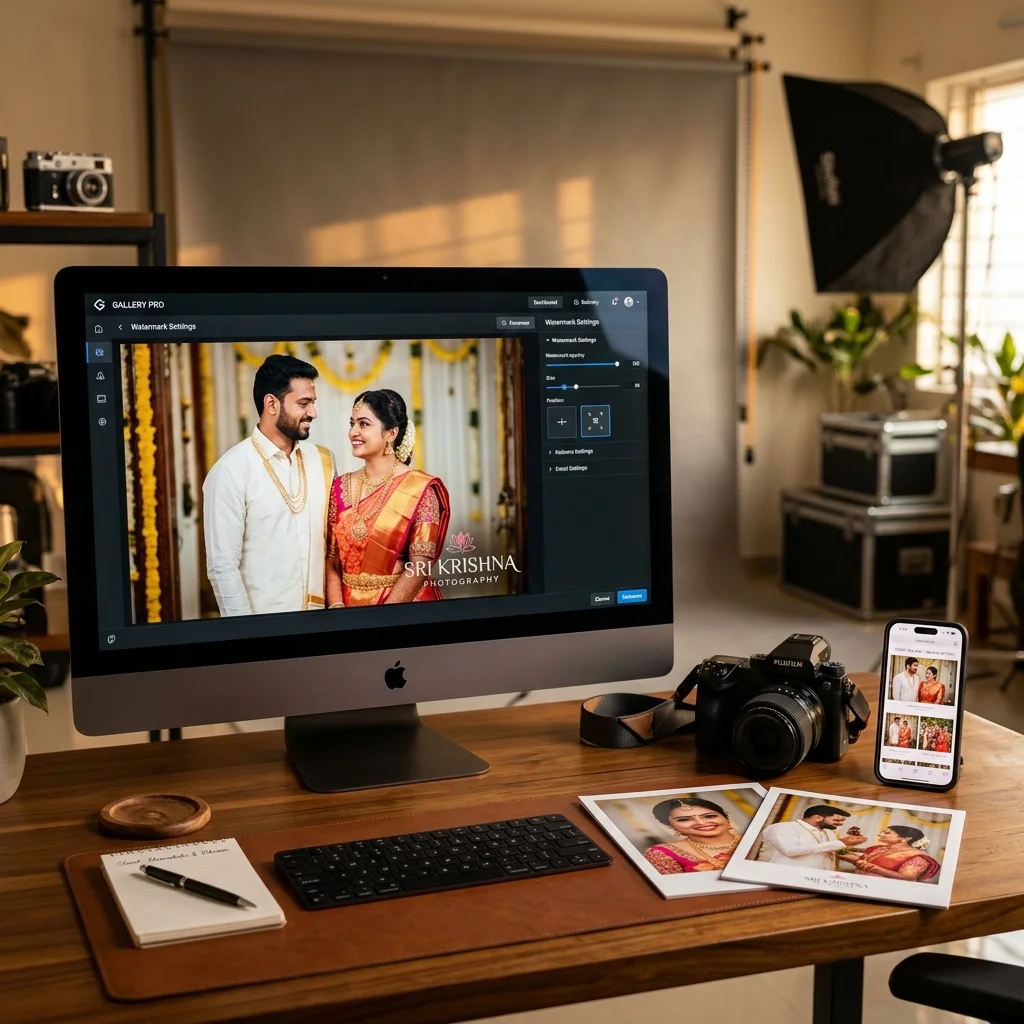
A gallery platform carries your studio identity throughout the experience. When clients share photos with family members - which they do constantly - those shares include your gallery link. Every family member who opens the link sees your gallery. Every guest who uses AI face recognition is inside your branded experience. That is a recurring brand impression that WhatsApp delivery eliminates completely.
More directly: there is no path from WhatsApp delivery to print orders or digital download sales. When photos arrive as WhatsApp files, the transaction is complete - permanently. A gallery with a built-in print store converts delivery into an ongoing revenue channel. Guests who want physical prints or individual HD downloads can order directly, at prices you set, with zero commission going to the platform.
The Documents Mode Workaround - Why It Does Not Solve the Problem
Some photographers have discovered that sharing photos as Documents instead of Photos on WhatsApp avoids compression. This is technically correct. Files sent as Documents are not recompressed before delivery.
The problem is the experience this creates for guests. When someone receives a photo as a Document on WhatsApp, it does not open like a photo. It opens as a file. On many Android devices, it appears as a download prompt - the client has to tap download, wait, then find the file in their Downloads folder. On older phones, this process is confusing enough that many guests abandon it mid-way.
For tech-comfortable clients sharing a few hero shots, Documents mode works. For a 600-guest wedding where you need grandparents and relatives with entry-level phones to easily find and save their photos, it does not work. The friction eliminates most guests before they access their photos.
Documents mode solves the compression problem while creating a usability problem that is arguably worse. It is a workaround, not a professional solution.
What Professional Photo Delivery Looks Like in 2026
The professional delivery workflow does not eliminate WhatsApp - it repositions it. WhatsApp stays as the notification channel. The gallery replaces it as the delivery channel.
The sequence works like this:
- Event is shot and photos are edited
- Photos are uploaded to a private gallery with a unique QR code
- The QR code is printed at the venue or displayed on a screen so guests can scan immediately - even before the event ends
- A single WhatsApp message is sent to the client with the gallery link
- Guests open the gallery in their phone browser, take a selfie, and AI finds all their photos in under a second
- Guests download in full resolution, order prints, or share the link with family - all from the same gallery
WhatsApp is used exactly once - the notification message. Everything after that happens inside the gallery. The compression problem is gone. The face-sorting problem is solved by AI. The delivery tracking problem is solved by gallery analytics. The revenue problem is solved by the built-in print store.
This is the workflow that photographers across India are switching to - not because WhatsApp is bad, but because it was never designed for professional photo delivery at event scale.
How to Use WhatsApp and a Gallery Together
The transition does not require you to stop using WhatsApp with clients. Keep it for everything it is good at:
- Booking confirmations and event day reminders
- Payment notifications with invoice links
- The single message delivering the gallery link after editing is complete
- Follow-up after delivery - "Your gallery has 847 photos ready. Use the selfie search to find yours instantly."
- Print order notifications when orders are fulfilled
What changes is the delivery itself. Instead of 20 batches of WhatsApp files, you send one link. Instead of clients asking where their daughter's stage photo is, they take a selfie and the system returns it. Instead of zero post-delivery revenue, the print store is always open.
The result for clients feels dramatically more professional. The result for your studio is less time spent managing file batches and more revenue from every event you already shoot.
What This Means for Your Studio
Studios that continue delivering via WhatsApp are not unprofessional - they are operating the way they were taught to, with tools available when they started. But the gap between WhatsApp delivery and gallery delivery is widening every year.
Clients are increasingly aware that some photographers deliver via a gallery link and others send WhatsApp batches. The gallery experience feels more complete, more organised, and more professional - regardless of photo quality. When clients compare notes with other couples after weddings, delivery experience is part of that comparison now.
The practical question for your studio is: what does continuing with WhatsApp cost? Not in software fees - in missed print revenue per event, in time managing batches, in compression damage that reflects on your editing quality, in zero brand impression after files leave your phone.
QR code photo sharing and AI face recognition delivery are included in every MyPhotoStudio plan from Rs.1,000 per event - with a print store, client album selection, gallery analytics, and zero commission on all orders.
Register your studio free and deliver your next event through a gallery. The WhatsApp message stays. The 20 batches do not.
Transform Your Photography Studio Today
Start automatically delivering thousands of event photos directly to your clients using MyPhotoStudio's AI Face Recognition - from ₹1,000 per event.
Start Free TrialLearn about our photography CRM software or view pricing plans.