I want to start with something honest.
Most photographers don't go looking for CRM software. They don't wake up one morning and think "I should restructure my studio operations." What actually happens is - they have a bad week. A payment slips through unnoticed. A client calls three times about photos that were delivered last month. A double booking happens on a peak wedding date. And somewhere in the middle of all that, they realise the combination of WhatsApp, Excel, Google Drive, and a notebook is not a business system. It's damage control dressed up as a workflow.
That's the moment photographers start looking. And that's why more Indian studios are switching to dedicated photography CRM software in 2026 than any year before it.
Here's what I've learned from that transition - what actually changes, what still takes adjustment, and what to look for if you're evaluating options right now.
What "Photography Studio CRM" Actually Means - And What It Doesn't
It's Not Just a Contact List
The word "CRM" gets thrown around in ways that make it sound more complicated than it needs to be. At its core, a photography CRM is just a place where your client information, event details, payments, and communication history live together - in one place, not scattered across five apps.
But a photography-specific CRM goes further than a generic contact management tool. It understands that a "client" has an event date, a package, an advance payment, a balance due, a gallery link, a print order, and a selection status. A generic CRM - something like a basic spreadsheet or even a sales-focused tool - doesn't have those fields built in. You'd spend more time customising it than using it.
The Real Question: What Are You Replacing?
Before evaluating any software, it's worth being honest about what your current setup looks like. Most photographers I've spoken to are running something like this:
- WhatsApp for client communication, booking confirmations, and photo delivery
- Excel or Google Sheets for payment tracking
- Google Drive or pen drives for photo delivery
- A phone calendar or diary for booking dates
- Mental notes for "who owes how much"
That system works. Until it doesn't. The Excel sheet has a wrong formula. The Drive link expired. The calendar had two bookings on the same date because the inquiry came from Instagram and the confirmation was on WhatsApp. And the mental notes about payments - well.
A photography CRM doesn't replace your skill. It replaces the parts of your business that shouldn't depend on memory and manual tracking.
The Five Things That Actually Change When You Switch
1. Payment Tracking Becomes Automatic
This is the first thing photographers notice - and the one that usually pays for the software in the first month.
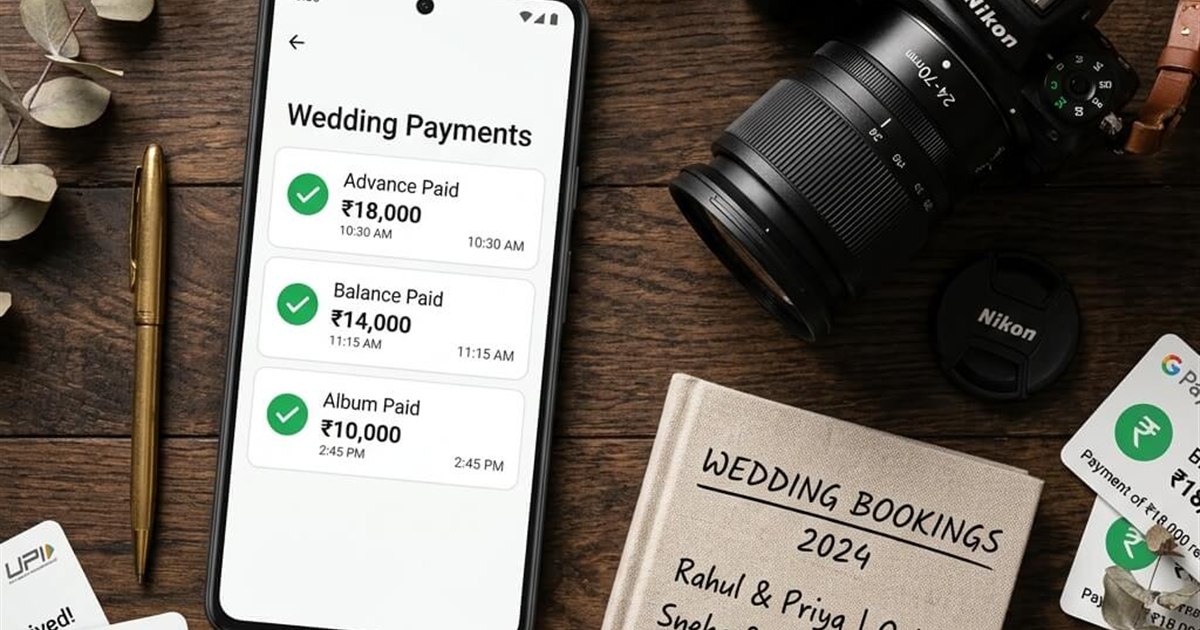
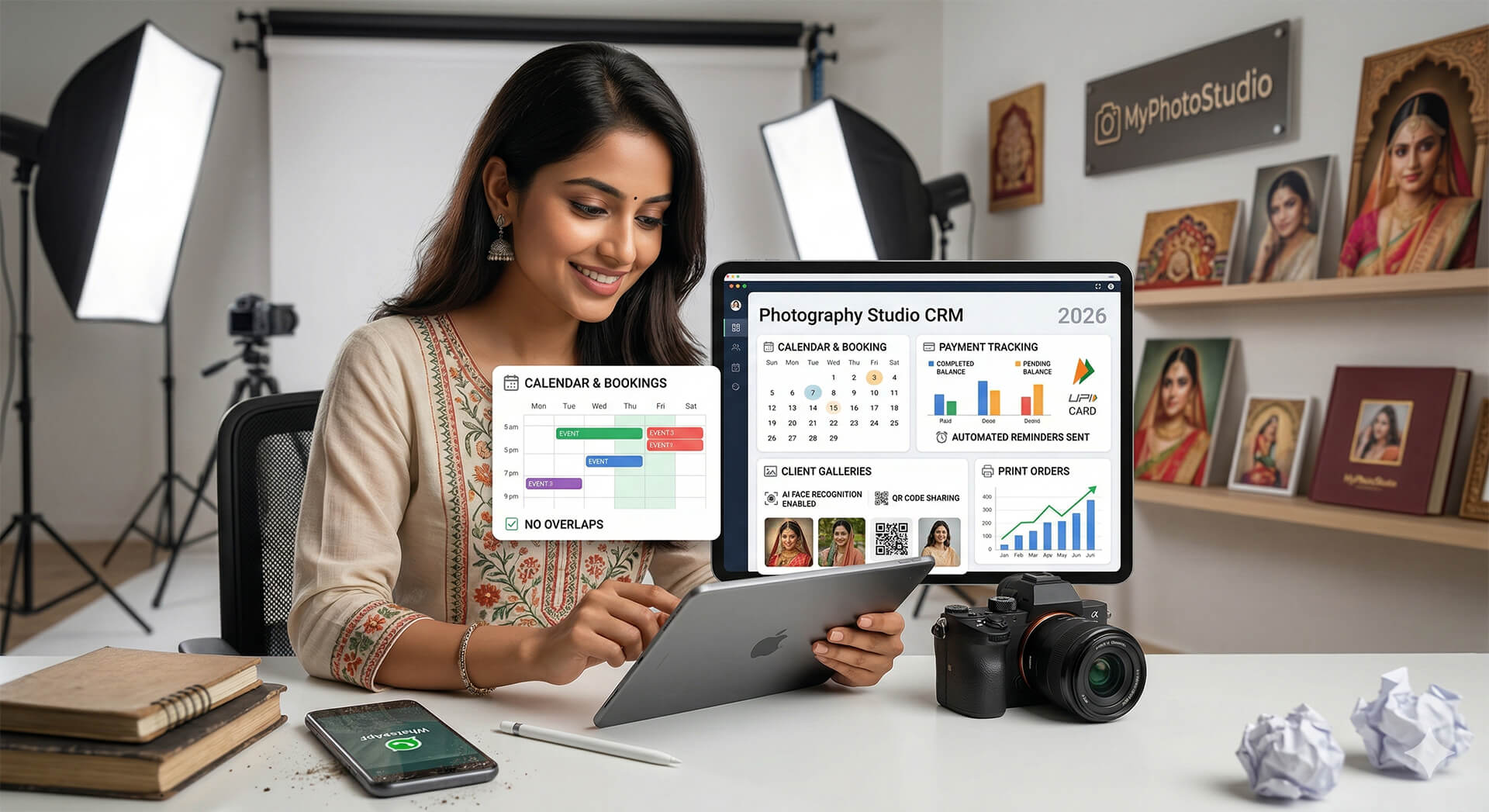
A proper studio CRM tracks every advance payment, every pending balance, and every completed order against the right client and the right event. When a payment comes in - via UPI, card, or bank transfer - it's logged against that specific booking. You don't need to cross-reference your bank statement against your Excel sheet manually.
The practical difference: you stop finding out about unpaid balances by accident. The system shows you what's pending. WhatsApp reminders for outstanding payments go out automatically - you don't compose them, you don't forget to send them, and they don't feel awkward because you didn't write them personally.
Side note: if you've ever let a balance slip because chasing payment felt uncomfortable, this is the feature that removes that friction entirely. The software sends the reminder. You just receive the payment.
2. Double Bookings Stop Happening
A booking calendar that's connected to your inquiry workflow is one of those things that sounds obvious but makes a significant difference in practice.
When a date is confirmed - regardless of which channel the inquiry came from - it locks in the system. You can't accidentally confirm a second client for the same date because the system won't let you. You can see your entire calendar, your upcoming events, your delivery deadlines, and your pending bookings from one view.
For studios handling peak season - wedding season, school annual day season - this alone reduces the stress considerably.
3. Photo Delivery Becomes a Feature, Not a Headache
Well, actually - let me rephrase that. Photo delivery doesn't become easier because you installed software. It becomes easier because a photography CRM includes a gallery platform, and a gallery platform does things that WhatsApp and Drive physically cannot.
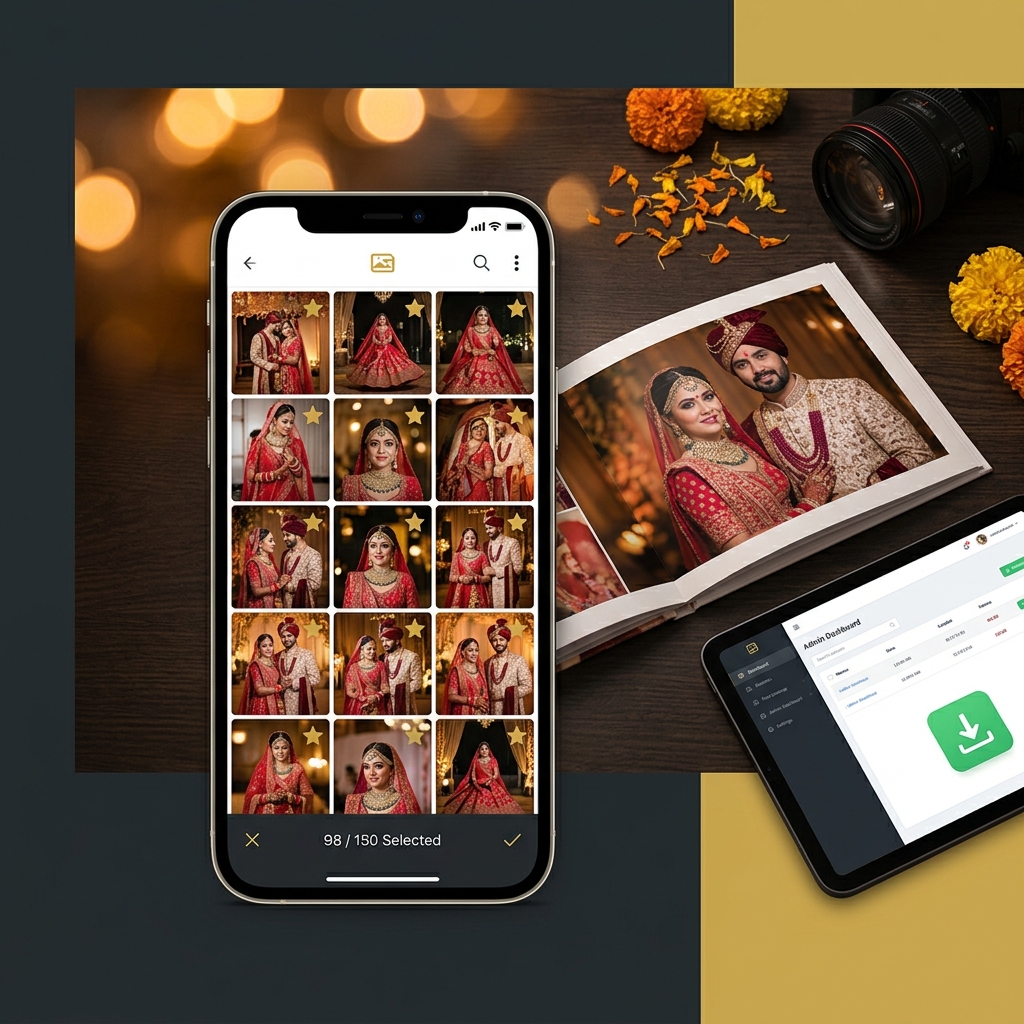
Unlimited photo uploads at full resolution. A gallery link that works on any device without a login. AI face recognition that lets every guest find their own photos in seconds without calling you. QR code sharing that you can print on cards or in albums. A client selection portal for wedding album workflows.
These are not add-ons. They're the core of what photo delivery should look like - and they should be included from the entry-level plan, not locked behind annual enterprise tiers.
You can see how the full feature set works together - but the delivery piece specifically is what most photographers say changed their client experience most noticeably after switching.
4. Your Client Communication Has a Record
Here's a situation every photographer has been in. A client calls and says "you told me the album would be ready in three weeks." You have no record of saying that. Maybe you did say it, maybe you didn't - the conversation was somewhere in a WhatsApp thread you'd need twenty minutes to find.
When booking confirmations, delivery notifications, payment reminders, and order updates are handled through a CRM - they're logged. You know exactly what was communicated, when, and to which client. If there's a dispute about timelines or deliverables, you have a record. If a client claims they didn't receive their gallery link, you can see exactly when it was sent.
Quick thought: this matters more as your studio grows. At five bookings a month, you can keep track. At fifteen or twenty, it becomes genuinely difficult to remember which conversation happened where. A system that logs everything isn't paranoia - it's just good practice.
5. Print Order Revenue Actually Gets Captured
Most photographers I've spoken to are leaving print order revenue on the table - not because clients don't want prints, but because there's no easy way for clients to order them.
When your gallery has built-in print ordering - where guests can select photos, choose sizes, and pay directly - those orders happen. When the only way to order prints is to message you, tell you which photo, agree on a price, confirm payment, and wait - most people don't bother.
The revenue is there. The friction is what's blocking it.
And the commission question matters here. A platform that takes a percentage of every print order is reducing your revenue on every single sale. Zero-commission should be the baseline expectation, not a premium feature. Check the pricing page of any platform you're evaluating - if commission isn't explicitly mentioned as zero, ask before you sign up.
Who Is Actually Making the Switch - And Why Now
Wedding Photographers Handling Peak Season Volume
The pressure point for wedding photographers is usually peak season - November to February for most of Tamil Nadu and South India, October to December in the North. Multiple weddings in a month, multiple deliveries happening simultaneously, multiple families asking for photos at the same time.
Managing that volume on WhatsApp and Excel works until you hit a certain number. Most photographers find that somewhere around eight to ten events a month, the manual system breaks down. Something gets missed. A payment isn't tracked. A gallery link gets sent to the wrong family.
The switch to a CRM usually happens right after that breaking point.
The wedding photo sharing workflow - from upload to AI face delivery to client selection - is one of the more complete implementations available specifically for Indian wedding photographers.
School and Sports Photographers Dealing With Scale
A school annual day event is a different kind of challenge. You're not managing one family - you're managing five hundred. Every parent wants their child's photos. The volume of inquiries is proportional to the number of students.
Without AI face recognition and a gallery platform, that event is thirty WhatsApp broadcasts and three days of manually finding and sending individual photos. With a proper system, every parent finds their child's photos by uploading a selfie. You don't send anything individually.
Same logic applies to marathon and sports events. Participants scan a QR code, upload a selfie, and AI face recognition finds every photo they appear in across the entire event — finish line, mid-race, group shots. No manual searching, no scrolling through thousands of photos.
See how it works for school events and sports events specifically - the workflows are different enough that it's worth reading through both.
Studios That Have Tried Generic Software and Found It Lacking
Some photographers have already tried tools like Notion databases, Airtable, or general-purpose CRMs like Zoho or HubSpot for studio management. The reality is - those tools are built for sales teams and service businesses, not for photographers.
They don't have gallery delivery. They don't have AI face recognition. They don't have print ordering. You can build workarounds, but every workaround is time you're spending on administration instead of shooting.
A photography-specific CRM isn't trying to be everything - it's trying to be exactly what a photo studio needs, without the overhead of customising a generic tool.
The Practical Side - What the Switch Actually Involves
You Don't Need to Migrate Everything at Once
The most common concern I hear from photographers evaluating CRM software is about migration. "I have two years of client data in Excel. Do I need to move everything?"
The honest answer is - no. Start with new clients and new events. Your historical data in Excel isn't going anywhere. Run both systems in parallel for a month or two if that's comfortable. Most photographers find they stop needing the Excel sheet naturally as the new system becomes familiar.
The Learning Curve Is Real - But Short
I won't pretend there's no adjustment period. Any new system takes time to get comfortable with. But a well-designed photography CRM should not take weeks to learn. The workflows - create event, upload photos, share gallery, track payment - should be intuitive enough that you're doing them without referring to documentation after the first two or three events.
The downside of switching mid-season is that you're learning new software while you're busy. The practical advice: switch during a quieter period, or start with one event and run it fully through the new system before your next peak season.
Start with One Event for ₹1,000
The most practical way to evaluate any gallery and CRM platform is to run a real event through it. Not a test with sample images - a real event, real clients, real delivery.
The Starter plan at ₹1,000 covers one event for 20 days with full AI face recognition, unlimited photos, QR sharing, client selection, and zero commission on orders. No long-term commitment. No annual contract required to access the core features.
That's a reasonable way to answer the question "will this work for my studio" - with actual experience rather than a demo.
Transform Your Photography Studio Today
Start automatically delivering thousands of event photos directly to your clients using MyPhotoStudio's AI Face Recognition - from ₹1,000 per event.
Start Free TrialLearn about our photography CRM software or view pricing plans.