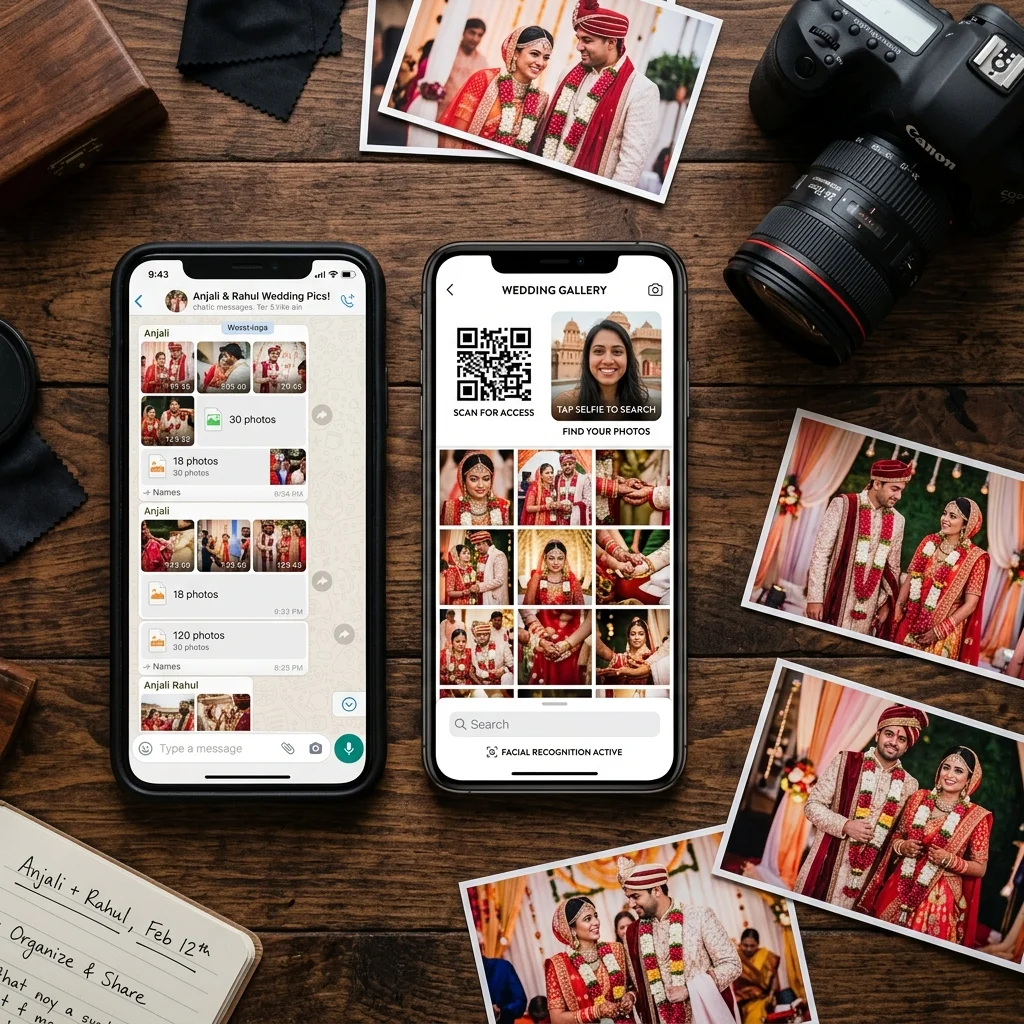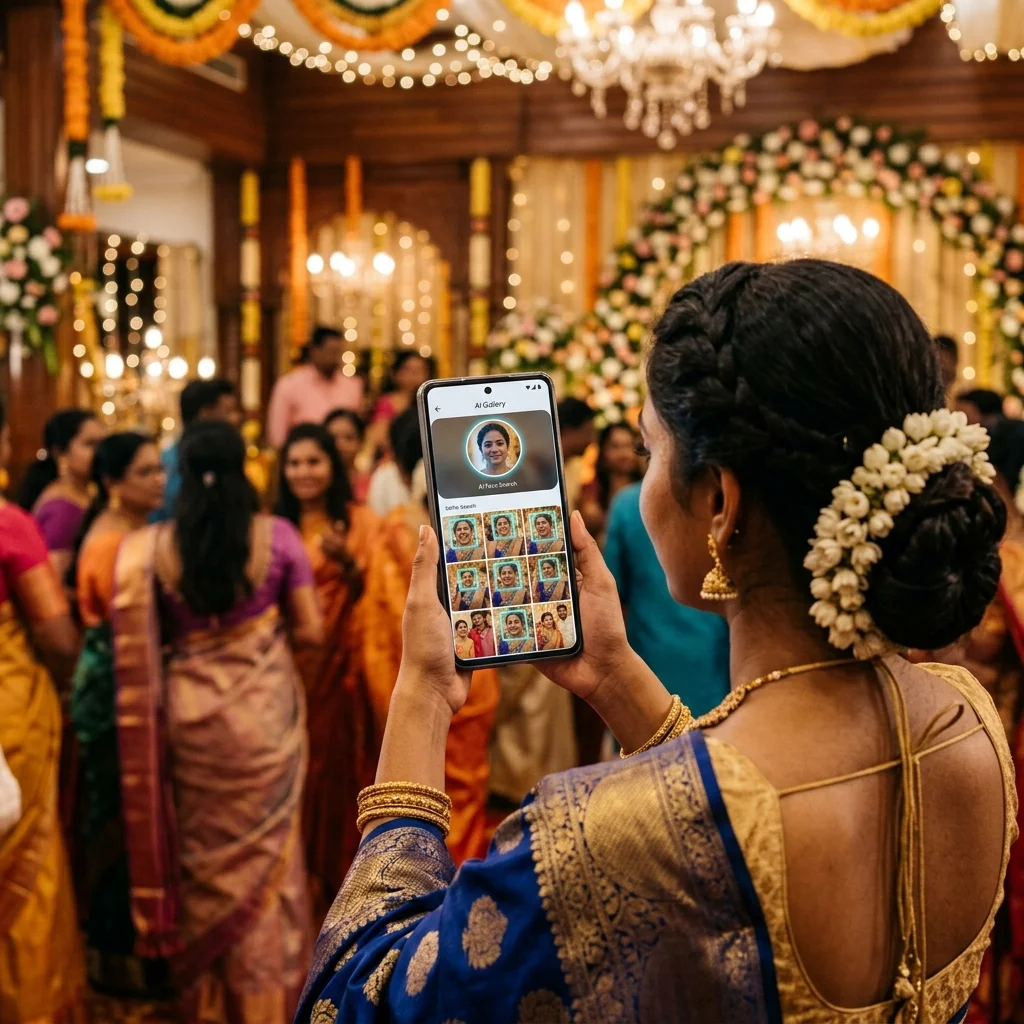
You shoot a wedding with 400 guests. You deliver 3,200 edited photos. The couple gets the gallery link. And then the messages start.
"Can you send me my photos separately?" - Guest 1
"Please share the ones with us at the reception" - Guest 2
"My mother is 75 years old and cannot find herself in the album" - Guest 3
Every photographer in India who has shot a large event knows this situation. The photos are delivered. But for guests, the real problem - finding their own photos across thousands of images - has only just begun.
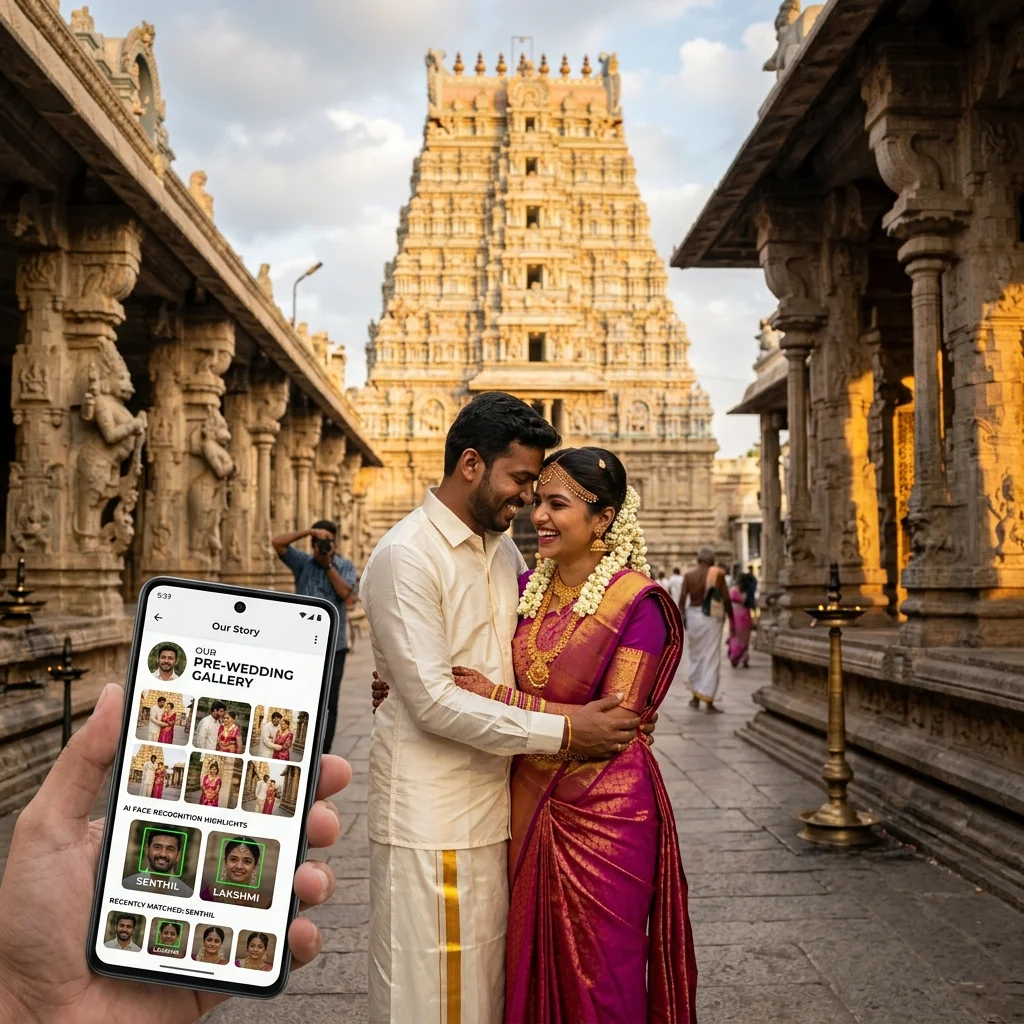
AI face recognition solves this problem completely. Every guest finds their own photos in under two seconds. No manual sorting. No individual folders. No forwards from you.
This guide explains what AI face recognition is, how it works for different types of events, what affects its accuracy, and what it means for your studio workflow.
Table of Contents
- What Is AI Face Recognition for Photographers?
- The Delivery Problem It Solves
- Traditional Delivery vs. AI Face Recognition
- How AI Face Recognition Works - Step by Step
- Real-World Use Cases by Event Type
- Benefits for Your Photography Studio
- Common Myths About AI Face Recognition
- Privacy and Security
- Frequently Asked Questions
- Conclusion
What Is AI Face Recognition for Photographers?
AI face recognition for photographers is a delivery technology that automatically identifies which guests appear in each photo and lets every guest retrieve their own images - without the photographer sorting a single folder.
Here is the core idea: a guest opens your event gallery on their phone, takes a quick selfie, and the system searches through every photo in your gallery and returns only the ones where that guest appears. This happens in seconds, regardless of whether your gallery has 500 or 5,000 photos.
The photographer's role in this process is simple: upload the edited photos to the gallery. The AI does the rest.
This is not a new concept in software - face recognition is used in banking, phones, and identity verification. What is new is its application to photography delivery at scale, making it practical for Indian studios shooting weddings, school events, corporate events, and sports.
The Delivery Problem It Solves
Before understanding how AI face recognition works, it helps to understand exactly what problem it replaces.
The Traditional Guest Photo Delivery Problem
A wedding photographer shoots 3,200 photos. After editing, 2,400 are delivered. The couple receives a Google Drive link or a gallery link and shares it with 400 guests via the family WhatsApp group.
Now each guest faces a 2,400-photo gallery with no way to find themselves. They scroll. They miss photos. They ask the couple. The couple asks you. Your inbox fills with individual requests.
For a school annual day, the same problem hits harder. A photographer delivers 2,000 photos to a school. The principal receives a pen drive. 600 parents are waiting. Each parent needs to find their child among 2,000 images in a folder named IMG_4001 through IMG_6000. Most never find more than two or three photos before giving up.
Manual sorting by the photographer is the only alternative - and at scale, it is impractical. Sorting 2,400 photos by face across 400 guests is 40-80 hours of work per event. No photographer does this.
AI face recognition eliminates this entirely. Each guest sorts themselves - using their own face.
Traditional Delivery vs. AI Face Recognition
| Workflow Step | Traditional Delivery | AI Face Recognition |
|---|---|---|
| Photo sorting by person | Manual - hours of work per event | Automatic - AI indexes all faces on upload |
| How guests find their photos | Manual scrolling through full gallery | Selfie - returns personalised results in seconds |
| App required for guests | Varies by platform | No - any mobile browser works |
| Guest identification | Not possible without folder labelling | Automatic via face match |
| Individual delivery coordination | Manual per guest request | None - each guest retrieves independently |
| Delivery time for photographer | Upload + sort + send links per person | Upload once - done |
| Works for 500 guests | Impractical | Yes - all 500 run independently |
| Works at the event venue itself | No | Yes - QR code live during event |
How AI Face Recognition Works - Step by Step
The technology behind AI face recognition is built on a concept called face embedding - converting a face into a set of numbers that uniquely represent that person's facial geometry. Here is how it works in the context of photography delivery.
Step 1 - Photos Are Uploaded and Indexed
When a photographer uploads edited photos to an AI-enabled gallery platform, the system processes every photo in the background. For each photo, the AI detects all the faces visible in the frame, extracts the facial geometry of each face, and converts it into a mathematical representation called a face vector.
This indexing happens automatically. The photographer does not tag anyone, label any faces, or do any additional work. Uploading the photos triggers the indexing process on its own.
Step 2 - Guest Opens the Gallery via QR Code or Link
Guests access the event gallery through a QR code displayed at the venue or through a link shared via WhatsApp, SMS, or email. The gallery opens in any standard mobile browser - no app download required.
At this stage, guests can browse all photos manually. But the key feature is the face search option - usually a "Find My Photos" button visible at the top of the gallery.
Step 3 - Guest Takes a Selfie
When a guest taps "Find My Photos", the gallery activates their phone's front camera. The guest takes a selfie. This selfie is sent to the platform's AI engine, which converts the selfie into a face vector the same way it processed the event photos.
For school events where parents want to find photos of their child, the option is typically "Upload a Photo of Your Child" rather than a selfie - the parent uploads any clear photo of their child from their own phone gallery.
Step 4 - Face Matching Runs Against the Indexed Gallery
The face vector from the guest's selfie is compared against every face vector extracted from the event gallery. Photos where the match score exceeds the confidence threshold are selected. Photos below the threshold are excluded.
This comparison runs as a parallel process - all face vectors in the gallery are compared simultaneously, not one by one. This is why the search returns results in under two seconds even for galleries with thousands of photos.
Step 5 - Personalised Results Are Displayed
The guest sees a filtered gallery showing only the photos where they appear. They can browse, download (based on the settings configured by the photographer), or order prints directly from this personalised view.
Every other guest who runs the same process gets their own separate personalised view - drawn from the same gallery but filtered to their face. One gallery. Hundreds of personalised experiences.
Real-World Use Cases by Event Type
Wedding Photography
Large Indian weddings - with 300 to 1,000 guests and multi-day events - are where AI face recognition photo delivery provides the most visible impact.
The wedding photographer sets up the gallery before the event. A printable QR code is generated immediately - before any photos are uploaded. On the wedding day, this QR code is displayed on table standees, printed on the back of wedding invitations, or shown on the event screen. Guests scan it throughout the day.
After editing, the photographer uploads all photos to the gallery. The AI indexes every face. The couple is notified. They share the gallery link in their family WhatsApp groups.
Every guest who opens the link and uses face search finds their own photos within seconds. Guests who appear in 40 photos see 40 photos. Guests who appear in 3 photos see 3 photos. No one receives another person's photos by mistake. No one needs to scroll through 3,000 images to find themselves.
The photographer receives zero individual delivery requests. The delivery is complete at the moment of upload.
School Annual Day Photography
School events present a unique delivery challenge. The photographer delivers photos to the school, but the actual end recipients are individual parents - often 500 to 800 of them - who each want photos of their specific child.
With AI photo sharing for school events, parents receive the gallery link through the school's communication channel. They open the gallery, choose "Find My Child's Photos", and upload any clear photo of their child from their own phone.
The AI searches the entire gallery and returns every photo where that child appears - stage performances, group shots, prize moments, candid classroom photos. Parents find their child's complete set of photos without scrolling through the full event gallery.
For large schools with multiple events across the year, the same system works for sports day, cultural programmes, graduation ceremonies, and field trips - each with its own gallery and QR code.
Corporate Events
Corporate event photos serve several audiences at once - the HR team needs employee headshots, the marketing team needs event coverage photos, and individual employees want their photos for personal LinkedIn profiles or other use.
AI face recognition handles all of this from a single gallery upload. The HR team accesses the full gallery. Employees use face search to find their individual photos. No manual sorting by department or by employee name.
For companies with multiple city offices attending a pan-India conference, the same gallery serves everyone equally. An employee in Chennai finds their photos with the same speed as an employee in Mumbai.
Sports Photography
Sports events - marathons, cricket tournaments, school sports days, swimming meets - produce large volumes of action photos where identifying individuals by face search requires some specific consideration.
Action photography often captures athletes at angles where full face visibility is not guaranteed. AI face recognition works well for warm-up areas, medal ceremonies, post-race photos, and any moment where athletes face the camera clearly. Action shots in motion or with gear covering the face may not match as reliably.
The best approach for sports photography combines AI face search with QR code gallery access and event-specific albums. Athletes scan the QR code at the venue, use face search to find their clearest photos, and browse the event album for any action shots the face search may have missed.
Benefits for Your Photography Studio
Eliminate Individual Delivery Requests
Every WhatsApp message from a guest asking for their specific photos represents time away from shooting, editing, or running your studio. AI face recognition eliminates these requests at the source. Guests retrieve their own photos independently. Your phone stays quiet.
Deliver to Scale Without Extra Hours
Delivering photos to 400 wedding guests individually would take days of sorting and forwarding. AI face recognition makes the delivery time equal to the upload time - regardless of whether 10 guests or 500 guests retrieve their photos. Scale no longer adds to your workload.
Add a Print Revenue Channel
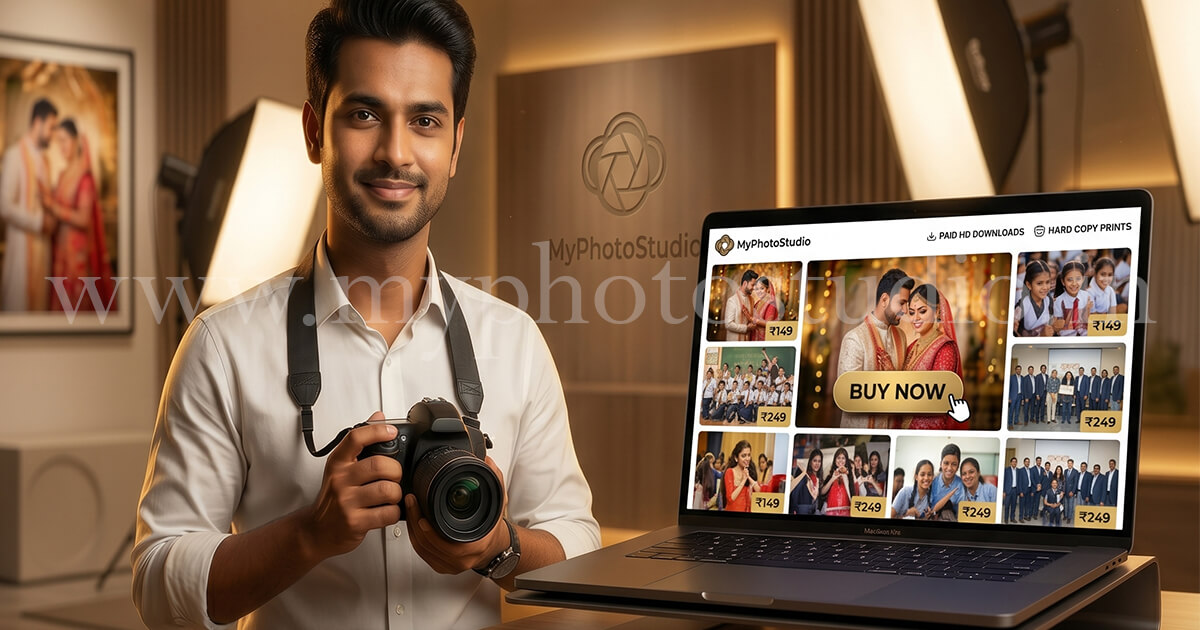
When guests find their personalised photos via face search, they are looking at images where they actually appear - not scrolling through 3,000 photos of strangers hoping to find themselves. Engagement with relevant photos is higher. When a print store is enabled in the gallery, guests who find flattering photos of themselves are more likely to order prints, framed copies, or HD downloads.
Deliver a Professional Guest Experience
A guest who scans a QR code at the wedding, takes a selfie, and sees their personalised photos within two seconds has a qualitatively different experience from a guest who receives a Google Drive link with 2,400 unsorted photos. The AI-powered experience is something guests talk about. It differentiates your studio from photographers still using pen drives and WhatsApp groups.
Save Time on Post-Event Admin
Beyond the delivery itself, AI face recognition reduces the post-event admin load. No individual folders to organise. No follow-up messages to answer. No requests to resend files. The gallery handles all of it. A photography CRM that integrates AI delivery means your entire post-event workflow - from upload to guest access to payment tracking - runs without manual intervention.
Common Myths About AI Face Recognition in Photography
Myth 1 - AI Face Recognition Replaces the Photographer
AI face recognition has nothing to do with taking or editing photos. It is a delivery tool, not a creative tool. The photographer still shoots the event, curates the selects, and edits the images. AI face recognition only affects what happens after the final edited batch is uploaded - getting those photos from one gallery to each specific guest without the photographer manually sorting them.
Think of it the same way you think of cloud storage or online payment - a behind-the-scenes workflow tool that saves time without touching the creative work.
Myth 2 - Guests Need to Install an App
This is one of the most common concerns photographers raise on behalf of their clients. The concern is valid - asking elderly wedding guests or non-tech-comfortable parents to install a new app creates real friction.
AI face search in modern photography platforms runs entirely inside a standard mobile browser. The same browser guests already use for WhatsApp links and YouTube videos. No installation. No account creation. No login. The gallery opens when the QR code is scanned, and face search runs from that same browser window.
Myth 3 - AI Cannot Handle Indian Events with Hundreds of People
Large Indian events are exactly where AI face recognition performs best - not worst. A gallery with 400 guests running face search simultaneously is handled as 400 parallel matching processes, not a queue where each guest waits for the previous one to finish.
The matching infrastructure is cloud-hosted and scales with the number of simultaneous users. The same system handles a 50-person family gathering and a 700-person wedding reception without performance degradation.
Myth 4 - AI Face Recognition Is Too Expensive for Small Studios
AI face recognition is not a separate premium add-on in modern photography platforms. It is a built-in feature of event gallery platforms like MyPhotoStudio's AI photo delivery system, available from the base plan. The cost of the platform covers the AI indexing and matching for every event you shoot - there is no per-photo or per-guest fee for the face search itself.
Myth 5 - If AI Misses Some Photos, It Is Useless
AI face recognition is a retrieval tool, not a guarantee that every photo is found. Factors that affect match accuracy include lighting quality in the original photos, face angle, face visibility (full face vs. partial face), and photo resolution. In a 3,000-photo wedding gallery, the AI may correctly return 95 photos for a guest who appears in 100 photos, and miss 5 photos where the face is partially turned or obscured.
Guests who want to find any missed photos can still browse the full gallery. The AI search is a time-saver that gets guests to 90-95% of their photos in two seconds - the remaining photos require the same manual browsing they would have needed without AI at all.
Privacy and Security
When photographers introduce AI face recognition to clients who are unfamiliar with the technology, privacy questions come up naturally. These are legitimate questions and deserve direct answers.
Is the Face Search Voluntary?
Yes. Guests can open the gallery and browse all photos manually without using face search at all. The "Find My Photos" face search option is visible in the gallery, but using it is entirely the guest's choice. Guests who prefer not to submit a selfie use the gallery like any other photo gallery - by scrolling and downloading what they find.
Are Selfies Stored Permanently?
No. Selfies submitted for face search are processed to extract a face vector (a mathematical representation of the face) and are then discarded. The face vector itself is not a photo and cannot be reverse-engineered back into an image. After the matching is complete, neither the selfie nor the face vector is retained for any other purpose.
Are Guest Faces Indexed Without Consent?
The AI indexes faces that appear in the photos uploaded by the photographer - the same photos the photographer was contracted to take at the event. The indexing happens for the purpose of enabling face search. Guests at an event who are photographed have already been photographed by the contracted photographer. The face indexing is an extension of that photographic process, not an independent surveillance action.
Guests who appear in photos but do not use face search are never identified by name or contacted. Their face vectors exist in the index only to enable the selfie matching process - they remain anonymous unless the guest themselves chooses to search.
Who Has Access to the Gallery?
Gallery access is controlled by the photographer through the platform settings. Galleries can be set to public (anyone with the link), password-protected, or QR-code-only access. For sensitive events like corporate gatherings or private family functions, password protection or a restricted QR code ensures the gallery remains accessible only to the intended guests.
Frequently Asked Questions
What is AI face recognition for photographers?
AI face recognition for photographers is a delivery technology that lets every guest find their own photos in an event gallery using a selfie. The photographer uploads edited photos once. The AI indexes all faces automatically. Each guest runs a selfie search and sees only the photos where they appear - across thousands of images, in seconds.
How does AI face recognition work for event photography?
Photos uploaded to the gallery are processed by the AI, which extracts a face vector (a mathematical representation) from every face in every photo. When a guest takes a selfie, their selfie is converted to a face vector and matched against the gallery's indexed vectors. Photos with a high match score are returned as the guest's personalised results.
Does AI face recognition work for weddings in India?
Yes. Large Indian weddings - often 300 to 700 guests with multi-day shoots - are one of the primary use cases. The QR code is displayed at the venue, guests scan it and use face search after the gallery goes live, and every guest independently retrieves their own photos without contacting the photographer or the couple.
Does AI face recognition work for school photos?
Yes. For school events, parents upload a clear photo of their child instead of a selfie. The AI finds every photo of that child across the full event gallery. This replaces pen drives and WhatsApp group chaos with a parent-friendly gallery that any parent can use from their phone browser without an app.
Is internet required for guests to use AI face search?
Yes. The gallery and the AI search both run in the cloud and require an internet connection. Mobile 4G is sufficient for guests to scan the QR code, take a selfie, and retrieve their results. Guests in areas with poor connectivity can use the gallery when they return to a location with a reliable connection.
Can guests download their photos after finding them via face search?
Yes, if the photographer has enabled downloads. Download settings are configured per event by the photographer - free download, paid HD download, watermarked preview only, or print-only. Guests see the relevant option after their personalised results load. The photographer controls all download and purchase permissions from their dashboard.
Does AI face recognition replace the QR code?
No - they work together. The QR code is how guests access the gallery (scan to open). AI face recognition is how guests find their specific photos inside the gallery (selfie to filter). Both are part of the same event delivery workflow. The QR code handles access; the AI handles personalisation.
What affects the accuracy of AI face recognition in photos?
The primary factors are lighting quality in the original photos, face angle (full face vs. partial), face visibility (no masks, helmets, or obstructions), and image resolution. Well-lit photos with clear face coverage return the most accurate results. Dark banquet halls, outdoor night events, and sports action shots with motion blur will produce more missed matches than bright outdoor or well-lit indoor events.
How does AI face recognition help with print orders?
When guests find their personalised photos via face search, they are looking at images where they actually appear. This targeted browsing experience leads to higher engagement with individual photos. When a print store is enabled, guests who find a good photo of themselves are more likely to order prints or HD downloads than guests who found the same photo by scrolling through 3,000 images of other people. Personalised retrieval increases print conversion naturally.
Can multiple events share one platform?
Yes. Each event gets its own gallery with its own QR code and face index. The platform manages unlimited events - a wedding gallery, a school annual day gallery, and a corporate event gallery all run independently on the same studio account. Face data from one event is not mixed with another. Each event's AI index is separate and isolated.
Conclusion
AI face recognition is not a futuristic technology. It is available today, works in a standard mobile browser without any app installation, and handles the delivery problem that every event photographer in India faces after every large shoot.
The technology does not replace shooting skill, editing judgment, or the creative decisions that define your photography. It replaces one specific and time-consuming part of the workflow - getting each guest from a gallery of 3,000 photos to the 80 photos where they actually appear.
For a wedding with 400 guests, that is 400 manual delivery conversations you no longer need to have. For a school annual day with 600 parents, that is 600 pen drive visits, Google Drive scrolls, and WhatsApp requests that never happen.
The guests find their photos. You move to the next event.
If you want to see how AI face recognition works in practice for your studio's events, the MyPhotoStudio AI Face Recognition Photo Delivery page covers the complete workflow - from QR setup to guest face search to print ordering - in detail.
For photographers specifically looking at school events, the AI Photo Sharing for School Events page covers the parent-facing workflow and the school administration setup. For QR code photo sharing fundamentals, that guide covers how the QR access layer works alongside AI face search.
Transform Your Photography Studio Today
Start automatically delivering thousands of event photos directly to your clients using MyPhotoStudio's AI Face Recognition - from ₹1,000 per event.
Start Free TrialLearn about our photography CRM software or view pricing plans.