Choosing a watermark setting means deciding, per event, whether guest gallery previews carry no watermark, a text watermark, or an image (logo) watermark - a decision that changes with the type of event, not just personal preference. Most studios set a watermark once and never revisit it. This guide walks through what each setting actually does, how to choose one by event type, and what a watermark does - and does not - do for your studio once guests start sharing photos on their own.
Table of Contents
- What Is a Watermark Setting in a Guest Photo Gallery?
- None vs. Text vs. Image - What Each One Does
- Choosing a Watermark Setting by Event Type
- Watermarks and Post-Event Sharing - What It Means for Studio Visibility
- What Not to Expect From a Watermark
- Where MyPhotoStudio Fits
- Frequently Asked Questions
What Is a Watermark Setting in a Guest Photo Gallery?
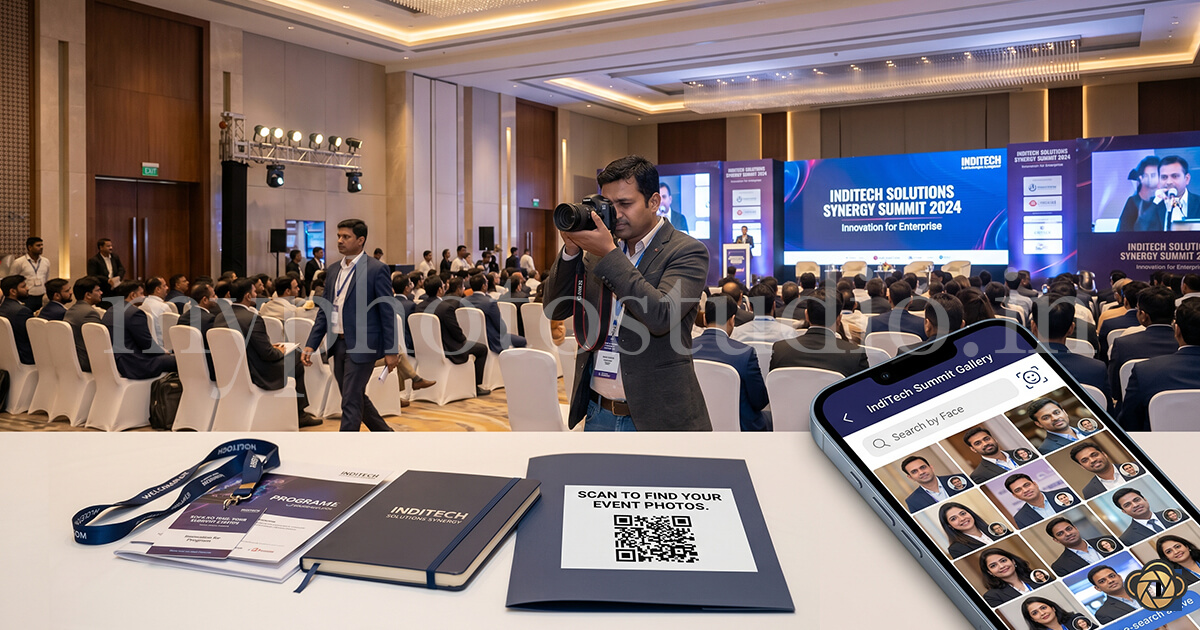
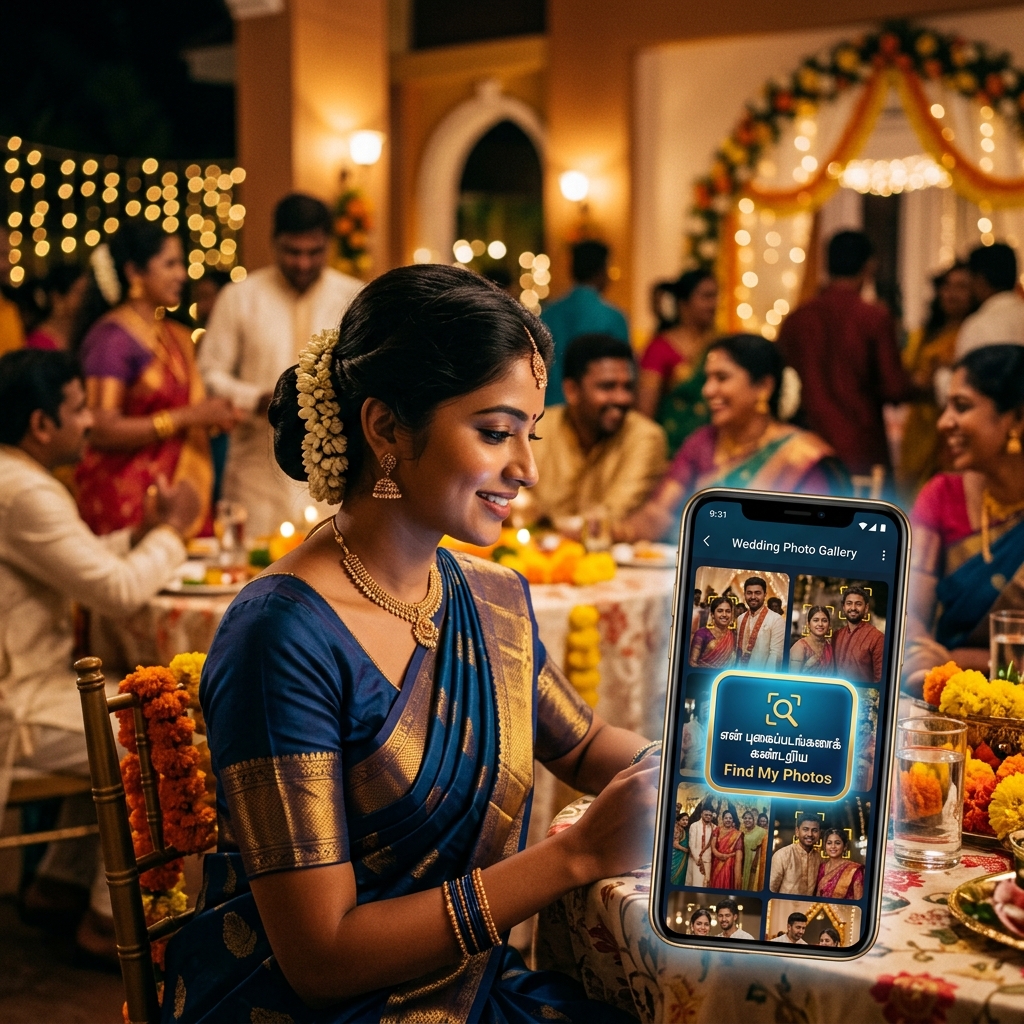
When a photographer delivers photos through an AI photo sharing platform, guests view their personalised photos - found via QR code and face search - inside a gallery in their mobile browser. The watermark setting controls what appears on those preview images: nothing extra, a line of text, or the studio's logo.
This is a separate decision from how photos are sold. Delivery mode - free download, paid HD download, or print orders - determines whether and how a guest pays. Watermark setting is about what the preview itself looks like while a guest is browsing, regardless of whether that gallery is free or paid. The two are often set together for an event, but they are not the same choice.
None vs. Text vs. Image - What Each One Does
None
No watermark appears on preview images at all - guests see the photo exactly as it will look if downloaded. This removes any visual interruption from the browsing experience, which matters most when the gallery is free and the goal is guests finding and enjoying their photos with zero friction.
Text
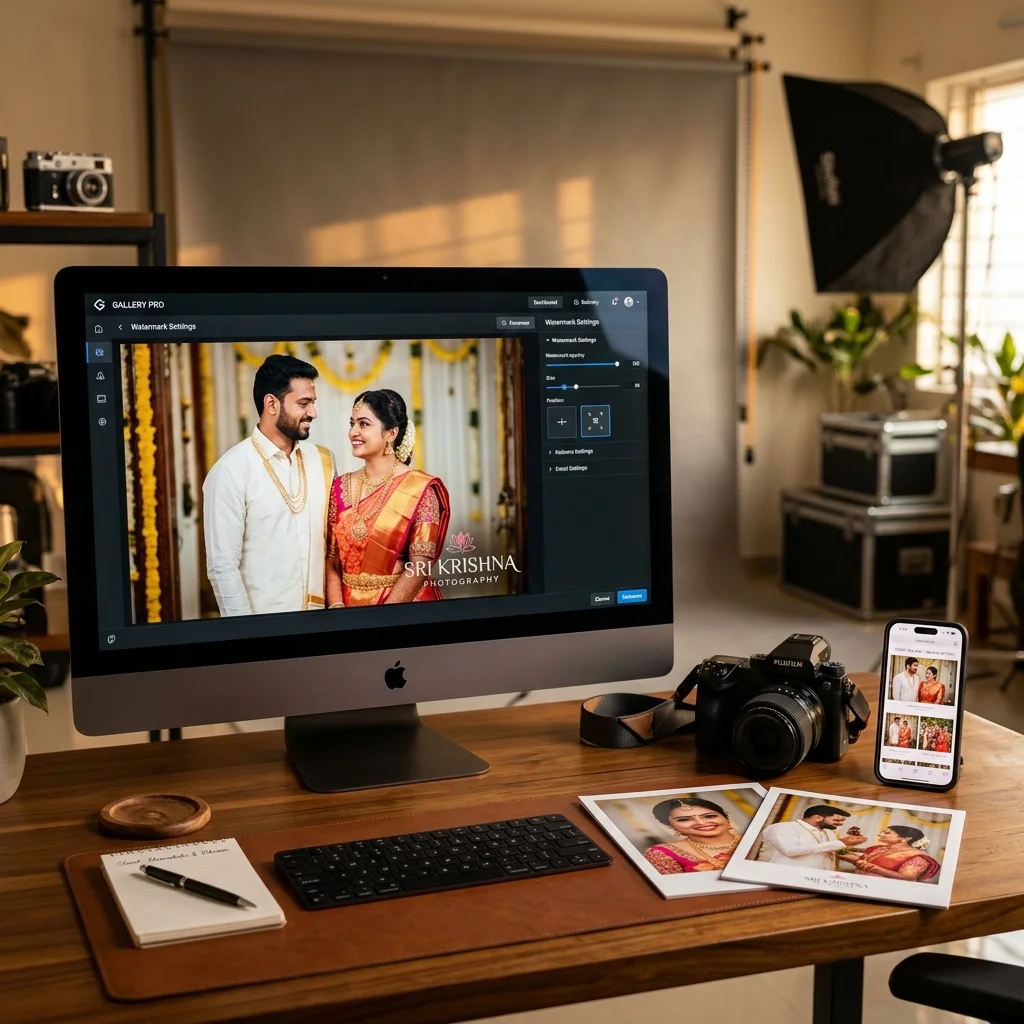
A line of text - typically the studio's name - overlays the preview image. This is the fastest way to attach a studio name to a photo a guest might screenshot or share before paying for the clean copy. It is a lighter visual footprint than a logo, and quicker to set up if a studio does not have a finished logo mark yet.
Image (Logo)
The studio's logo image overlays the preview instead of plain text. This reads as more deliberately branded - closer to how a professional print or framed photo might carry a small credit - and tends to suit studios that already have a consistent visual identity they want attached to every preview a guest sees.
On MyPhotoStudio, this setting is configured once per studio and applies automatically to a gallery's previews - it does not need to be reapplied per photo or per event, and changing it later updates existing gallery previews without a re-upload.
Choosing a Watermark Setting by Event Type
The right setting depends less on personal taste and more on how that event's gallery is actually used:
Weddings - Many studios use free watermarked previews so all guests can browse comfortably, with a text or logo watermark that reinforces the studio's name across hundreds of shares without adding cost pressure to guests who were never going to pay for individual downloads.
School and college events - Parents are often comfortable paying for their child's photos, and a logo watermark on previews (removed automatically after purchase) keeps the studio's name visible across a gallery that many parents will browse repeatedly before deciding to buy.
Corporate events - Employees frequently want photos for internal use or personal profiles quickly, so a lighter text watermark - or none at all, if the client has arranged a bulk delivery - avoids adding friction for a professional audience that expects a clean experience.
Sports events - With large numbers of participants browsing action shots to find themselves, a text watermark is usually enough to protect previews without the visual weight of a full logo across fast-moving galleries.
Temple events - Since temple event galleries are typically open to a wide, unregistered crowd, a simple text watermark or none at all keeps the focus on easy access rather than branding, particularly for smaller family functions rather than large public festivals.
None of this is a fixed rule - it is a starting point based on how each audience typically behaves, and studios can and do adjust it per event.
Watermarks and Post-Event Sharing - What It Means for Studio Visibility
A visible watermark travels with a photo wherever a guest shares it - on Instagram, in a family WhatsApp group, or saved to a phone gallery. This does not guarantee new bookings, but it does mean the studio's name or logo is attached to a photo the studio did not have to distribute itself.
This effect has been observed concretely in one specific case already covered on this site: at college events, students who find their photos quickly often share them on Instagram with the studio's watermark or profile tag still visible, giving the studio passive visibility among the student's own network. The same mechanism - a shared photo carrying a visible studio name - applies in principle to other event types with a socially active audience, such as weddings and sports events, though the scale of that effect will vary by event and has not been measured here.
This is a reason to choose Text or Image over None for events where guests are likely to share previews publicly - not a guarantee of any specific outcome.
What Not to Expect From a Watermark
A watermark is a branding and light-deterrent choice, not a security control. It does not prevent a determined guest from cropping, screenshotting, or otherwise using a preview image, and it should not be relied on as the only protection for a studio's paid work - pairing it with a genuine free-vs-paid delivery structure matters more for protecting revenue than the watermark style itself.
It is also not a marketing guarantee. A watermark makes a shared photo attributable to the studio; it does not by itself generate bookings, reviews, or referrals.
Where MyPhotoStudio Fits
MyPhotoStudio lets a studio set its watermark mode - None, Text, or Image - once, with automatic removal on paid downloads and no re-upload needed when the setting changes. Studios that also track bookings, payments, or client communication across events can use the platform's studio-management features as a supporting layer alongside this core delivery workflow.
Frequently Asked Questions
What watermark options are available for a guest photo gallery?
Three: None (no watermark on previews), Text (studio name overlay), and Image (studio logo overlay). The setting applies to preview images and can be changed at any time.
Should I use no watermark, a text watermark, or an image watermark?
It depends on the event and audience. Free, friction-first events often work well with None or Text. Events where previews are likely to be browsed repeatedly or shared publicly benefit more from Text or a full logo watermark.
Does the right watermark setting change by event type?
Yes, in practice. Weddings and school events, where branding visibility across many shared photos matters, tend to favour Text or Image. Smaller, access-first events like a family temple function often favour None or a lighter Text setting.
Can I change the watermark setting after photos are already uploaded?
Yes. On MyPhotoStudio, changing the watermark mode updates existing gallery previews automatically - there is no need to re-upload photos.
Is the watermark removed automatically after a client pays?
Yes, for paid HD downloads. The preview carries the watermark; the downloaded file after payment does not.
Does a watermark stop guests from downloading photos for free?
No. A watermark changes what the preview looks like - it does not control whether a download is free or paid. That is set separately through the gallery's delivery mode.
Can a watermark help get more bookings for my studio?
It can make the studio's name visible when guests share previews publicly, which has been observed at college events on Instagram. It is not a guaranteed source of new bookings, and its impact will vary by event and audience.
See how watermark settings work as part of a full delivery and selling workflow on the Sell Photos Online page, or view pricing plans to see what's included per event.
Transform Your Photography Studio Today
Start automatically delivering thousands of event photos directly to your clients using MyPhotoStudio's AI Face Recognition - from ₹1,000 per event.
Start Free TrialLearn about our photography CRM software or view pricing plans.