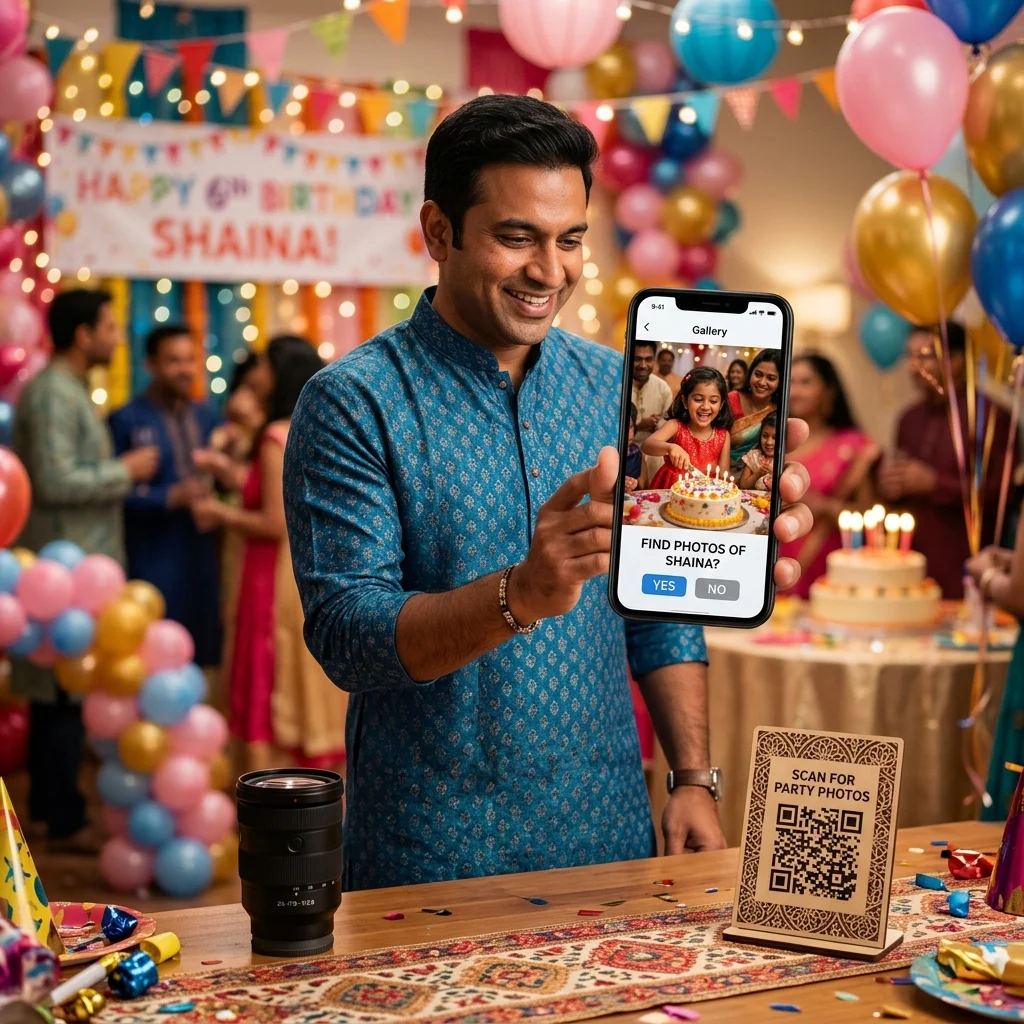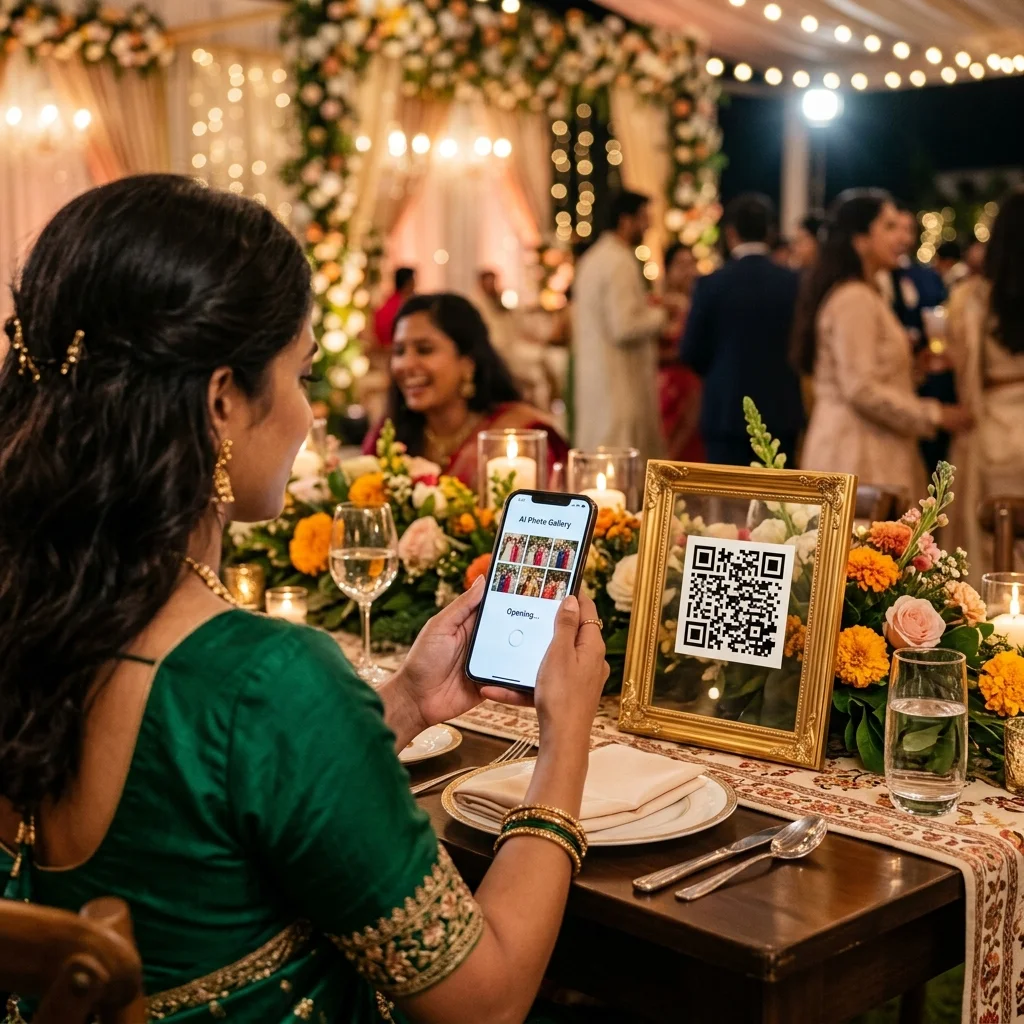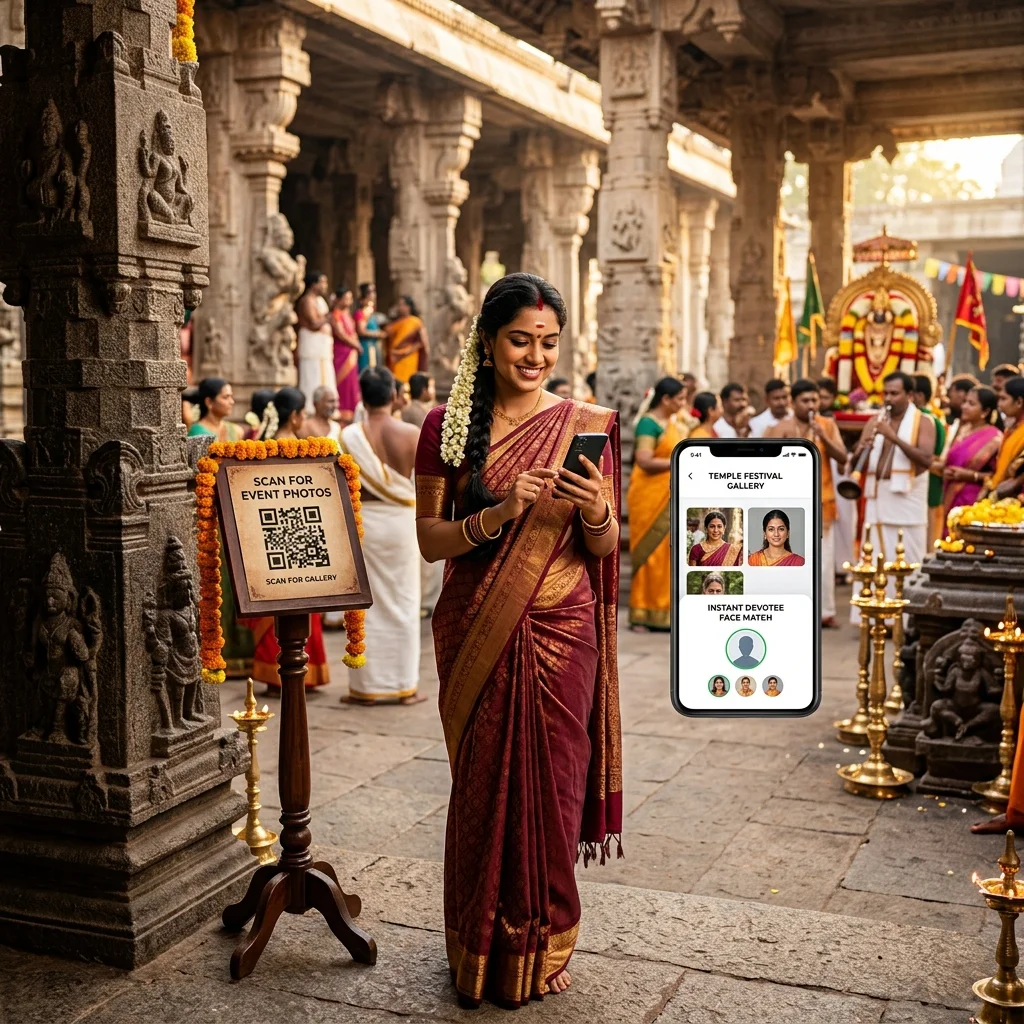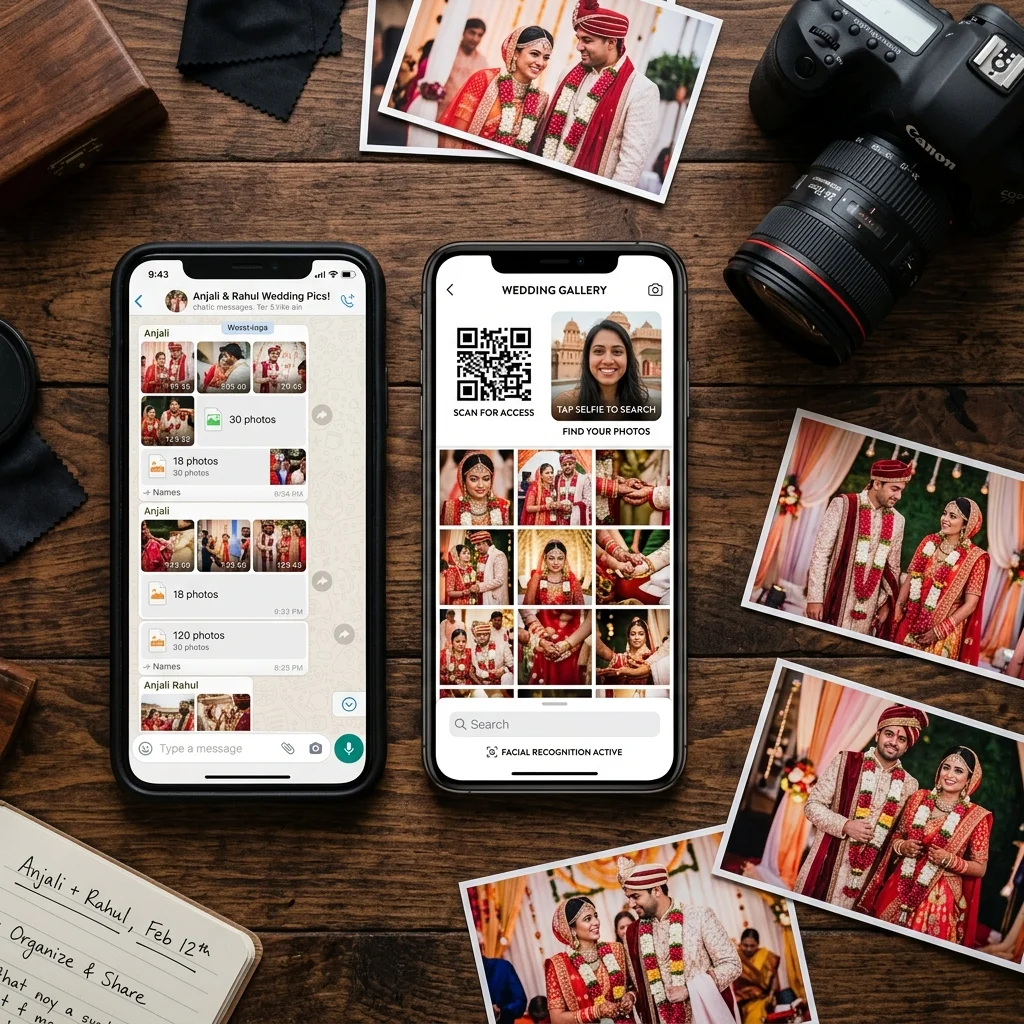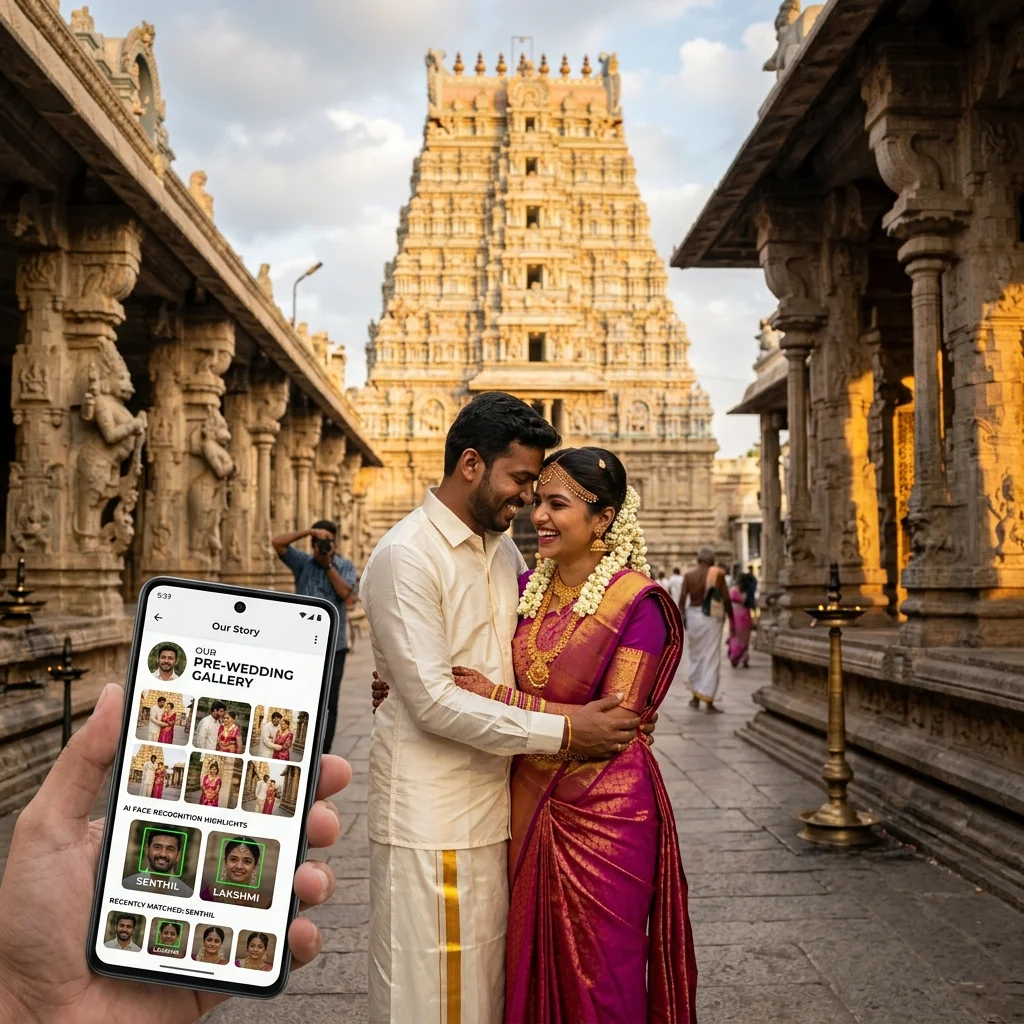
A pre-wedding Guest Gallery lets family and friends browse a couple's pre-wedding shoot and find their own photos using a QR code and AI face search, separately from the couple's own private photo-selection process. Pre-wedding shoots usually involve a smaller, more curated circle than a wedding day - the couple, immediate family, and a few close friends - but that group still wants an easy way to see the photos and find themselves in them, without waiting on the photographer to send individual files.
This guide focuses specifically on that Guest Gallery experience for pre-wedding shoot photo sharing - how it works for both the photographer and for family and friends, and what to set up before sharing it.
Table of Contents
- What Is the Pre-Wedding Guest Gallery?
- How Family and Friends Access the Photos
- How AI Face Search Helps Guests Find Themselves
- A Step-by-Step Guest Gallery Workflow
- Why This Fits Pre-Wedding Shoots Specifically
- For Photographers - What Changes Day to Day
- What to Set Up Before Sharing a Pre-Wedding Guest Gallery
- Where MyPhotoStudio Fits
- Frequently Asked Questions
What Is the Pre-Wedding Guest Gallery?
A pre-wedding shoot typically produces one set of photos that two different groups need to interact with in two different ways. The couple usually reviews the full shoot and selects favourites for their album - a private, personal process. Family and friends, on the other hand, mainly want to see the photos and find the ones they appear in, without going through the couple's selection process at all.
The Guest Gallery is built for that second group. It is a separate, shareable gallery link - distinct from the couple's private selection workflow - that lets family and friends browse the shoot and search for their own photos. (The couple can have a separate private selection workflow for the album itself; this guide focuses specifically on the Guest Gallery experience for family and friends.)
This distinction matters because a pre-wedding shoot often has people appearing in it who are not part of the couple's album at all - a sibling who joined for a few frames, a friend who came along for one location, parents who appear in a handful of candid shots. The Guest Gallery gives all of them a way to find their own photos without needing access to, or interfering with, the couple's private selection.
How Family and Friends Access the Photos
Instead of the photographer manually sending photos to each relative or friend who asks, a QR code or shared link opens the Guest Gallery directly in a phone's browser. Anyone with the link or the code can open the gallery on their own, at their own convenience, without installing an app.
This matters for a pre-wedding shoot because the group involved - immediate family, a few close friends - often overlaps with people the couple will want to share updates with quickly, sometimes before the wedding itself. A single QR code or link means the photographer shares it once, and each person who wants to see the photos opens it independently, rather than the photographer tracking who has and hasn't received their photos yet.
A pre-wedding shoot also commonly spans more than one look or location in a single day - an outdoor location in the morning, a change of outfit, an indoor or studio segment later. All of it lands in the same Guest Gallery, so family and friends browsing later see the full shoot in one place rather than separate links for each segment.
How AI Face Search Helps Guests Find Themselves
Even in a smaller pre-wedding shoot, a guest opening a gallery of a hundred or more photos still has to look through all of them to find the handful they actually appear in - a shoot often includes multiple outfits, locations, and group combinations, plus a large number of couple-only frames that a guest is not part of. AI face search narrows this down: a guest takes a selfie in the browser, and the gallery shows the photos they are matched in, instead of the full set.
This is particularly useful for anyone who joined for only part of a shoot - a friend who was only in the second location, or a sibling who appeared in a few candid frames between the main sequences. Rather than scrolling past everything the couple photographed together, that person can search directly for the specific photos they are in.
This does not replace browsing the full gallery - anyone who wants to see every photo from the shoot still can. Face search is there for guests who specifically want to find themselves quickly, without scrolling through photos they are not in.
A Step-by-Step Guest Gallery Workflow
Photographer Shares the Gallery
After editing, the photographer uploads the pre-wedding photos and shares the Guest Gallery link or QR code once - with the couple directly, or through them to family and friends. This is a single action regardless of how many people end up viewing the gallery.
Family and Friends Open the Link
Each person scans the QR code or opens the shared link on their own phone, whenever it suits them - there is no need for the photographer to send anything individually. A parent might open it the same evening, while a friend in a different city opens it days later; both reach the same gallery.
Guests Search With a Selfie
Anyone who wants to find their own photos quickly can take a selfie in the browser. The gallery shows the matching photos, while the full gallery remains browsable for anyone who prefers to look through everything.
Browsing and Print Orders
From the Guest Gallery, family and friends can view photos and, where print ordering is enabled for the event, place an order directly from the gallery - without a separate request to the photographer.
Why This Fits Pre-Wedding Shoots Specifically
A pre-wedding shoot is not the same sharing problem as a wedding day or a large public event. The group is smaller and more defined - usually the couple's immediate family and a handful of close friends, not hundreds of loosely connected guests. What this group wants is also different: not sorting through a crowd's worth of unfamiliar faces, but a quick, simple way to see photos of two specific people they know well, across several outfits and locations from one shoot.
A Guest Gallery suits this well precisely because it does not require building a guest list or manually deciding who gets which photos. The same link works whether five people open it or fifty, and each person searches for themselves independently - the photographer's involvement ends once the link is shared. It also holds up well for shoots that run across multiple sittings, such as a separate engagement shoot and a save-the-date shoot later, since each can be shared through its own gallery link without extra setup.
For Photographers - What Changes Day to Day
For a photographer, the main change is fewer one-off requests. Instead of a parent messaging days later asking for "the photo where I was standing next to them," that person can search for themselves directly in the Guest Gallery. This reduces some of the back-and-forth that comes with a pre-wedding shoot, though it does not remove every message - guests will still sometimes reach out directly, and that is expected rather than a failure of the system.
It also means the photographer is not the one deciding who is entitled to see which photos. Anyone with the link can browse and search, which keeps the process simple for a group that is usually small and trusted in the first place - immediate family and close friends rather than an open public audience.
What to Set Up Before Sharing a Pre-Wedding Guest Gallery
| What to Check | Why It Matters |
|---|---|
| Photos fully uploaded and edited | Guests searching too early will only see a partial gallery, which can be confusing for someone looking for a specific outfit or location. |
| Print ordering switched on or off deliberately | Depends on whether the couple wants family able to order prints directly from the Guest Gallery for this event. |
| Guest Gallery link kept separate from the private selection link | So family and friends do not end up on the couple's private selection page by mistake. |
| Guests informed it works in a browser | No app to install - just the QR code or link opened on their own phone. |
Where MyPhotoStudio Fits
MyPhotoStudio's pre-wedding photo sharing setup includes this Guest Gallery capability alongside the couple's own photo selection tools - family and friends get a QR-based gallery with AI face search and, where enabled, print ordering, kept separate from the couple's private selection process.
Frequently Asked Questions
How can family and friends view pre-wedding photos?
Through the Guest Gallery - a shareable link or QR code that opens the pre-wedding shoot's photos directly in a phone's browser, separate from the couple's own private photo-selection link.
Can guests use a QR code to open a pre-wedding photo gallery?
Yes. The photographer shares one QR code or link, and each guest scans or opens it independently, at their own convenience, without needing to be sent an individual copy.
How can family and friends find their own pre-wedding photos?
By using AI face search inside the Guest Gallery - taking a selfie in the browser to see the photos they are matched in, or by simply browsing the full gallery themselves.
Can AI Face Search help guests find their photos?
Yes, it narrows a full gallery down to the photos a guest is matched in based on their selfie. It is meant to make finding photos faster, not to replace browsing the gallery directly if someone prefers that.
Can a pre-wedding Guest Gallery be used for print orders?
Yes, where print ordering is enabled for that event, family and friends can place an order directly from the Guest Gallery.
Is the couple's photo selection part of the Guest Gallery?
No. The couple's album selection is a separate, private workflow. The Guest Gallery is specifically for family and friends to view and find photos, not for selecting the couple's final album.
See how MyPhotoStudio handles pre-wedding photo sharing.
Transform Your Photography Studio Today
Start automatically delivering thousands of event photos directly to your clients using MyPhotoStudio's AI Face Recognition - from ₹1,000 per event.
Start Free TrialLearn about our photography CRM software or view pricing plans.