Pre-Event Photos with Easy Album Selection
Share pre-wedding and pre-event photos elegantly. Let couples select their favorites for the perfect album, while family orders prints - all powered by QR codes and AI.
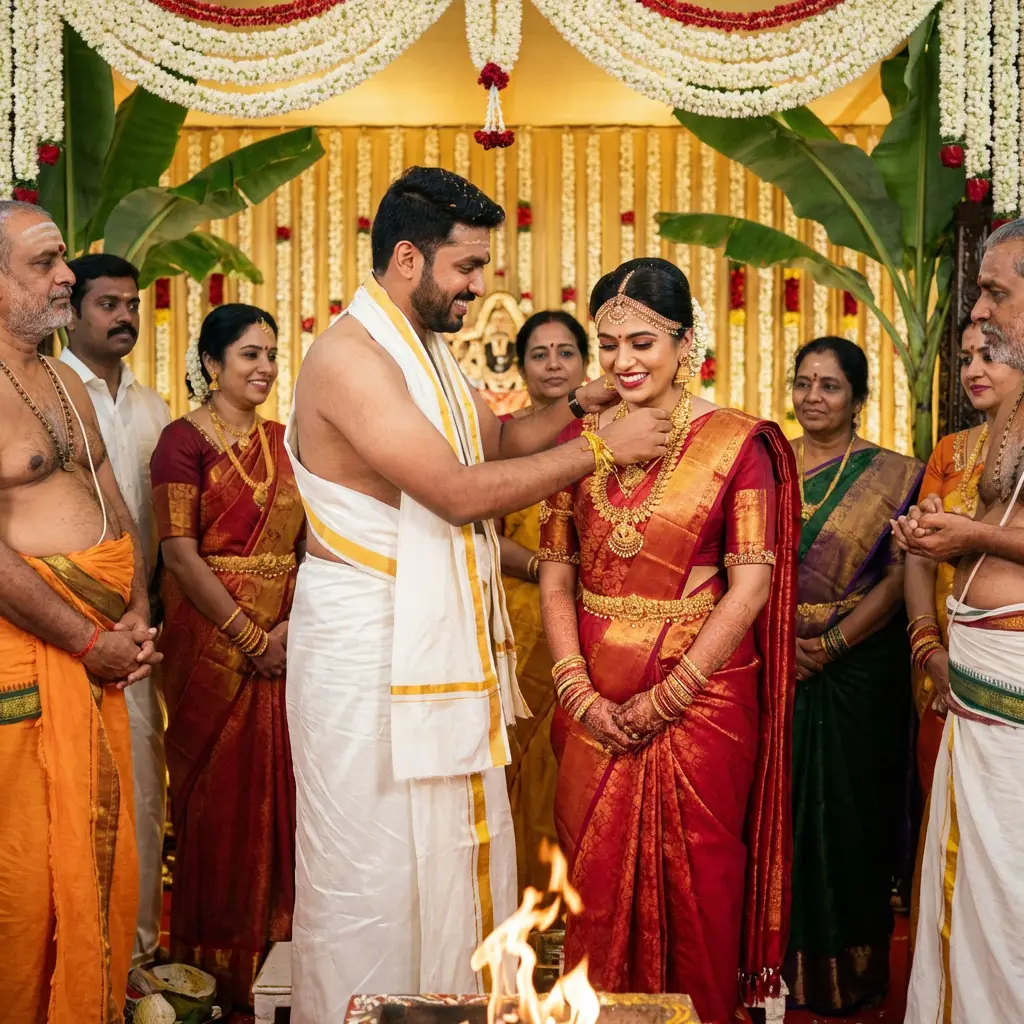
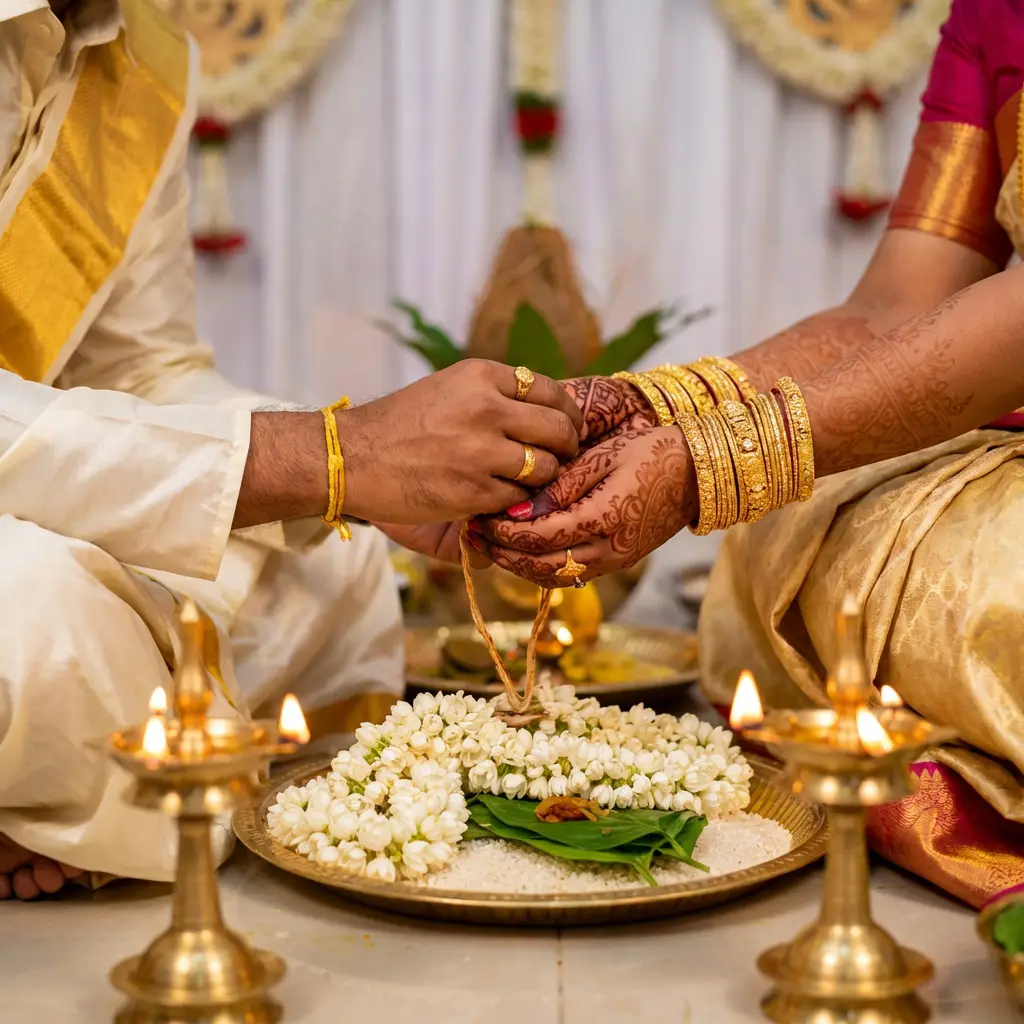
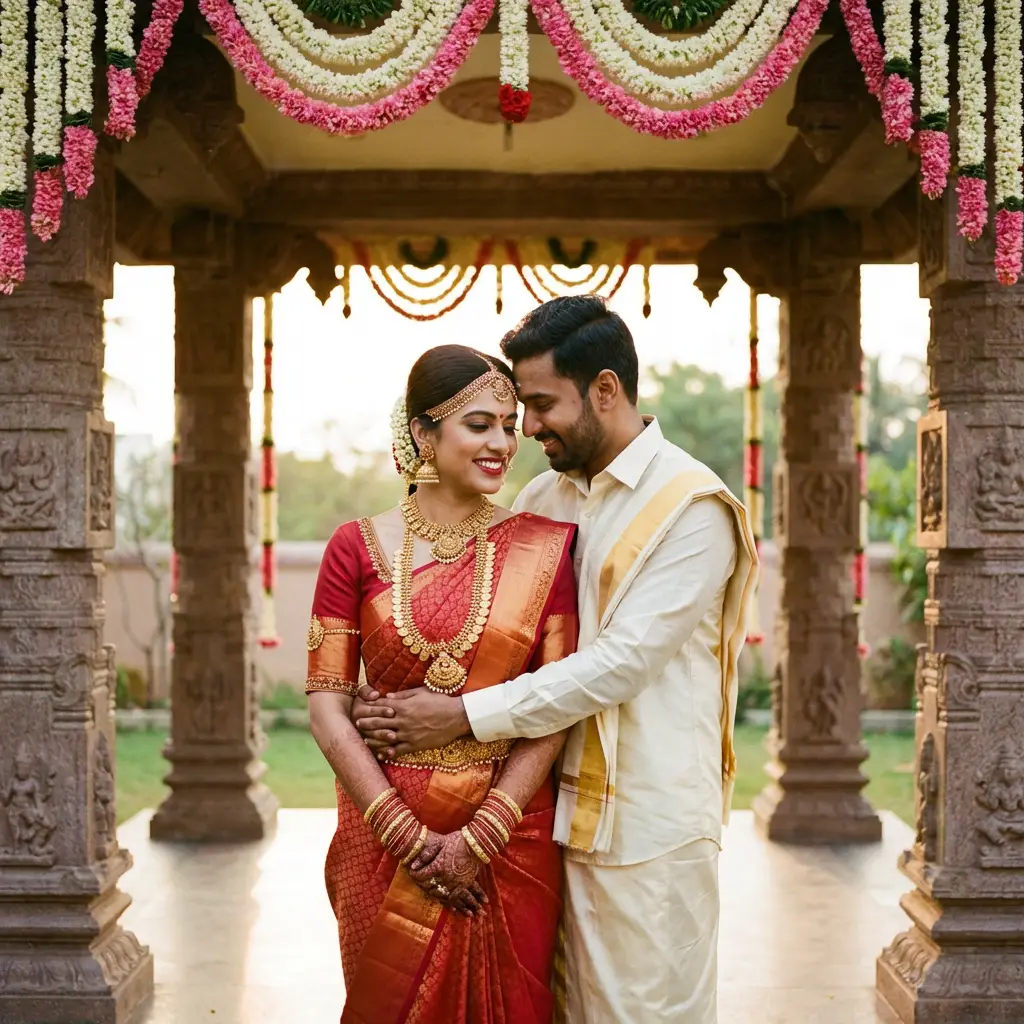
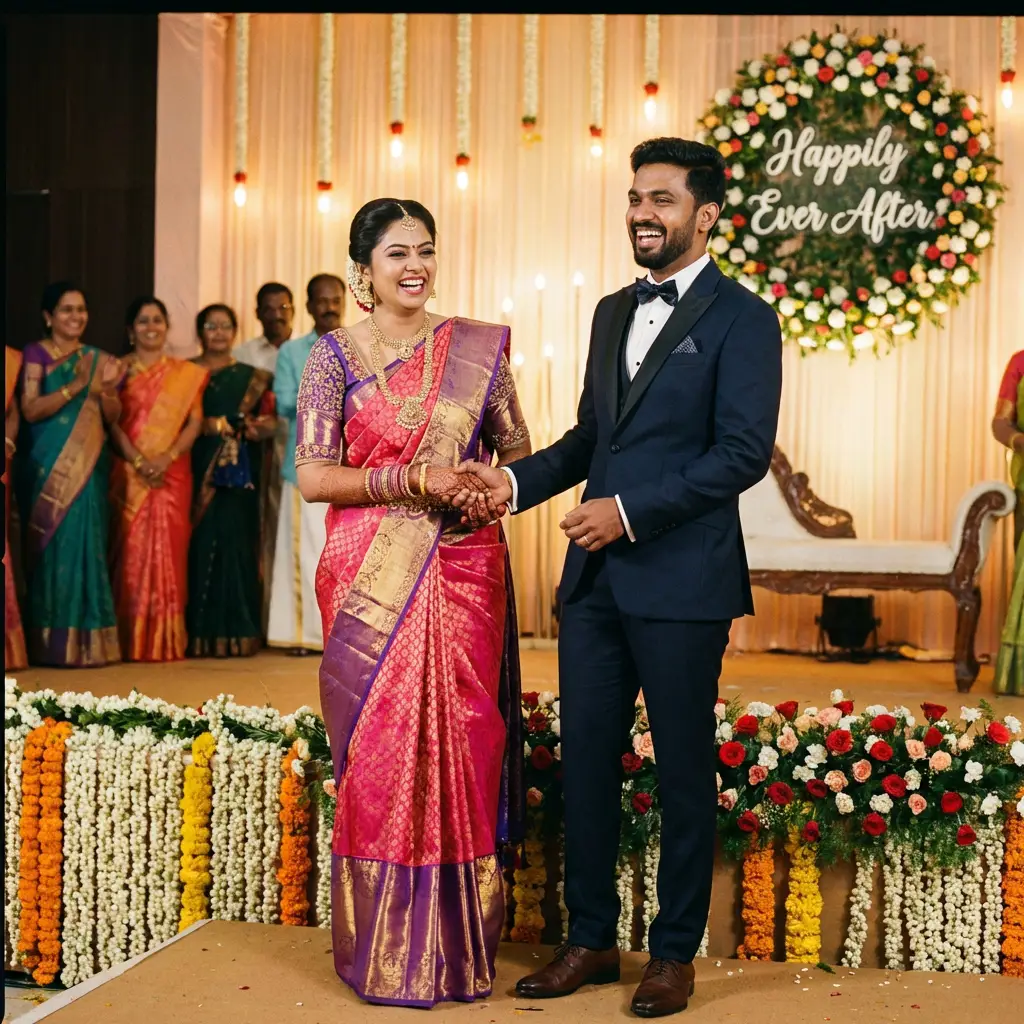
Album Selection Made Easy
Couples mark their favorites. No more confusion about which photos to include in the album.
Share via QR Code
One scan opens the gallery. No app downloads, no account creation. Simple and elegant.
AI Face Search
Family finds their photos instantly. AWS Rekognition ensures 99.3% accuracy.
Print Ordering
Convert photo views to orders. Family orders prints, you earn revenue.
How Album Selection Works
Streamlined workflow from shoot to album creation
Create Event & Upload Photos
Create the pre-wedding event, assign a package with the photo selection limit. Bulk upload all edited photos.
Links Auto-Sent to Couple
System generates Guest Gallery URL + Client Selection URL and sends both to the client via WhatsApp and email instantly.
Couple & Family Select Photos
Opens in browser - no login, no app. Tap to select photos. Multiple family members can contribute. Limit enforced automatically.
Download & Deliver Album
Download selected photos in original file size - zero quality loss. Design the album and share the e-Album link via WhatsApp.
Everything You Need
Powerful tools to manage pre-event photo delivery and album creation
Perfect for Pre-Event Photography
Ideal for any photo session requiring client selection
Pre-Wedding
Couple selects favorites for save-the-date and album
Engagement
Share with family, let couple pick announcement photos
Birthday Shoots
Parents select best shots for prints and sharing
Maternity
Expecting parents choose photos for announcements
Family Portraits
Family picks favorites for wall frames and albums
Corporate Headshots
Employees select their professional photos
"QR code and AI Face recognition for school group photo and cultural events is a game-changer! Parents can easily access their child's photos without any confusion. and purchase their kids photos easily by hardcopy or softcopy. myphotostudio saved my work more than 80% and works perfectly. thanks to myphotostudio. service & innovative."
Deliver the Pre-Wedding Album as a 3D Digital Flip Book
After the pre-wedding shoot, deliver the finished designed album as an interactive e-Album - a realistic page-flip flipbook the couple shares with family and friends directly from WhatsApp. No app. No heavy PDF. No Google Drive.
Frequently Asked Questions
Common questions about pre-event photo sharing
How does the photo selection process work?
The couple opens their private Client Selection link - no login, no app download. They browse all photos, tap to select each one (running count shown), and tap Submit when ready. You see the complete selection in your dashboard the moment they submit.
Can multiple family members select photos?
Yes. The bride, groom, and parents can all open the same Client Selection link independently. When any family member submits photos, those photos are marked "Already Submitted" for everyone else. Selections build progressively without duplication - you get one clean accumulated list at the end.
How does the couple receive their gallery link?
The moment you create the event, the system auto-generates two links and sends both to the client via WhatsApp and email automatically. No manual sharing needed. The Client Photo Selection link contains a unique secure token - no password, no login required.
Can family members view the gallery and order prints?
Yes. The system also generates a separate Guest Gallery link for family and friends to browse photos, use AI face search to find their own photos, and place print orders if enabled for the event.
What does the studio download after selection?
Your dashboard shows all submitted photos organised by submission group with timestamps. Download the selected photos in their original file size - the same resolution and quality as your uploaded originals, zero compression. Ready to hand directly to your album designer.
How is the selection limit enforced?
The selection limit is set at the package level when you create the event - for example, 150 photos. When the couple reaches that limit, the portal stops them from selecting more. No manual counting, no back-and-forth after the fact.
Start Delivering Pre-Event Photos Beautifully
Join photographers who streamline album selection and earn more