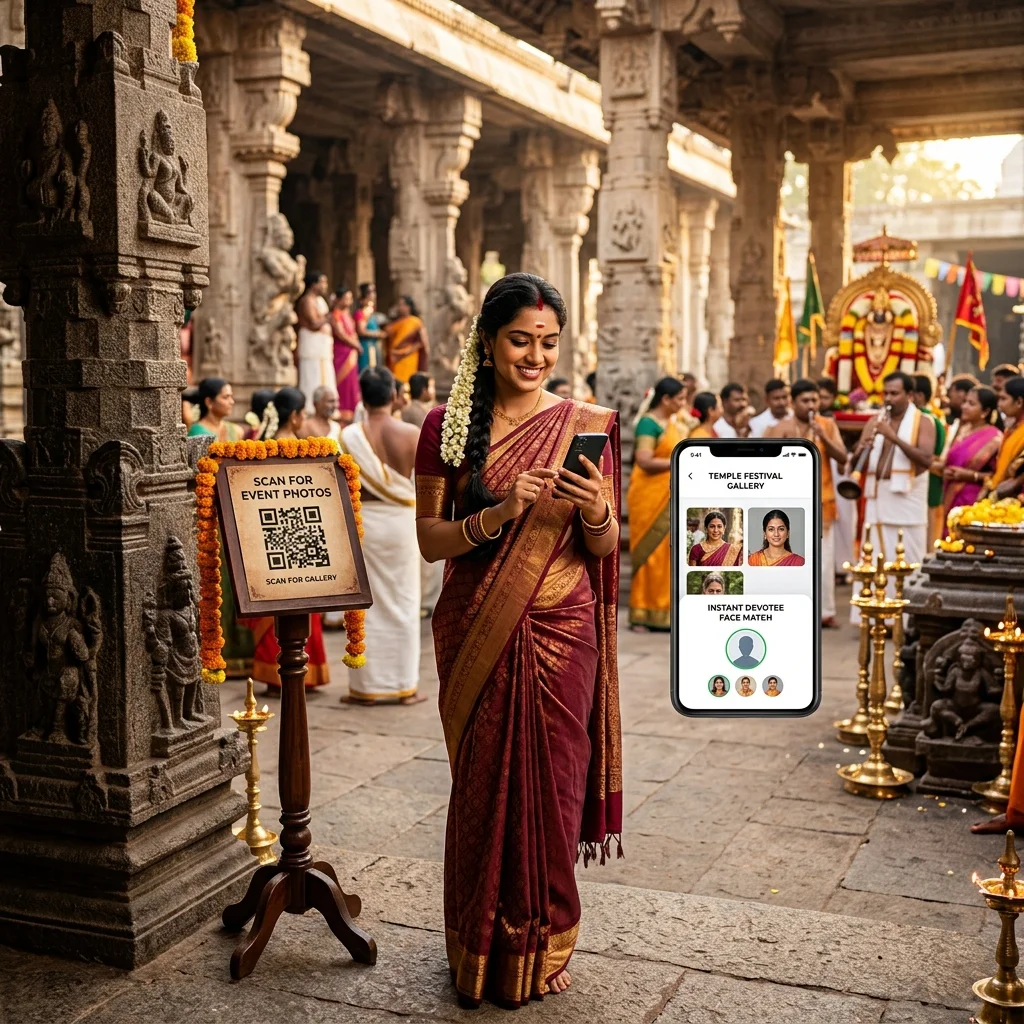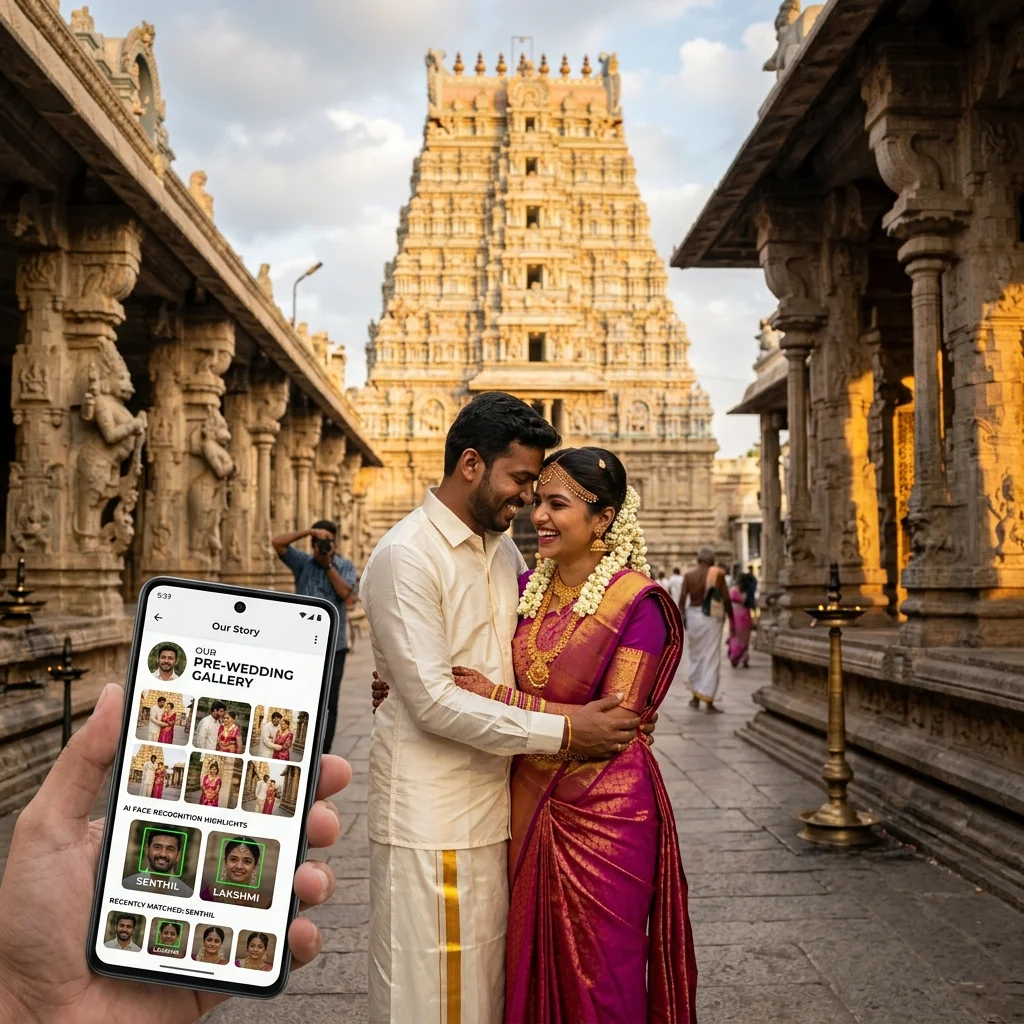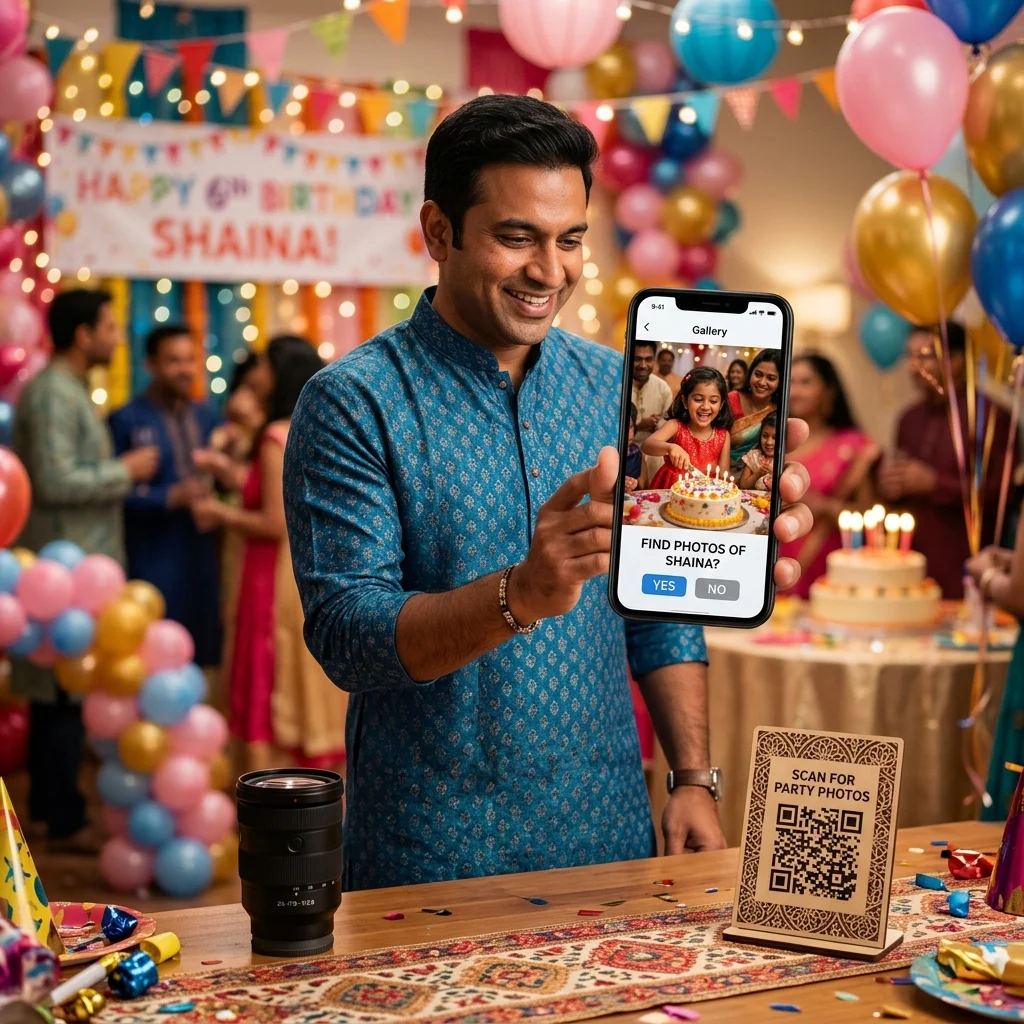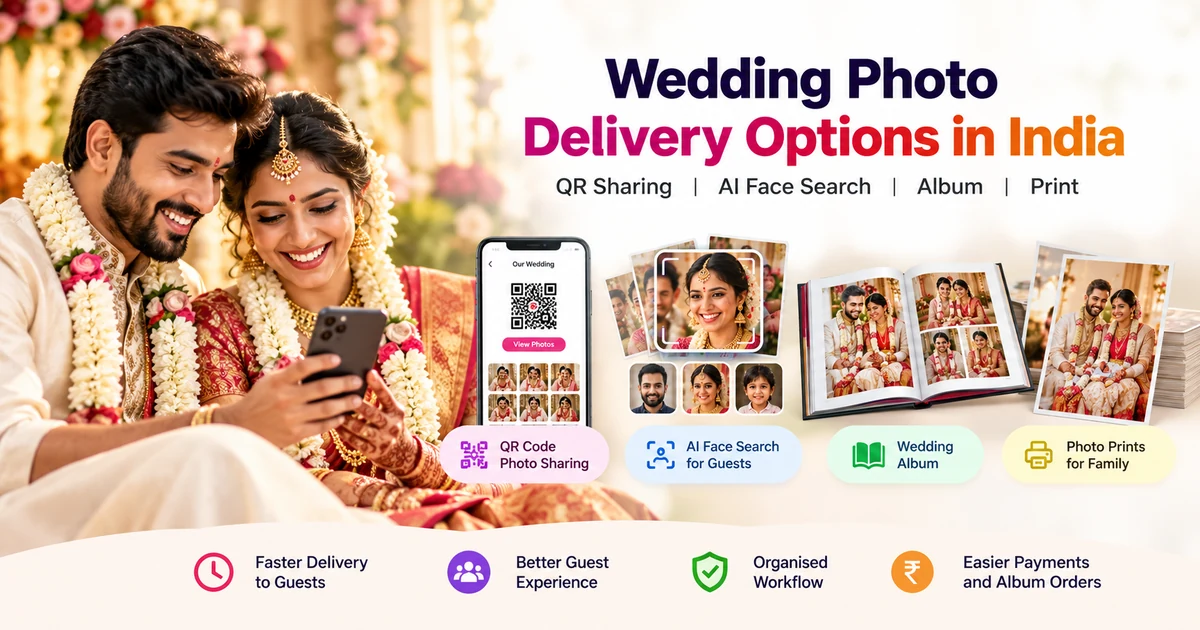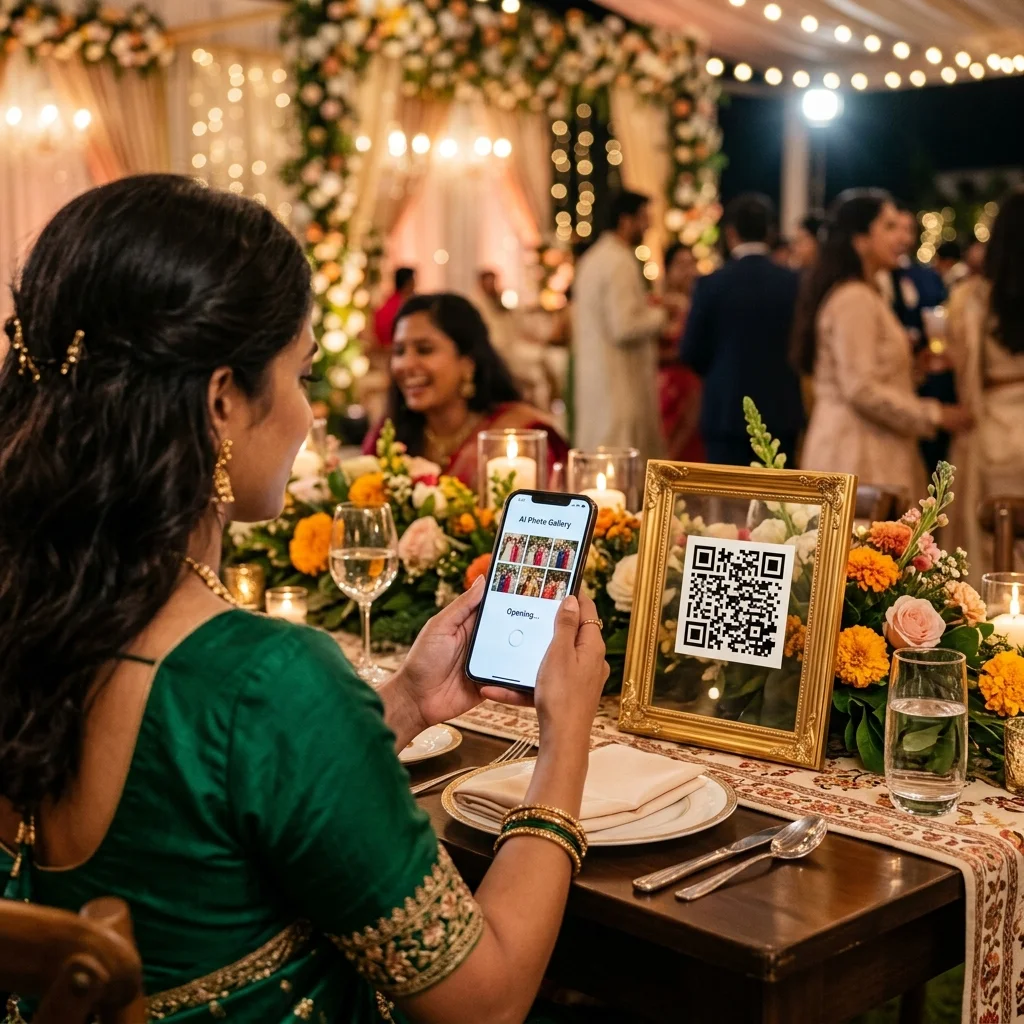
QR code photo sharing lets every guest at an event find and download their photos without WhatsApp, Google Drive, or any manual work from the photographer. One QR code, displayed at the venue, handles delivery for 500 guests simultaneously.
This guide covers the complete workflow - from the moment a client books an event to the moment a guest orders a print from the gallery. Every step, in order.
Step 1 - Create the Event and Collect the Booking Payment
When a client confirms their wedding, school annual day, or corporate event, the first action in MyPhotoStudio is creating the event in the CRM dashboard. This takes under two minutes and generates the QR code instantly.
During event creation, the studio records the client's details, event date, venue, and the agreed package. Payment collection is built into the same screen - no separate billing tool needed.
Payment Methods
Studios can collect payment in two ways:
- Online payment - client pays via UPI, credit/debit card, or net banking through Cashfree, Razorpay, or Stripe. Payment settles directly into the studio's bank account with zero platform commission.
- Cash payment - studio records the cash amount manually in the dashboard. An invoice is auto-generated and emailed to the client either way, along with a WhatsApp payment confirmation.
3-Installment Payment Structure
Indian photography studios typically collect payment across three stages rather than in one lump sum. MyPhotoStudio tracks all three installments per booking:
- Payment 1 - Event Booking Advance: Collected when the client confirms the booking. This secures the date and locks the package. An invoice is sent immediately on collection.
- Payment 2 - After Event Payment: Collected after the shoot is complete. This covers the photography and delivery work. Invoice auto-generated on recording.
- Payment 3 - After Album Printing: Final balance collected when the printed album is ready for delivery. The studio can send a WhatsApp payment reminder with one click when the album is complete.
Each installment has its own invoice. The dashboard shows the total collected, total pending, and which stage each booking is at - across all active events simultaneously. No Excel sheet, no manual tracking.
Step 2 - The QR Code Is Ready Before You Shoot a Single Photo
The moment the event is created, MyPhotoStudio generates a unique QR code for that event. You do not need to upload any photos first. The QR code exists from day one of the booking.
This matters for large events like weddings. You can print the QR code a week before the event, place it on table cards, banners, and venue displays, and guests can scan it on the day. When they scan before photos are uploaded, they see a "photos coming soon" message. When the edited photos go live, the same QR link takes them straight to the gallery.
Where to Display the QR Code at an Event
- Venue entrance - scanned as guests arrive
- Dining table cards - scanned during the meal
- Stage or backdrop display - visible in the background of photos themselves
- Welcome kit or programme booklet for corporate events and school annual days
- Finish line banner for sports and marathon events
The more places the QR code appears, the more guests scan it. Every guest who scans becomes a potential photo buyer.
Step 3 - Upload Photos After Editing
After the event is shot and editing is complete, photos are uploaded directly to the event gallery. MyPhotoStudio supports bulk upload without file size limits and without compression - the full-resolution edited JPEG is what guests download and order prints from.
Upload happens in the browser - no desktop software required. Large batches of 1,000+ photos upload without timeouts. Once uploaded, AI face recognition automatically indexes every face in every photo. This takes a few minutes for large events and requires no manual tagging.
Before making the gallery public, configure three settings:
- Download permission: Free download for all guests, paid softcopy download only, or no download (browse only)
- Softcopy pricing: Set a price per photo for HD digital downloads (Rs.50, Rs.99, Rs.150 - your choice)
- Print store pricing: Set prices per size - 4x6, 5x7, 8x10, canvas, framed prints
Set these before going live. The first wave of guest activity after a gallery link is shared is the highest-converting window - guests who find their photos immediately are most likely to order.
Step 4 - Guests Scan the QR Code and Find Their Photos
A guest scans the QR code with their phone camera. The gallery opens instantly in their mobile browser - no app download, no account creation, no login. This works on any smartphone, on any network, for guests of any age.
Inside the gallery, guests have three options:
- All Photos - browse the complete event gallery
- Live Scan / AI Face Search - take a selfie; AI returns only the photos the guest appears in, within one second
- Upload a Photo - upload an existing photo of themselves to find matches
For large events - weddings, school annual days, marathons - AI face search is the mode most guests use. A 600-guest wedding with 3,000 photos becomes navigable in seconds. The guest does not scroll. They take a selfie and see their photos immediately.
The AI uses AWS Rekognition as the primary engine with a Python-based fallback for redundancy. Accuracy is 99.3% across normal event lighting conditions.
Step 5 - Guest Downloads and Paid Softcopy Orders
Once a guest finds their photos, they can download them based on what the studio has enabled.
Free Download
If the studio enables free downloads, guests tap any photo and download the full-resolution file directly to their phone. No payment, no account. The file they receive is the same quality as the original uploaded JPEG - no compression added by the platform.
Paid Softcopy (Digital Download) with Watermark Protection
If the studio has set a paid download price, every photo in the gallery displays with a studio watermark on the preview. The guest can see every photo they appear in, browse, and decide which ones they want - but the watermark remains until payment is made.
Once the guest selects the photos they want, they add them to cart and pay via UPI or card. The moment payment clears, the watermark is removed automatically and the full-resolution file downloads directly to their phone. No manual step from the photographer. No waiting. The watermark removal and download happen in the same transaction flow.
Payment settles instantly into the studio's Cashfree, Razorpay, or Stripe account - zero commission to MyPhotoStudio. Photographers who charge Rs.99-150 per softcopy at a 500-guest wedding typically earn Rs.2,000 to Rs.5,000 in additional softcopy revenue without any extra work after the gallery goes live.
Step 6 - Guest Orders Hard Copy Prints
Alongside digital downloads, guests can order physical prints directly from the gallery. This is where the revenue opportunity becomes significant.
The guest selects a photo, taps "Order Print", chooses the size (4x6, 5x7, 8x10, canvas, framed), sets the quantity, and pays online. The print order appears in the studio's dashboard with the guest's delivery details. The studio fulfils the order - prints, packages, and delivers - and keeps 100% of the payment.
Unlike platforms that take 15-25% commission on print orders, MyPhotoStudio charges zero commission. The pricing the studio sets is the revenue the studio earns. Every rupee paid by the guest goes directly to the photographer's account.
Studios that actively enable the print store and mention it once in the gallery notification message report Rs.1,500 to Rs.5,000 in additional print revenue per large event - from guests who had no intention of ordering prints until they saw their own photos in the gallery.
What the Studio Dashboard Shows After the Event
After the event gallery goes live, the studio dashboard tracks everything in one place:
- Number of guests who accessed the gallery
- Number of AI face searches completed
- Softcopy orders placed and revenue collected
- Print orders placed with guest delivery details
- Payment installment status per client booking
- WhatsApp notification history per client
No manual tracking. No spreadsheet. No chasing individual clients or guests for order confirmations.
How QR Code Photo Sharing Compares to WhatsApp and Google Drive
| Feature | WhatsApp Groups | Google Drive Link | QR Code Gallery |
|---|---|---|---|
| Photo quality | Compressed 60-70% | Full resolution | Full resolution |
| Guest finds their photos | Manual scroll only | Manual scroll only | AI selfie search - 1 second |
| Works for 500 guests | No | No | Yes |
| Print orders from gallery | No | No | Yes - zero commission |
| Paid softcopy downloads | No | No | Yes - direct settlement |
| Studio branding on gallery | No | No | Yes |
| Delivery tracking | No | No | Yes - per guest analytics |
How Paid Photo Sales Work for Guests
Watermark removed instantly after payment clears
Photo Selling - How It Works
Rs.50 to Rs.500 per photo - different pricing per event. Studio keeps 100% of every sale. Zero commission to the platform.
Guests preview every photo with a visible watermark. The watermark disappears the moment payment clears - fully automatic, no manual action from you.
Full-resolution file downloads immediately after payment. Money settles directly to your Cashfree, Razorpay, or Stripe account - no 15-day payout delay.
Frequently Asked Questions
What is QR code photo sharing for event photographers?
QR code photo sharing is a method where photographers generate a unique QR code for each event. Guests scan the code with any smartphone camera, which opens a private gallery in their browser instantly - no app download or login required. Inside the gallery, guests can browse all photos or use AI face recognition to find only the photos they personally appear in. The QR code can be displayed at the venue during the event so guests start accessing their photos before the event even ends.
How does a photographer set up QR code photo sharing in India?
In MyPhotoStudio, the QR code is generated automatically when you create a new event - before any photos are uploaded. You print the QR code and display it at the venue. After the event, you upload edited photos to the gallery, set your download and print pricing, and share the gallery link with the couple or event organiser via WhatsApp. Guests who scan the QR code or receive the link can find their photos instantly using AI face search. The entire setup takes under 10 minutes per event.
Can photographers collect payment in installments through the same platform?
Yes. MyPhotoStudio tracks three installment stages per booking - Event Booking Advance (collected at confirmation), After Event Payment (collected after the shoot), and After Album Printing (final balance on album delivery). Each installment generates a separate invoice automatically, emails it to the client, and sends a WhatsApp payment confirmation. The studio can collect online via UPI, card, or net banking, or record cash payments manually. All three payment stages and their invoices are visible in one dashboard without any external billing tool.
Do guests need to create an account to view or buy photos from a QR code gallery?
No. Guests open the gallery link in any mobile browser and access it immediately - no account, no registration, no login. For purchasing softcopy downloads or ordering prints, guests go through a standard checkout with UPI or card payment. They receive their download link or order confirmation via the email or phone number they enter at checkout. The photographer never needs to manage guest accounts or passwords.
How does the print store work in a QR code photo gallery?
Once a guest finds their photos using AI face search, they can select any photo and tap "Order Print". They choose the print size (4x6, 5x7, 8x10, canvas, or framed), set the quantity, and pay online via UPI or card. Payment goes directly to the photographer's bank account via Cashfree, Razorpay, or Stripe - with zero commission charged by the platform. The print order appears in the studio dashboard with full delivery details. The photographer prints and delivers the order, keeping 100% of the sale price.
Is QR code photo sharing suitable for large Indian weddings with 500+ guests?
Yes - large Indian weddings are exactly where QR code photo sharing with AI face recognition performs best. With 3,000+ photos and 500+ guests, manual sorting is impossible and WhatsApp groups become chaotic. A single QR code printed on table cards and displayed at the venue entrance lets every guest find their own photos individually using a selfie. Each guest's AI face search runs in under one second. The system handles hundreds of simultaneous gallery accesses without slowdown because it runs on AWS infrastructure built for this scale.
Ready to set up QR code photo sharing for your next event? Learn how MyPhotoStudio's QR gallery works or register your studio free and create your first event today.
Transform Your Photography Studio Today
Start automatically delivering thousands of event photos directly to your clients using MyPhotoStudio's AI Face Recognition - from ₹1,000 per event.
Start Free TrialExplore our AI photo sharing platform, learn about our photography CRM software, or view pricing plans.