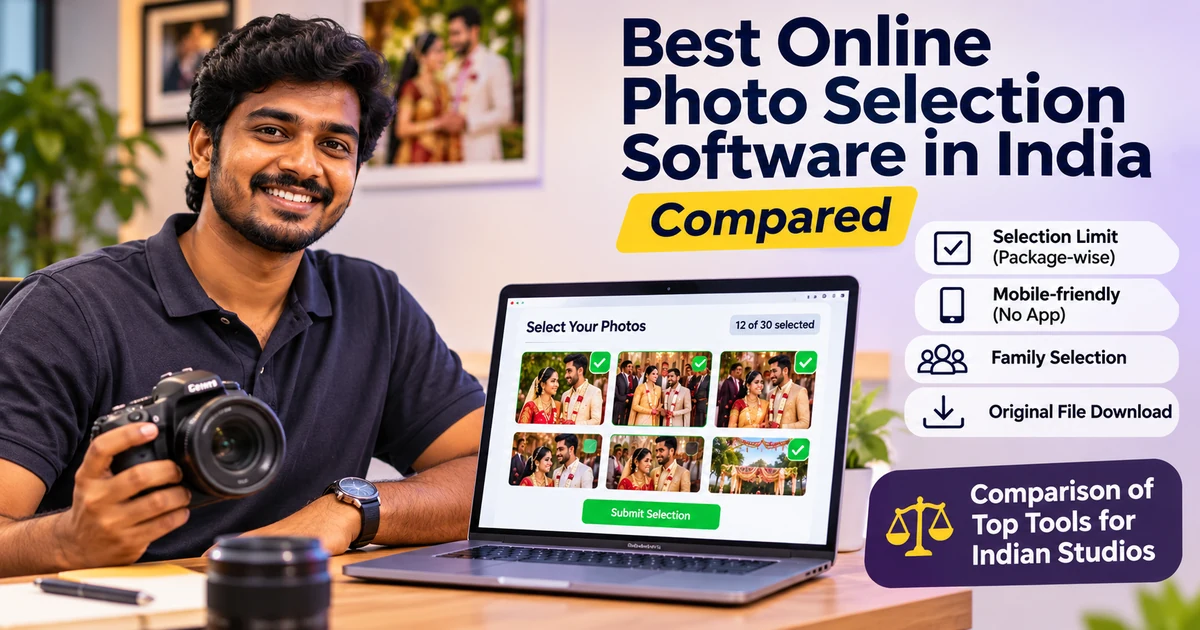

The best online photo selection software for an Indian studio does three things well. Your client picks album photos from a phone. The tool stops them at the package limit, and you get the exact original files back without a single screenshot.
Everything else is a bonus. Nice themes, swipe gestures and fancy reports matter less than those three basics.
We build MyPhotoStudio's client photo selection software, so we are not a neutral judge. What we can do is show you what to check, what each popular tool says about itself on its own website, and where each one fits.
Quick answer: If you only need a selection tool, a dedicated tool like AlbumInspire AI Selection or Pix Studio Pro is cheap and simple. If you want selection, guest photo delivery, payments and invoices in one place, an all-in-one platform like MyPhotoStudio, Premagic or Photomall makes more sense. The right pick depends on how many events you shoot and how many tools you are willing to juggle.
What Online Photo Selection Software Actually Does
Online photo selection software replaces the old "come to the studio and pick" routine. You upload the event photos, send the client a private link, and they mark the photos they want for the album.
The submitted list comes back to you. Good tools also hand you the original files of those exact photos, ready for album design.
That sounds small. But anyone who has matched WhatsApp screenshots to file names at midnight knows it is not small at all. If that pain is new to you, our earlier post on stopping the album finalisation WhatsApp chaos covers it in detail.
8 Things to Check Before You Pick a Photo Selection Tool
On demo calls, studios usually ask about price first. We get it. But price is the easiest thing to compare and the least likely to hurt you later.
Here is the list we would use if we were buying, not selling:
- Selection limit - Can you cap the number of photos the client picks, based on their package? Without a cap, a 100-photo album turns into a 300-photo argument.
- Mobile without an app - Your couple and their parents will select on phones. If they must install an app or create an account, many will not finish.
- Family selection - Indian weddings have many decision makers. Check whether more than one person can open the same gallery, and whether the tool stops the same photo being picked twice.
- Submission history - You need a dated record of what was submitted and when. This is your proof if someone says "I never picked that photo."
- Original file download - The tool should give you the full-resolution originals of the selected photos. A list of file names is useful. The files themselves are better.
- Plan restrictions - Some tools limit selection events or photo counts on lower plans. Read the plan table, not just the headline price.
- Gallery and delivery in one place - If guests get photos from one tool and the couple selects in another, you upload twice and manage two links.
- Pricing model - Monthly, yearly or per event? A studio that shoots 6 weddings a year and one that shoots 60 should not pay the same way.
Keep this list open while you read the tool notes below. It makes the differences much easier to see.
Popular Photo Selection Software Used in India
The notes below come only from each tool's own public pages at the time of writing. Features and prices change, so please confirm the current details on their site before you buy.
We have also kept our opinions out of the competitor notes. You can judge them against the 8 points yourself.
MyPhotoStudio
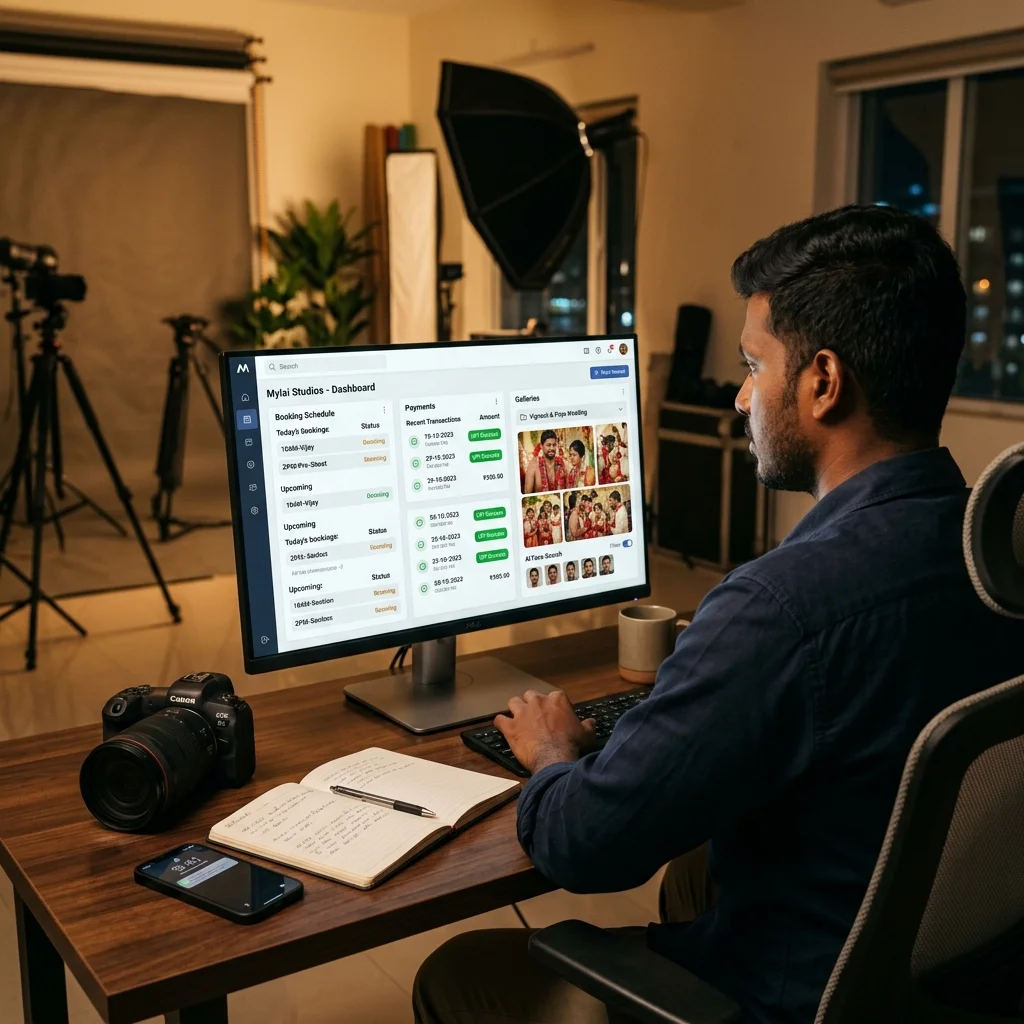
This is ours. Selection is part of a full studio platform that also covers bookings, installments, invoices, QR photo sharing, AI face search for guests, print orders and e-albums.
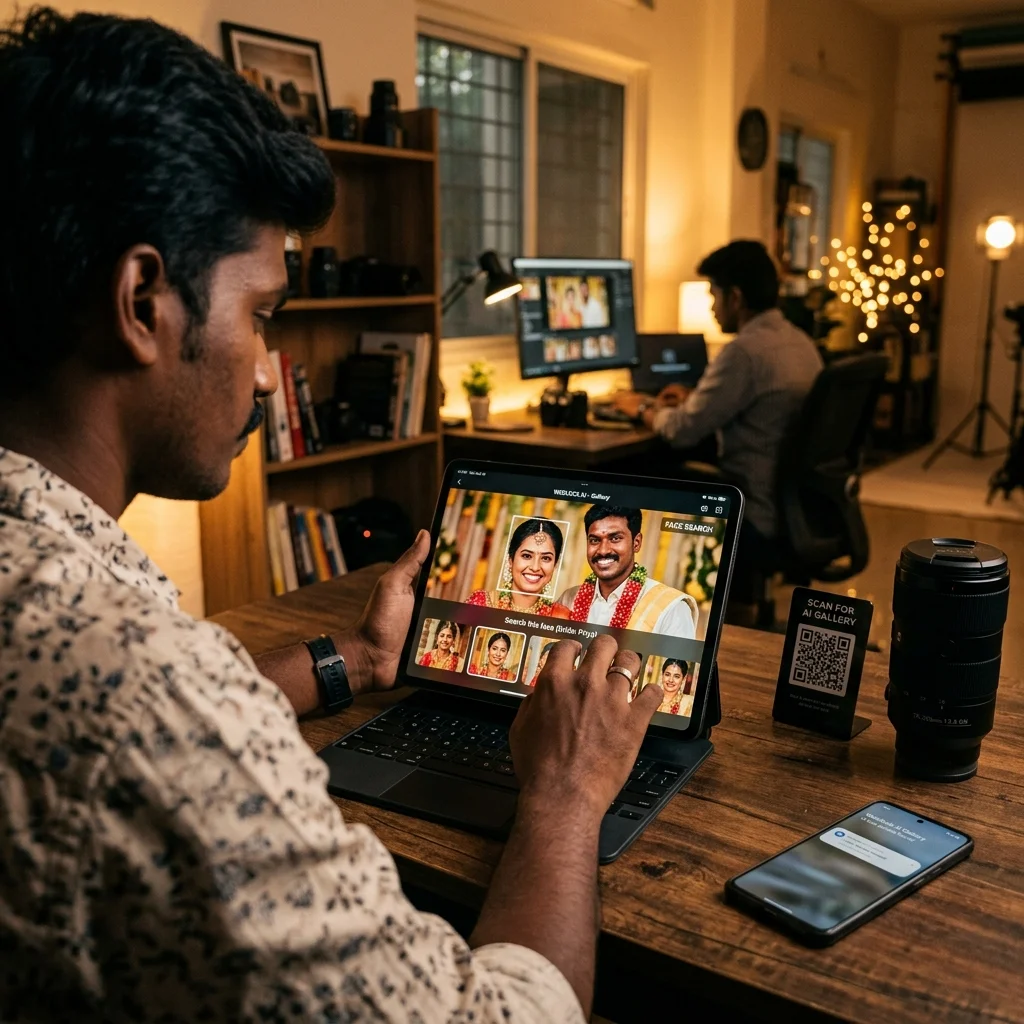
You set the selection limit on the package, and every event using that package inherits it. Clients open a private link in any browser, with no app, and can browse all photos or find themselves with AI face search before they pick.
Each submission is timestamped and stored, family members can select from different phones, and photos already submitted are marked so nobody picks them twice. Selection is included in every plan, starting from ₹1,000 per event. Full details are on the pricing page.
Premagic
Premagic's own guide says clients receive a secure link on WhatsApp and email, plus a PIN to open the selection album. Clients can also mark some photos as important so they stand out in the album.
On the studio side, you save the selected photos in original resolution and also get a list of file names for use with a Lightroom plugin. Their guide describes the selection limit as a minimum number of photos the client should choose. Pricing was not listed on that page, which invites you to book a demo.
Photomall
Photomall says it splits large galleries into sections such as ceremony, reception, family portraits and candids. It also says several people can select at the same time, with all choices syncing into one list.
Galleries have a default validity of up to 6 months, and you can set a shorter submission deadline. Photomall also offers e-albums, billing software, a branded app and other products. Prices are on their separate pricing page.
AlbumInspire AI Selection
This is a dedicated selection tool. Clients select on a web gallery with nothing to install, while the photographer uses a desktop app to upload and to copy the chosen photos into a separate folder on the PC in one click.
It supports quantity limits per project, client notes, a special star for priority photos and selection by several family members. Their listed prices are ₹249 for a month, ₹1,099 for 6 months and ₹1,799 for a year, with a ₹49 trial for 5 days.
Pix Studio Pro
Pix Studio Pro offers swipe-to-select on mobile, auto selection reports and no app setup for clients. It also has flipbook-style e-albums and its own apps on Google Play and the App Store.
There is a free Basic plan, limited to 1 selection event per customer and 100 photo uploads per event. Paid plans listed are Photo Pro at ₹398 a month or ₹1,698 a year, and Studio Pro at ₹1,197 a month or ₹4,697 a year.
All India Studio
All India Studio runs its selection software on its own website. The studio uploads photos and creates a username and password for the client, who can view and select photos on mobile but cannot download them.
Their page also says the client loses access once the studio deletes that login. The site explains this mainly in Hindi, and we did not see prices listed on the home page.
Photon Weddifly
Photon Weddifly says every client gets a personal gallery and that the platform works on web and Android. Its blog page did not list selection limits or prices, so check those directly with them.
Pixieset
Pixieset is a global platform, not an Indian one. Its client gallery lets clients favourite photos, add notes and editing requests per image, and lets you export the favourites in a few clicks.
It has a free plan, and paid plans are on its pricing page. Indian studios usually compare it on payment options and local support, which we covered in the Pixieset alternative for India post.
Photo Selection Software Compared at a Glance
This table only uses what each tool says publicly. A blank in their marketing does not mean the feature is missing, so ask them if a point matters to you.
| Tool | Type | Public pricing |
|---|---|---|
| MyPhotoStudio | All-in-one studio platform | From ₹1,000 per event, selection in every plan |
| Premagic | Gallery and delivery platform | Not listed on the guide - book a demo |
| Photomall | Gallery, album and studio tools | On their pricing page |
| AlbumInspire AI Selection | Selection tool with desktop app | ₹249 a month to ₹1,799 a year |
| Pix Studio Pro | Selection and e-album | Free Basic, paid from ₹398 a month |
| All India Studio | Website selection login | Not seen on home page |
| Photon Weddifly | Client gallery, web and Android | Not listed on the blog page |
| Pixieset | Global client gallery | Free plan, paid plans on their site |
Which Photo Selection Software Fits Your Studio?
There is no single winner for everyone. A solo photographer and a 10-person studio have very different problems.
Solo Photographer, Few Weddings a Year
If you shoot a handful of weddings and already deliver photos another way, a cheap dedicated selection tool may be enough. Check the plan limits on events and photo counts first.
A per-event plan also works well here. You pay only in the months you actually have an event, which is why we built our Starter plan for single events.
Growing Studio, Busy Wedding Season
This is where separate tools start to hurt. You upload to one place for guests, another for selection, track payments in a notebook and make invoices in Excel.
An all-in-one platform saves the double uploads and keeps the selection, the payment status and the invoice inside the same event. The guide to setting album selection limits for wedding packages shows how that works when your packages are clear.
Large Studio With a Team
Here, the record matters most. When three people on your team talk to the same family, a timestamped submission history settles disputes in seconds.
Look closely at submission history, family selection and original file download. Those three save the most team hours per wedding.
How Photo Selection Works in MyPhotoStudio
We will keep this short and factual. You can see every screen on the client photo selection software page.
- Set the limit once - Add the selection limit to your package, like 100 photos for a standard album. Every event on that package uses it automatically.
- Share one link - Send the private selection link on WhatsApp or email. The client opens it in the browser with no app.
- Find photos faster - Clients can browse all photos, use Live Scan with the phone camera, or upload a reference photo to find faces.
- Review and submit - Clients check their picks in a summary before they submit. Each round is saved with its date and time in My Selections.
- Family picks without repeats - The bride, groom and family can select from different phones. Photos already submitted are marked "Already Submitted."
- Download the originals - You download the full-resolution originals of the selected photos from your dashboard.
- Control client downloads - You decide per event whether clients can download their selected photos as a ZIP, or the full event after all payments are complete.
After selection, the same event carries on. You design the album, publish it as a page-flip digital e-album, and the final invoice goes out when the balance is paid.
Mistakes We See When Studios Switch Selection Tools
Most problems after a switch have nothing to do with the software. They come from old habits carried into the new tool.
- No limit in the package - If the photo count is not written into the package, no software can enforce it fairly.
- Accepting picks on WhatsApp "just this once" - One exception teaches the family that the link is optional.
- Skipping the test event - Run one small event first. You will learn more in a day than from any comparison post, including this one.
Where to Start
Pick the 3 points from the checklist that cost you the most time today. Then test two tools on one real event and see which one your clients actually finish.
If you want to see how selection, guest delivery and payments work together in one place, we are happy to walk you through it.
WhatsApp us for a free demo of MyPhotoStudio photo selection
Related Reading
- Online Photo Selection for Wedding Clients - Stop the Album Finalisation WhatsApp Chaos
- How to Set Album Photo Selection Limits for Wedding Packages
- Premagic Alternative India - Why Photographers Are Switching to MyPhotoStudio
- Photomall Alternative in India - Why Studios Are Switching to MyPhotoStudio
- Digital Wedding e-Album India: Why Photographers are Switching from PDFs to Page-Flip e-Albums
Transform Your Photography Studio Today
Start automatically delivering thousands of event photos directly to your clients using MyPhotoStudio's AI Face Recognition - from ₹1,000 per event.
Start Free TrialExplore our AI photo sharing platform, learn about our photography CRM software, or view pricing plans.