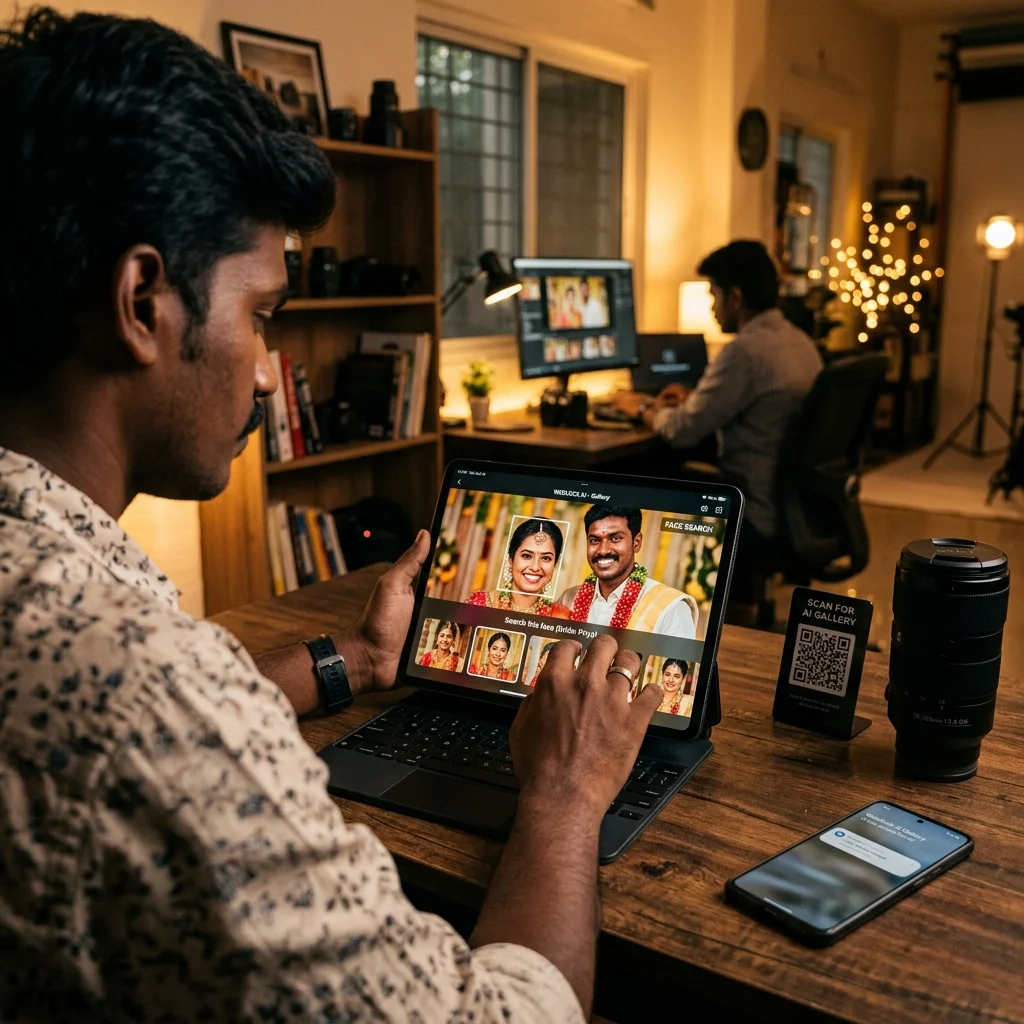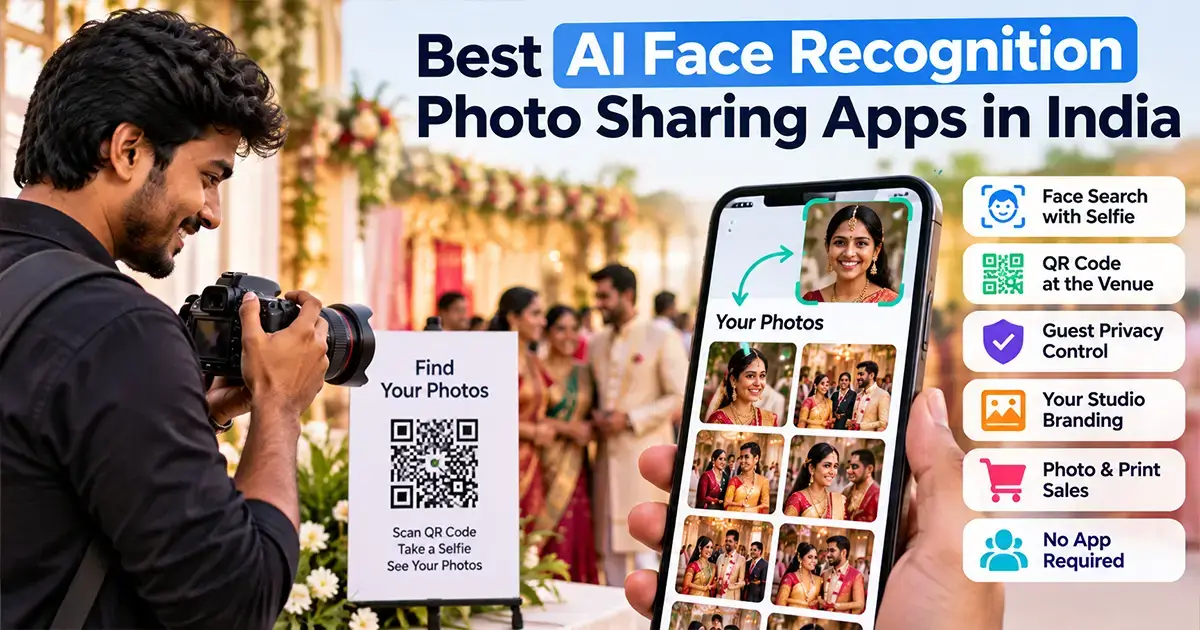

The best AI face recognition photo sharing app for an Indian photographer does three things well. A guest scans a QR code, takes a selfie and sees only their own photos within seconds. They do it on a normal phone browser, and you never sort a single folder by hand.
Everything else is a bonus. Reels, themes and fancy dashboards matter less than those three basics.
We build MyPhotoStudio's AI face recognition photo sharing, so we are not a neutral judge. What we can do is show you what to check, what each popular app says about itself on its own website, and where each one fits.
Quick answer: If you only need selfie-based photo sharing, Kwikpic, Kamero, FotoOwl and Samaro all offer it, and most have a free start. If you want face search, photo sales, client album selection, payments and invoices inside the same event, an all-in-one platform like MyPhotoStudio makes more sense. The right pick depends on how many events you shoot and how much of your studio you want in one place.
What an AI Face Recognition Photo Sharing App Actually Does
You upload the event photos once. The software scans every face in every photo and keeps an index ready for search.
At the venue or on WhatsApp, guests get a QR code or a link. They take a selfie, and the app shows only the photos they appear in, including group shots and candids.
That replaces the old routine of a 2,000-photo Google Drive folder that nobody scrolls to the end of. If you want the basics of how face matching works, our guide on AI face recognition for photographers explains it in plain words.
8 Things to Check Before You Pick an AI Photo Sharing App
On demo calls, studios usually ask about accuracy first. Every app in this list uses face recognition, and all of them say it works well. The differences that hurt later are usually somewhere else.
Here is the list we would use if we were buying, not selling:
- No app for guests - Wedding guests and parents at a school event will not install an app for 10 photos. Check whether the selfie search works in a normal phone browser.
- QR at the venue - A printed QR code on the stage or the welcome board gets far more guests to their photos than a link forwarded three times on WhatsApp.
- Privacy control - At private functions, you may want each guest to see only their own photos, not the full gallery. Check whether you can switch that on per event.
- Studio branding - Your logo and watermark should be on the gallery, not the software company's. Check which plans include branding.
- Photo and print sales - Some apps only share photos. Others let guests buy HD downloads or prints from the same gallery. Check who keeps the money and whether there is a commission.
- Client album selection - The couple still needs to pick album photos after the event. If that happens in a different tool, you upload twice and manage two links.
- Face data handling - Guests trust you with their selfie. Ask how long face data is kept and when it is deleted after the event.
- Pricing model - Free plan, per event, monthly or yearly? A studio that shoots 6 weddings a year and one that shoots 60 should not pay the same way.
Keep this list open while you read the app notes below. It makes the differences much easier to see.
Popular AI Face Recognition Photo Sharing Apps Used in India
The notes below come only from each app's own public pages at the time of writing. Features and prices change, so please confirm the current details on their site before you buy.
We have also kept our opinions out of the competitor notes. You can judge them against the 8 points yourself.
MyPhotoStudio
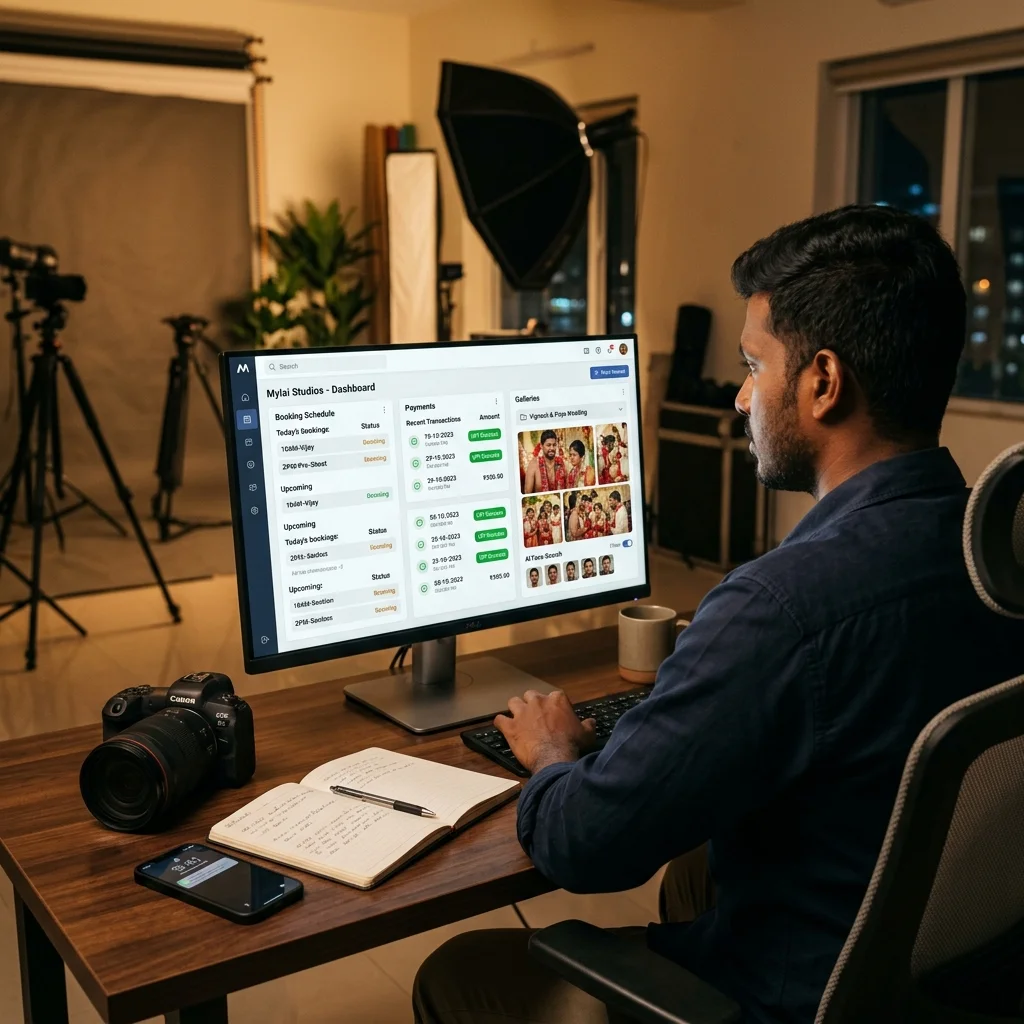
This is ours. Face search is part of a full studio platform that also covers bookings, installments, invoices, client photo selection, photo sales, print orders and e-albums.
Guests scan the event QR code, then use Live Scan with the phone camera or upload a selfie, all inside the browser with no app and no account. Privacy Mode lets you limit each guest to only the photos they appear in, and the gallery carries your studio logo and watermark.
Guests can take free downloads, pay for HD softcopies or order prints, and payments go straight to your own Cashfree, Razorpay or Stripe account with zero commission. AI face search is included in every plan, starting from ₹1,000 per event. Full details are on the pricing page.
Kwikpic
Kwikpic's wedding page says guests scan the QR code, enter their contact details and take a selfie to register, and then get their photos through face recognition. It also has an Album Selection feature where clients mark favourite photos and leave comments.
Photographers can show their brand name and logo on invite links, QR codes and group joining pages, and add a watermark. The page says you can use Kwikpic free forever and upgrade later. It did not list prices.
Kamero
Kamero says guests find their photos with a selfie through the Kamero app or the web gallery, and can scan a QR code to get access. It also offers a white-label photo sharing app, branded QR codes, watermarking and a portfolio website on your own domain.
The site offers a first event free with no credit card, and its FAQ mentions a free trial event with 45 days validity. Its pricing page lists a pay-per-event option and an annual subscription with unlimited events, but did not show prices.
FotoOwl
FotoOwl says guests scan a QR code and register, then get notified about their photos. AI face search is listed on every plan, including the free plan.
Guests can buy photos straight from the gallery, and clients can like and comment to pick album shots. Its pricing page shows a free plan with 1,000 images, and paid plans from ₹494 to ₹2,083 a month when billed yearly, plus a custom Enterprise plan.
Samaro
Samaro says guests upload one selfie to find the photos they appear in. Its Lite product works in any mobile browser with nothing to install, and paid studio plans include white-labelled iOS and Android apps in your studio's name.
The home page also describes WhatsApp links to clients and a bot that sends guests their matches. It lists a free event for personal use, a free trial for studios, and paid plans in both rupees and dollars, so check the plan that matches your use.
Premagic
Premagic's home page now focuses on event marketing and describes AI-matched galleries delivered to every attendee. It did not explain the guest selfie flow or list prices, and invites you to book a demo.
Studios comparing it on photography workflow can read our Premagic alternative for India post.
AI Photo Sharing Apps Compared at a Glance
This table only uses what each app says publicly. A blank in their marketing does not mean the feature is missing, so ask them if a point matters to you.
| App | How guests find photos | Public pricing |
|---|---|---|
| MyPhotoStudio | QR + Live Scan or selfie in the browser, no app | From ₹1,000 per event, face search in every plan |
| Kwikpic | QR + contact details + selfie | Free plan, paid prices not listed on the page |
| Kamero | Selfie in the app or web gallery, QR access | First event free, pay per event or annual plan |
| FotoOwl | QR + registration, AI face search | Free plan, paid from ₹494 a month billed yearly |
| Samaro | One selfie, Lite works in the browser | Free event and studio trial, paid plans on their site |
| Premagic | AI-matched galleries for attendees | Not listed - book a demo |
Which AI Photo Sharing App Fits Your Studio?
There is no single winner for everyone. A solo photographer and a 10-person studio have very different problems.
Solo Photographer, Few Events a Year
If you shoot a handful of events and only need guests to find their photos, a free plan from any of these apps may be enough to start. Check the limits on photos, storage and gallery validity before a big wedding.
A per-event plan also works well here. You pay only in the months you actually have an event, which is why we built our Starter plan for single events.
Busy Studio, Wedding Season
This is where separate tools start to hurt. Guests find photos in one app, the couple selects album photos in another, payments sit in a notebook and invoices in Excel.
An all-in-one platform keeps face search, album selection, payment status and the invoice inside the same event. Our guide to QR code photo sharing for event photographers shows how the guest side works at the venue.
School, College and Corporate Events
Here, privacy and scale matter most. Parents should see only their own child's photos, and hundreds of people may scan the QR code in the same hour.
Look closely at privacy control, browser access without an app and photo or print orders. Those three decide whether the event earns you extra income or extra phone calls.
How AI Face Recognition Photo Sharing Works in MyPhotoStudio
We will keep this short and factual. You can see every screen on the AI face recognition photo delivery page.
- Upload once - Bulk upload the event photos to your dashboard. Faces are indexed automatically, with no tagging or sorting.
- Share the QR or link - Display the event QR code at the venue or share the gallery link on WhatsApp.
- Selfie in the browser - Guests use Live Scan with the phone camera or upload a selfie. No app and no account are needed.
- Only their photos - With Privacy Mode on, each guest sees only the photos they appear in.
- Download or buy - You decide per event whether guests get free downloads, paid HD softcopies or print orders. Money settles in your own payment gateway account.
- Album selection in the same event - The couple picks album photos from the same uploaded set using client photo selection, so you never upload twice.
Face search is the guest side of our wider AI photo sharing platform. If you want to set up paid downloads and prints, our post on free vs paid HD softcopy vs hardcopy orders walks through the options.
Mistakes We See When Studios Start With Face Search
Most problems in the first event have nothing to do with the AI. They come from how the event is set up.
- No QR at the venue - If guests only get a forwarded link days later, most never open it. Put the QR code where people wait.
- Uploading days late - Guests are most curious on the event day and the day after. Upload at least a first set quickly.
- Skipping the test event - Run one small event first. You will learn more in a day than from any comparison post, including this one.
Where to Start
Pick the 3 points from the checklist that matter most for your next event. Then test two apps on one real event and see which one your guests actually use.
If you want to see how face search, album selection and payments work together in one place, we are happy to walk you through it.
WhatsApp us for a free demo of MyPhotoStudio AI face search
Related Reading
- What Is an AI Photo Sharing Platform? A Guide for Indian Photographers
- AI Face Recognition for Photographers - What It Is and How It Works
- Kwikpic Alternative in India - Why Studios Are Switching to MyPhotoStudio
- FotoOwl Alternative in India - Why Studios Are Switching to MyPhotoStudio
- Samaro Alternative India - Why Photographers Are Switching to MyPhotoStudio
Transform Your Photography Studio Today
Start automatically delivering thousands of event photos directly to your clients using MyPhotoStudio's AI Face Recognition - from ₹1,000 per event.
Start Free TrialExplore our AI photo sharing platform, learn about our photography CRM software, or view pricing plans.