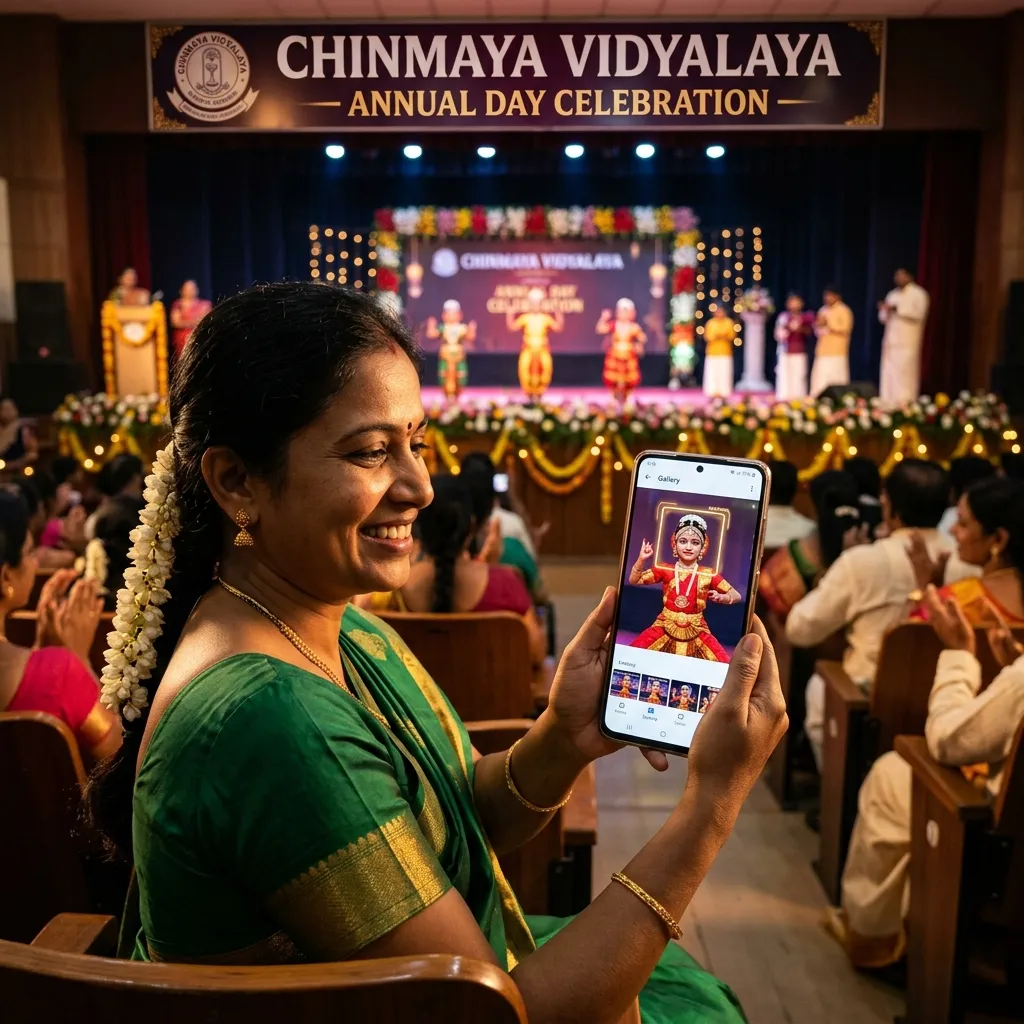
The school annual day got over at 6 PM. By 8 PM, the class teacher from 4B had already messaged the photographer asking when the photos would be shared. By 9 PM, three parents had called directly. By the next morning, the school office had forwarded twelve parent requests through the staff group.
The photographer had shot 1,800 photos across six hours - stage performances, group photos, prize distribution, candid moments, sports events. The editing took three days. And now the delivery question: how do you get the right photos to 800 different parents without spending the next two weeks manually searching and sending?
This is the school event photo delivery problem. Every school photographer in Tamil Nadu - from Chennai to Coimbatore, Madurai to Salem - hits this wall after every event. This guide covers exactly how to solve it, end to end.
School Events That Produce This Problem
Annual day is the obvious one. But the same delivery challenge appears at every school event where parents attend or where students want their photos:
- Annual Day - Stage performances, dance, drama, prize distribution, group photos
- Sports Day - Race events, team sports, medal ceremonies, action shots
- Investiture Ceremony - Prefects and leaders being appointed, formal group photos
- Saraswathi Puja - Students with their books, classroom celebrations, group photos
- Tour Trips - Class trip photos, group shots at destinations
- Seminars and Workshops - Speaker sessions, student presentations, audience photos
- Admission and Orientation Day - New student welcome, campus tours, parent introductions
In every case, the situation is the same: 500-1,000 parents each want 5-15 specific photos out of 1,500 total, and there is currently no clean way to deliver them without you in the middle doing it manually.
Why WhatsApp and Google Drive Fail for School Photos
Most school photographers in Tamil Nadu currently do one of two things:
WhatsApp album in the class group - You add the photos to a WhatsApp album and share it to the class teacher, who forwards it to the parent group. Problems: WhatsApp compresses every photo, parents receive low-resolution files they cannot print, and finding one child's photos in a 1,800-image album means scrolling through everything.
Google Drive folder link - You upload to Drive and share a link. Problems: the link gets forwarded outside the school and random people access children's photos. Parents download everything, filling their phones. And there is no way to take print orders - parents who want physical prints have to message you separately.
Neither solution handles print ordering, duplicate prevention, or privacy. A school gallery purpose-built for this workflow handles all three.
How MyPhotoStudio Handles School Event Photo Delivery
Step 1 - Upload the Complete Photo Set
After the event, you bulk upload all edited photos to the event gallery in MyPhotoStudio. The upload goes directly to cloud storage in the background - 1,800 photos can upload without you watching a progress bar. You start the upload and close the laptop. Photos are stored at full resolution with no compression.
There is no per-event photo cap. Whether you shoot 400 photos at a Saraswathi Puja or 2,500 photos at a full-day sports meet, every photo goes in.
Step 2 - School Admin Configures the Delivery Options
This is the step that separates a real school gallery system from a generic file-sharing tool. Before the gallery opens to parents, the school office or admin sets exactly how parents will receive their photos. Three options are available when creating the event:
Free soft copy download - Parents can download their selected photos at full resolution at no charge. The school absorbs the cost. Common for government schools, trust-run schools, and events where charging parents is not appropriate.
Hardcopy print ordering with classroom delivery - Parents order physical prints in the sizes the school has configured. Prints are produced and delivered class-wise - the photographer or school collects all print orders per classroom and distributes through the class teacher. No courier addresses needed, no home delivery logistics.
Hardcopy print ordering with courier delivery - Parents who want prints delivered to their home enter their address at the time of ordering. The photographer handles dispatch and courier charges are added at checkout.
The school can enable any combination - free download only, hardcopy only, or both together. A school that wants parents to download for free but also buy prints can enable both simultaneously.
For hardcopy ordering, the school admin sets the price table per size. For example:
- 4x6 print - ₹30
- 5x7 print - ₹60
- 8x10 print - ₹120
- A4 print - ₹150
These prices are shown to parents when they select photos for printing. No negotiation, no WhatsApp bargaining.
Step 3 - Class Teachers Share the Gallery Link
Once the gallery is live, you generate one link and one QR code for the event. The school shares this through their existing channels - class teacher WhatsApp groups, the school's mobile app, the school notice board, or SMS.
No parent needs to download an app. No login, no registration. Parents open the link in their phone browser and the gallery loads instantly.
Step 4 - Parents Find Their Child's Photos Three Ways
This is where the experience is genuinely different from a Google Drive link. Parents have three ways to find their child's photos:
Browse all photos - The complete gallery is visible. Parents scroll and pick what they want. Good for parents who want to see everything, or for events with a smaller photo set.
Live Face Scan - The parent opens their front camera in the browser. The AI uses real-time face detection to identify the face being shown. It instantly filters the gallery to show only photos where that face appears. No photo to upload - it works live from the camera.
Upload a Photo - The parent uploads a photo of their child from their phone gallery. The AI searches the entire event photo set and returns only the photos where that child appears - across all 1,800 photos, in seconds.
Both Live Scan and Upload are powered by AWS Rekognition, which handles group shots, stage lighting, children in costumes, and side profiles accurately. A parent in Coimbatore who uploads one photo of their daughter in dance costume will find every photo of that child from the performance - the stage shots, the group photo, the candid backstage moment - without scrolling through anything else.
Photos open in a lightbox gallery when clicked. Full-size view, swipe between images, clean interface on any phone. Parents select single photos or multiple photos and proceed to download or order.
Step 5 - Download or Order Prints
After a parent selects their photos, what happens next depends on what the school configured:
If free download is enabled, the parent downloads their selected photos immediately at full resolution. No payment, no form.
If hardcopy printing is enabled, the parent selects the size and quantity for each photo they want printed. The price per size is shown clearly. They choose classroom delivery or courier, pay online, and the order is confirmed.
Payment goes directly to the school or photographer's own Cashfree, Razorpay, or Stripe account. MyPhotoStudio takes zero commission on photo orders.
Step 6 - Built-In Duplicate Order Prevention
Here is a problem every photographer who has taken print orders at scale has experienced. A parent orders 4 copies of a photo in October. In November, they come back to the gallery and order the same photo again - because they forgot what they already ordered.
MyPhotoStudio solves this with a purchase tracking feature on the gallery page itself. A parent who wants to check their previous orders enters the mobile number they used at the time of ordering. The gallery immediately marks every photo they have already purchased with a clear visual indicator on the thumbnail - "Already Ordered" - right on the photo itself.
No calls to the school office. No messages to the photographer. The parent checks their own order history in seconds, sees which photos are already coming, and only orders what is genuinely new.
For the photographer, this means the print production list from MyPhotoStudio is clean. Every print in the system is a real, intentional order. You produce exactly what was ordered - no duplicates, no refund conversations.
Privacy - Children's Photos Need Extra Care
School events involve children. Privacy is not a feature to add later - it is a requirement from the start.
MyPhotoStudio gives the school control over who sees what:
Open gallery - Anyone with the link can browse all photos. Suitable for public events or events where all parents seeing all photos is acceptable.
Face-locked gallery - Guests can only view photos they search for using face recognition. A parent searching for their child only sees their child's photos - not every student in the school. This is the appropriate setting for events where children's privacy matters.
Password protection - The gallery requires a password to open. The school shares the password only through the official school channel, blocking access from anyone outside the parent community even if the link is forwarded.
These settings can be combined. A face-locked gallery with a password means only parents who have the password can access the gallery, and even then each parent only sees the photos relevant to their child.
What This Is Worth to School Photographers in Tamil Nadu
Most school photographers in Tamil Nadu currently earn a flat shoot fee and nothing more from the event. Print orders are lost because there is no system to capture them.
A school with 500 students where 25% of parents order one or two prints at ₹30-₹60 per print produces ₹3,750 to ₹15,000 in additional print revenue from a single event. For a photographer covering 8-10 school events per year - annual days, sports days, investiture ceremonies across multiple schools in Madurai or Chennai - this is meaningful additional income from events they are already shooting.
The system that enables this - upload, configure, share, let parents order - takes less than 15 minutes to set up per event. The ordering, payment, and duplicate prevention run without you once the gallery is live.
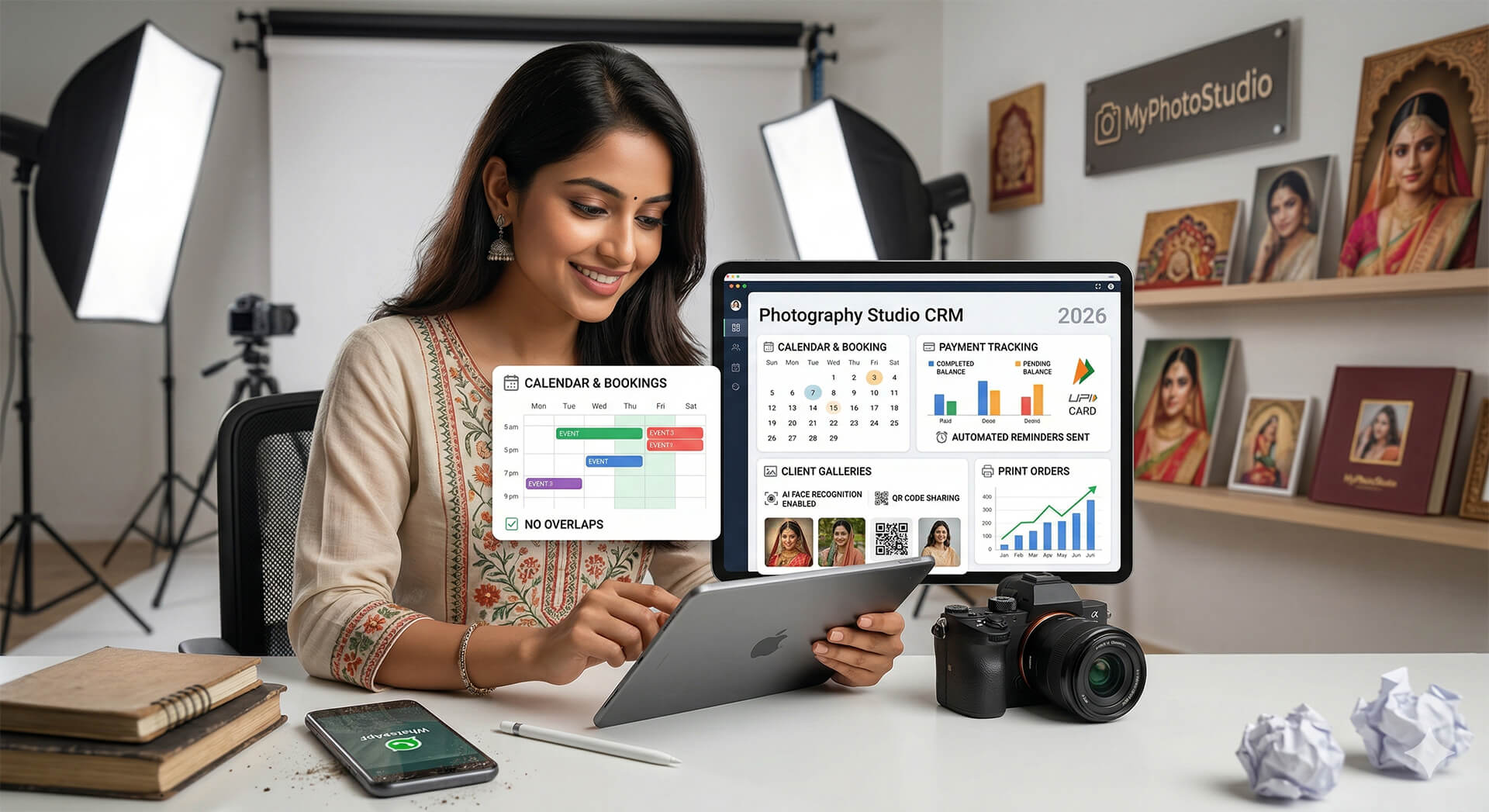
The school event photo sharing system is available in every MyPhotoStudio plan from ₹1,000. AI face recognition, free download option, hardcopy print ordering, classroom and courier delivery, and built-in duplicate order tracking are all included.
If you are already managing installment payments across your studio bookings, the same platform handles both. Read about how photographers track advance payments and installments for every booking using the same dashboard.
And if you are delivering wedding event photos with AI face search alongside your school work, the same face recognition system powers both - see how 500 wedding guests find their photos in under a minute using the same technology.
Setting up a school event gallery?
Message us on WhatsApp and we will help you configure the delivery options - free download, print ordering, classroom delivery, or courier - for your first school event.
WhatsApp UsRelated Reading
- How to Deliver 500 Wedding Photos to Every Guest in 10 Minutes Using AI Face Search
- How to Collect Advance Payment and Track Installments for Every Photography Booking
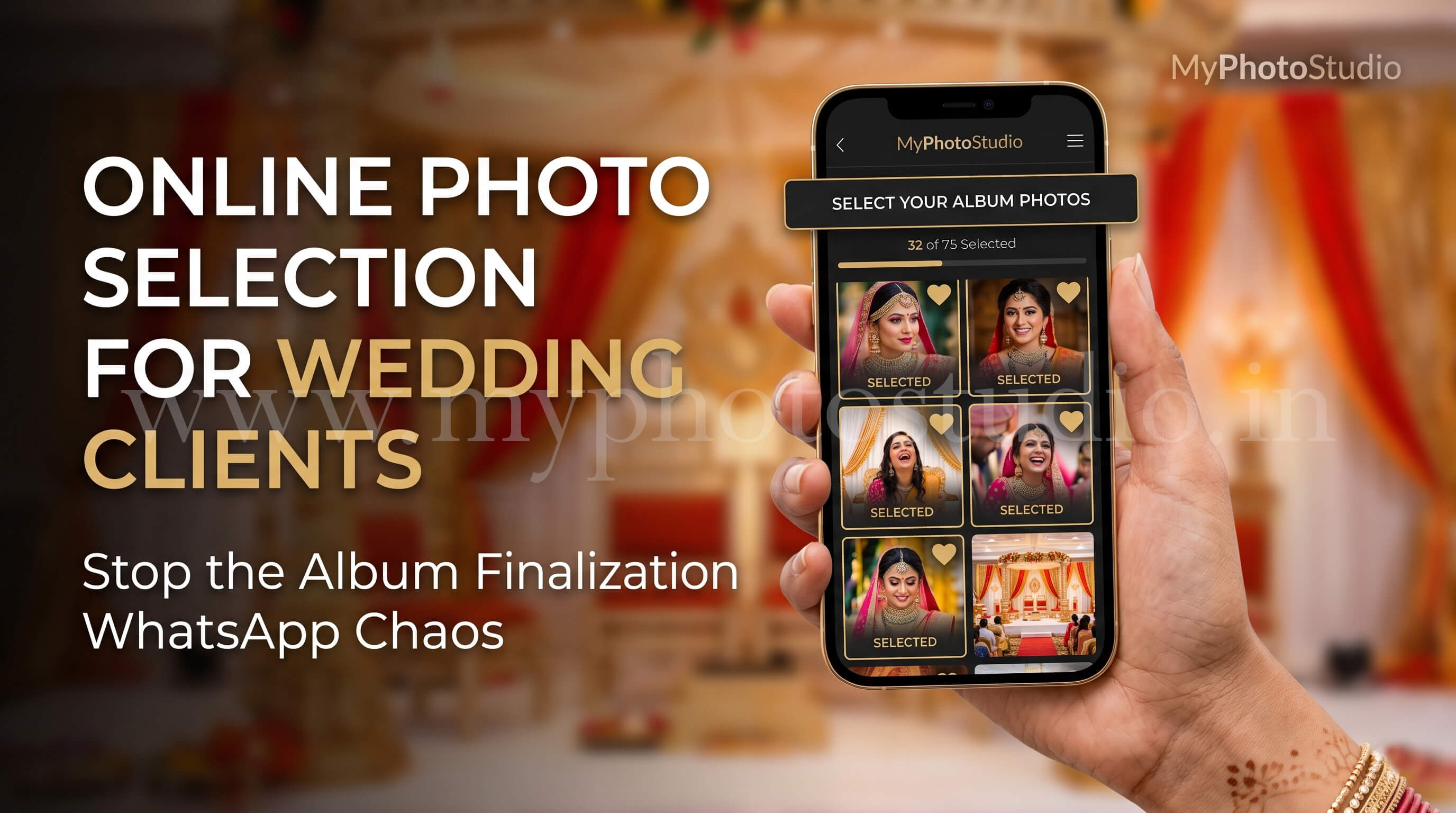
- How to Let Wedding Clients Select Album Photos Online Without the WhatsApp Back-and-Forth
- School Event Photo Sharing - AI Face Recognition for Annual Days and Sports Days
Transform Your Photography Studio Today
Start automatically delivering thousands of event photos directly to your clients using MyPhotoStudio's AI Face Recognition - from ₹1,000 per event.
Start Free TrialLearn about our photography CRM software or view pricing plans.