There is no single best way to deliver wedding photos. The couple, their families, a few hundred guests and your own studio all want different things from the same set of photos - and one delivery method rarely serves all of them well.
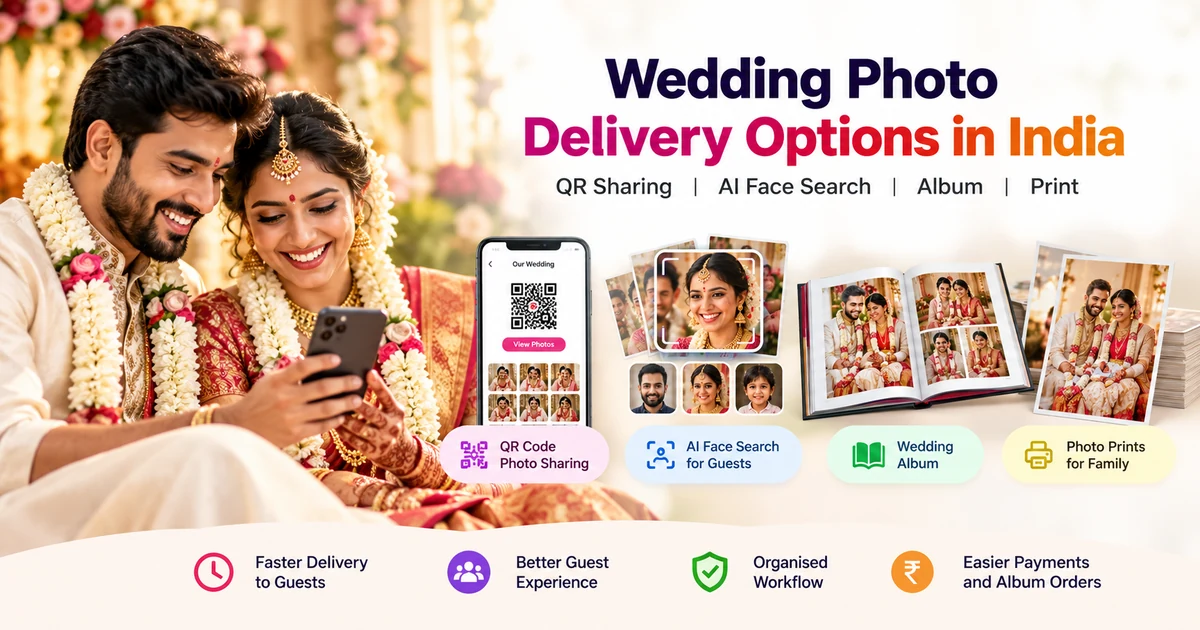
The short answer: give the couple a private gallery for reviewing and selecting their photos, give guests a shared gallery they open with a QR code, add AI face search when the guest list is large, publish the finished album as a digital e-album, and offer prints or HD downloads for anyone who wants to order. WhatsApp and Google Drive still have a place, but as a way to send a link or a few highlights - not as the main delivery system.
This guide maps each method to the person it actually serves, so you can decide what to use for your next wedding.
Who Needs the Photos - and What Each Person Wants
Before choosing a method, separate the audiences. Most delivery problems come from sending everyone the same thing.
- The couple want the complete set, a private space to review it, and a way to choose photos for their album without endless back-and-forth.
- Close family want the couple's best moments and their own family portraits, usually on a phone, without needing technical help.
- Guests - often hundreds of them at an Indian wedding - want only the photos they appear in. They will not scroll through 3,000 images to find two.
- Your studio wants fewer follow-up calls, a delivery record you can trust, and a chance to earn from prints and HD downloads.
Each method below fits one or two of these groups. None of them fits all four.
Private Client Gallery - For the Couple
The couple's gallery should be separate from the guest gallery. In MyPhotoStudio, the client gallery opens through its own private link and is where the couple reviews the photos and selects their favourites for the album. If the booked package has a selection limit, the gallery applies it, so the album count is agreed in the system rather than argued over in chat.
Use this for the couple only. It is the place for decisions, not for 500 guests. The full selection workflow is explained in online photo selection for wedding clients.
AI Face Search - For Large Guest Lists
When the guest list runs into the hundreds, the real problem is not sharing the gallery - it is helping each guest find themselves in it. AI face search solves that. From the guest gallery, a guest uses their phone camera to take a selfie, and the gallery shows the photos that match their face. No app download is needed; it runs in the phone browser.
Face search is a per-event setting. You can switch it off for a small family function and guests simply browse the gallery as normal. Results depend on the photos themselves - lighting, angle and how clearly a face appears - so treat it as a faster way to find photos, not a guarantee that every single photo of a person will be matched.
For the step-by-step guest experience, read how AI face search delivers wedding photos to every guest or see the AI face recognition photo delivery page.
QR Code Gallery - For Guests at the Venue
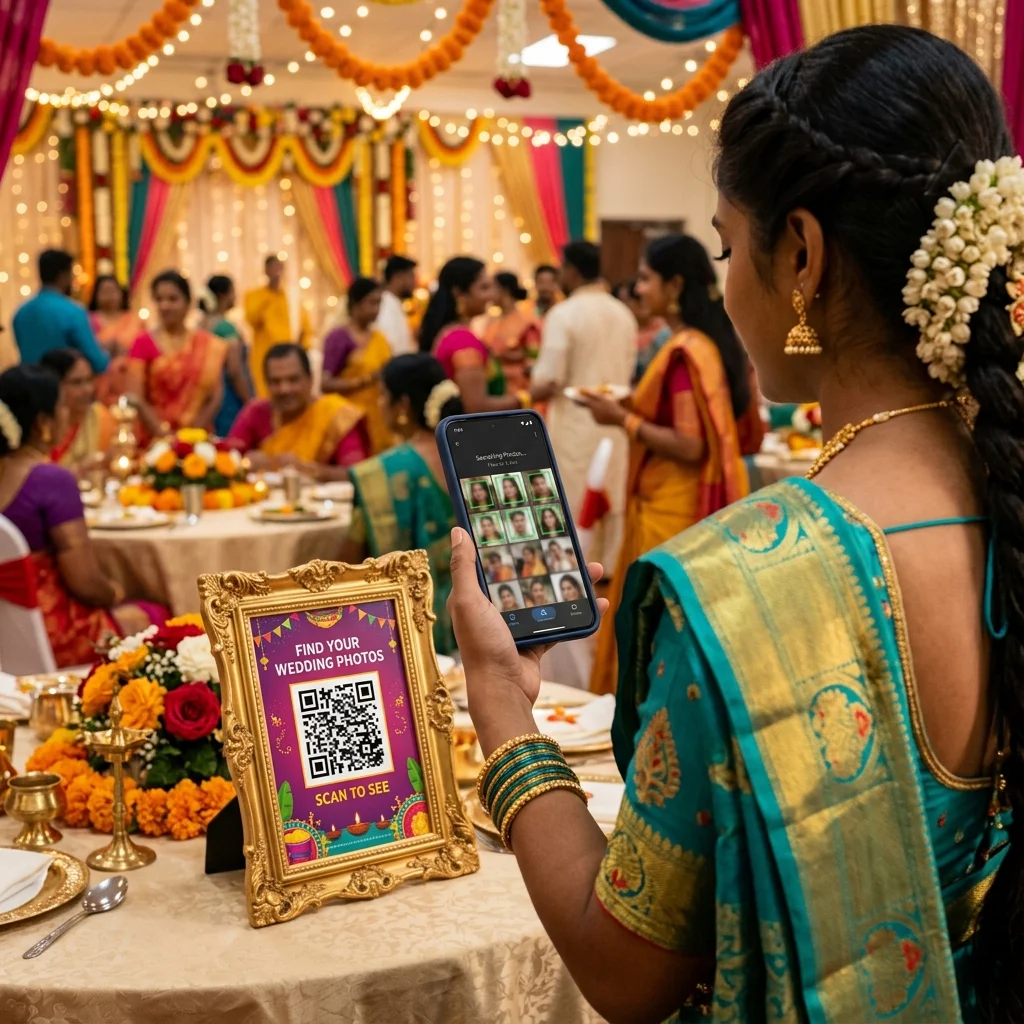
A QR code is the simplest way to get guests into the gallery. MyPhotoStudio generates a QR code for each event that opens the guest gallery, and you can download a printable QR banner to place at the venue entrance, the stage or the dining hall. Guests scan it with their phone camera - no link to type, no group to join.
Because a QR code is shared openly at the venue, think of the guest gallery as the shared gallery. Keep the couple's private review and selection in the client gallery. QR codes and face search work best together: the QR code gets guests in, and face search helps them find their own photos once they are there.
The complete setup is covered in the QR code photo sharing guide for event photographers, and the feature itself is on the QR code photo sharing page.
Digital e-Album - For the Finished Story
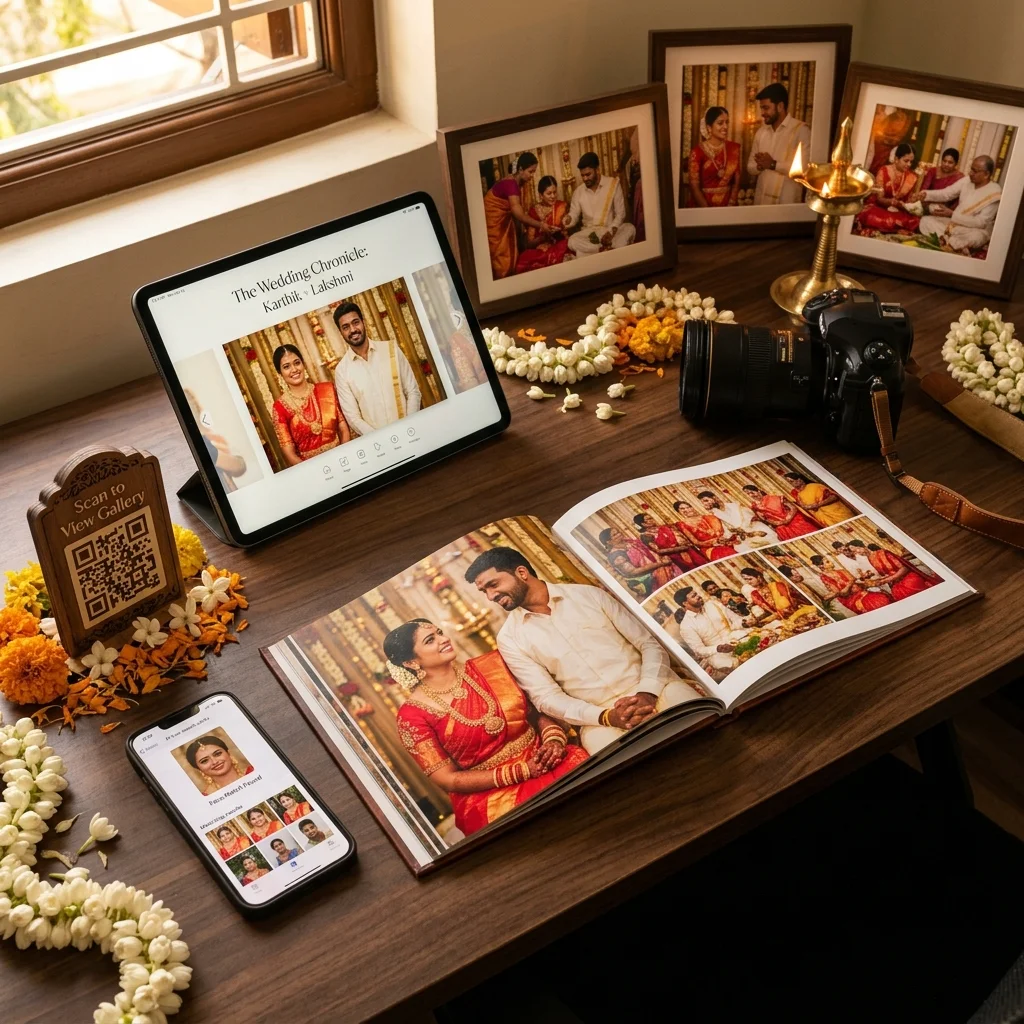
The gallery holds every photo. The album tells the story. Once the album design is final, a digital e-album lets the couple and their families view it as a page-flip book in the browser, through its own link, without waiting for the printed album to arrive.
The e-album is a finished product, not a selection tool. Publish it after the couple has approved the design. The publishing steps are in how to create and publish a digital wedding e-album, and the wider workflow is on the wedding album sharing software page.
Prints and HD Downloads - For Anyone Who Wants to Order
Some guests want a free copy for their phone, some want the original HD file, and some - often the older relatives - want a physical print. In the guest gallery, you decide per event which of these to offer: free softcopy download, paid HD softcopy, or hardcopy print orders. Guests see only the options you enable.
This is where delivery can also earn for the studio. The details, including how the courier charge is applied, are in guest photo orders: free vs paid HD softcopy vs hardcopy.
Online Folders and Shared Links - Google Drive and Similar
Drive-style folders are familiar and fine for handing a full set of files to one person. They become harder to manage as a guest delivery method: guests must scroll through one large folder, access settings need attention, and there is no face search or ordering. Many studios use them for archive hand-over to the couple rather than for guests. The trade-offs are covered in why photographers are moving from Google Drive to photo delivery software.
WhatsApp and Manual Sharing
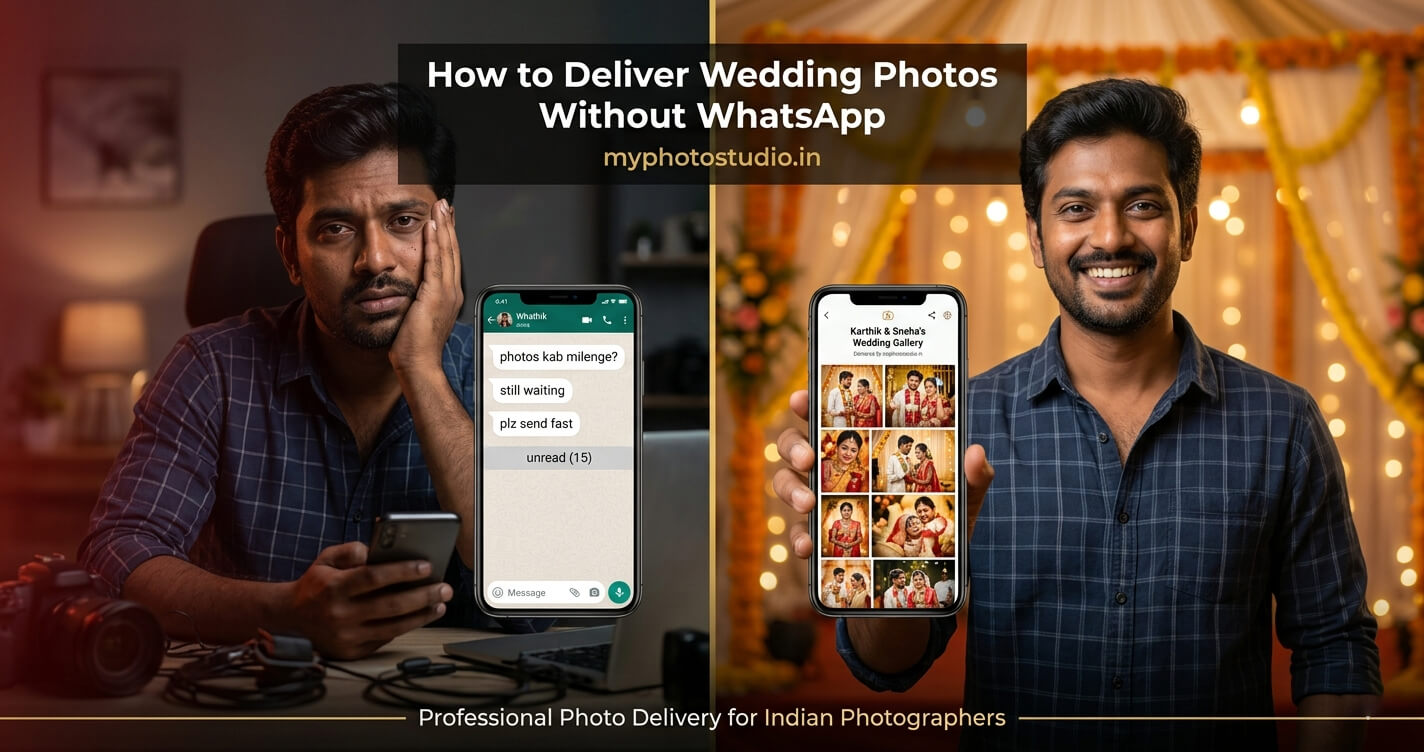
WhatsApp is where your clients already are, so it is useful for sending the gallery link, a QR code image or a handful of highlights the day after the event. As a full delivery method it struggles: standard photo sends are compressed, hundreds of images become impossible to organise in a chat, and every guest still has to ask you for their photos.
Use WhatsApp to point people to the gallery, not to replace it. For more detail, see the WhatsApp photo delivery guide for photographers and how to deliver wedding photos to clients without WhatsApp.
Wedding Photo Delivery Options Compared
| Method | Best for | Main strength | Main limitation |
|---|---|---|---|
| Private client gallery | The couple | Review and album selection in one place | Not meant for guests |
| AI face search | Large guest lists | Guests find their own photos with a selfie | Depends on how clearly faces appear in the photos |
| QR code gallery | Guests at the venue | One scan opens the gallery, no app | Shared openly, so not for private review |
| Digital e-album | Couple and families | The finished album, viewable before the print arrives | Only after the album design is approved |
| Prints and HD downloads | Guests who want to order | Free, paid HD or print, chosen per event | Needs pricing set up before sharing |
| Drive-style folders | Full file hand-over to one person | Familiar to most clients | No face search, hard for guests to navigate |
| Sending links and a few highlights | Everyone already uses it | Compression and chat clutter at full-wedding scale |
Which Method Should You Use? A Quick Decision Guide
- Small family function, under 50 guests: a client gallery for the host is often enough. Share the guest gallery link directly and switch face search off if you do not need it.
- Mid-size wedding: client gallery for the couple, plus a QR code guest gallery shared on the day or the next morning.
- Large wedding with hundreds of guests: client gallery for the couple, QR code banners at the venue, and AI face search switched on so guests can find themselves without calling you.
- Couple wants something to show relatives quickly: publish the e-album as soon as the design is approved.
- Older relatives asking for prints: enable hardcopy orders in the guest gallery instead of collecting requests by phone.
- Pre-wedding shoot: the same split applies - see the pre-wedding guest gallery guide.
Combining Methods - A Practical Wedding Delivery Workflow
In practice, the methods work as a sequence rather than a choice:
- Before the wedding: create the event, set which guest delivery options to offer, and download the QR banner for the venue.
- On the day: place the QR banner where guests gather. Upload photos to the guest gallery as your workflow allows.
- After the event: share the guest gallery link on WhatsApp for anyone who missed the QR code. Guests use face search to find their photos and order prints or HD files if you enabled them.
- Album stage: send the couple their private client gallery link to select photos for the album.
- Final delivery: publish the e-album once the design is approved, and hand over the printed album.
Before you share anything, open both galleries as a guest and as the client would, and check that each one shows what you expect. A two-minute check saves a dozen follow-up calls. The overall approach is explained on the AI photo sharing platform page, and private gallery sharing is covered on the client gallery sharing software page.
Planning delivery for your next wedding?
We will help you set up the client gallery, QR code guest gallery and face search for your next event - direct conversation with our founder, no forms, no wait.
WhatsApp Us to Get StartedRelated Reading
- How to Deliver Wedding Photos to 500 Guests Without Sending a Single WhatsApp
- What Is an AI Photo Sharing Platform? A Guide for Indian Photographers
- Guest Photo Orders: Free vs Paid HD Softcopy vs Hardcopy
- AI Photo Sharing Platform for Event Photographers
Transform Your Photography Studio Today
Start automatically delivering thousands of event photos directly to your clients using MyPhotoStudio's AI Face Recognition - from ₹1,000 per event.
Start Free TrialExplore our AI photo sharing platform, learn about our photography CRM software, or view pricing plans.